Troubleshooting
When a Download Stops Halfway

A download that dies at sixty per cent has a small number of possible causes, and they are easy to separate. Always at the same point means the file or the server. At a different point each time means your connection or your device. Only on long videos means a timeout or storage. That one distinction narrows it before you change anything.
Same point every time, or a different one?
Run the download twice and watch where it stops. This is the whole diagnosis.
| Behaviour | Cause | What to do |
|---|---|---|
| Stops at the same point | Server-side or the file itself | Try a different quality |
| Stops at a different point each time | Your connection or device | Change network; keep the screen on |
| Only long videos fail | Timeout or storage | Check free space; pick a lower quality |
| Everything fails immediately | Not a stall at all | See the error-message guide |
Two attempts settle it. Most people skip this and start changing settings, which is why the same problem takes an afternoon instead of two minutes.
Connection problems, which are most of them
Video downloads are long transfers, and long transfers expose problems that ordinary browsing hides. A one-second dropout while you read a page is invisible; the same dropout at minute three of a download can end it.
- Moving between Wi-Fi and mobile data. The address changes, and the transfer cannot continue on the new one. Walking out of the house mid-download is enough.
- Weak signal. Not the speed but the stability. A strong-but-congested connection is often better than a weak, fast-looking one.
- Public Wi-Fi with a login page. Some networks re-authenticate periodically and cut everything in progress.
- VPN reconnecting. Every VPN reconnection breaks open transfers, and many reconnect on their own.
The test is one download on mobile data with nothing else running. If it completes, the problem was the network and no amount of retrying on that network will fix it.
The phone-specific one: the screen went off
This catches people repeatedly and looks like something else entirely.
Phones aggressively suspend background activity to save battery. On some devices and some browsers, a download in a tab that is no longer in front slows down or stops when the screen locks. You come back to a partial file with no error.
Two ways around it. Keep the screen on until the download finishes — for a large file, temporarily raise the auto-lock delay in settings. Or download a smaller quality that finishes before the screen has time to lock.
Android battery optimisation is the more aggressive of the two platforms here, and it varies by manufacturer. If downloads consistently die the moment you put the phone down, that is what is happening, and it is a system setting rather than anything a website controls.
Storage: the failure with no message
Both iOS and Android abandon downloads when space runs out, and neither is loud about it. Often nothing appears at all.
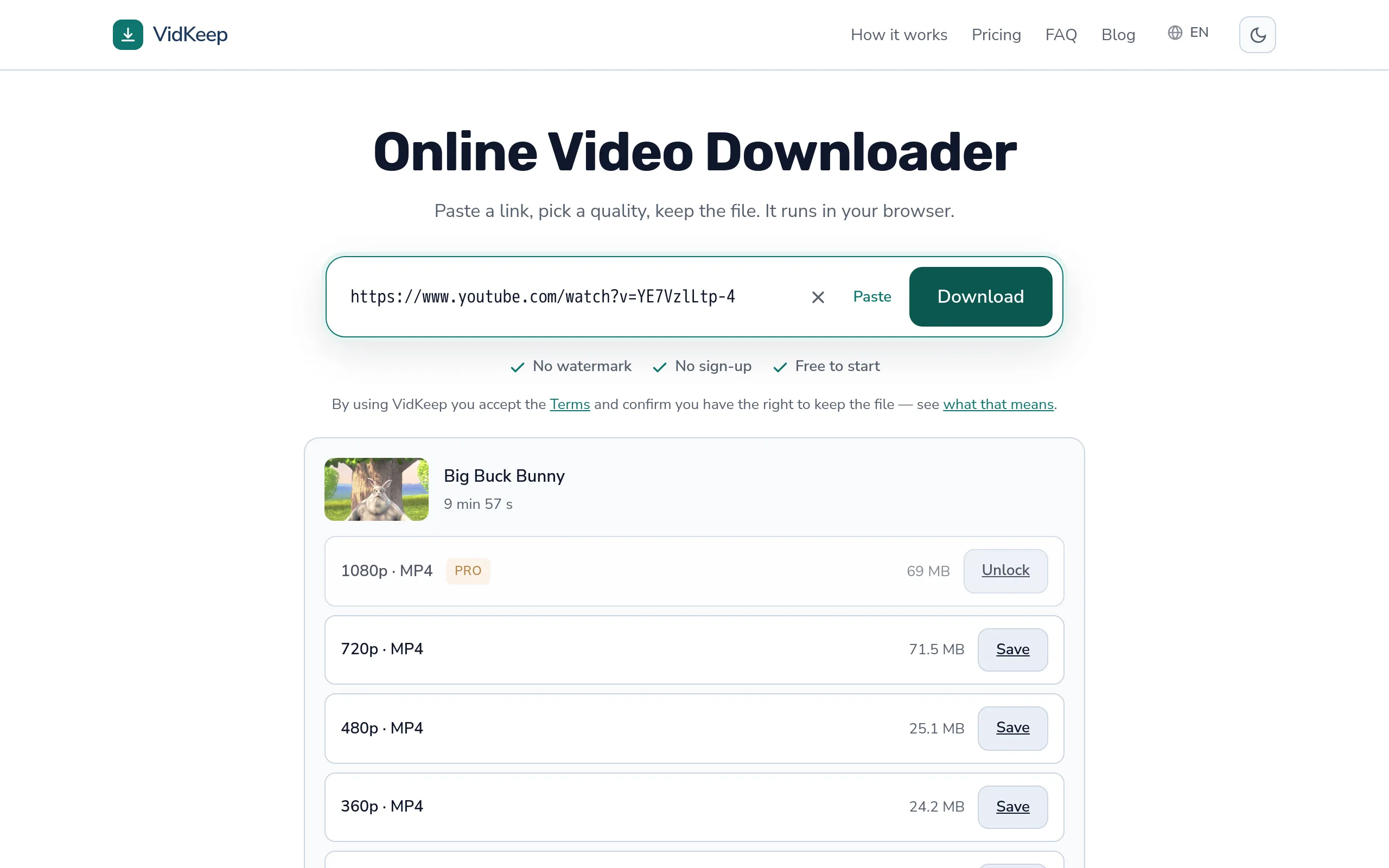
The catch is that a download needs more free space than the finished file. Some browsers write to a temporary location and move the file at the end, so briefly two copies exist. A 70 MB video wants comfortably more than 70 MB free.
Check before a large download rather than after: Settings → General → iPhone Storage, or Storage in Android settings. If you are near the limit, the size table by quality shows what each option will actually cost.
A phone that has been filling up for two years is the single most common version of this. Downloads that used to work stop working, nothing changed on the site, and the cause is sitting in the storage screen.
Why resuming usually is not offered
Reasonable question: transfers can resume, so why does a failed download start from zero?
Resuming requires the server to support range requests — the ability to send ‘from byte 4,000,000 onward’. Platform CDNs generally do support that for their own playback. But a download that had to be assembled from separate streams is a file that was built for you and then streamed out; there is no stable object on a server to resume against, and the temporary copy is gone.
Which is why the practical advice is to make the download small enough to finish rather than to hope for resume. On an unreliable connection, 480p that completes beats 1080p that fails at eighty per cent three times.
A partial file left behind is not usable, either. It will often open and play the portion that arrived, which misleads people into thinking it can be repaired. It cannot — the rest of the data was never received.
What to try, in order
- Run it twice and note whether it stops in the same place.
- Check free storage. Twice the file size is a safe margin.
- Keep the screen on for the whole download on a phone.
- Try a lower quality. Smaller finishes sooner and exposes less to every cause above.
- Change network. Mobile data instead of shared Wi-Fi, or the reverse.
- Wait a few minutes before retrying. Repeated rapid attempts can trigger rate limiting, which turns one problem into two.
Step four fixes more cases than the rest combined, and it is the one people resist because it feels like giving something up. On a phone screen the difference between 480p and 1080p is far smaller than the difference between a file and no file.
The timeouts and ceilings on our side, stated plainly
Some stalls are ours, and it is more useful to publish the actual numbers than to let people guess at them.
An assembly has ten minutes to complete. If the platform is slow, the video is very long, or our single CPU is busy with other work, the job is abandoned at that point rather than left to run. A ten-minute wait that then fails is already a bad experience; an unbounded one blocks the queue for everyone behind it.
There is also a hard file-size ceiling, and it is enforced during the download rather than after. Checking a finished file's size would be too late — by then it has already occupied the disk. So the fetch is aborted mid-transfer the moment it crosses the limit. From the outside that looks exactly like a stall, which is why it belongs in this article rather than in a changelog.
The third one is the guard that produces ‘server busy’. Before starting an assembly we check free disk against what the assemblies already running could still consume, and refuse rather than start. This server has one CPU, 1.8 GB of memory and a shared disk, and it also hosts a product with paying users. A refused download is a bad minute for one person; a full disk is an outage for everyone.
What this means practically is that our failures cluster on long videos at high quality — the combination that takes longest, produces the largest file and is most likely to meet all three limits at once. A two-hour video at 1080p is the worst case in every dimension. If that is what you are downloading and it keeps stopping, the honest answer is to take a lower quality rather than to keep trying.
We would rather publish these numbers than have them look like flakiness. A limit you know about is a constraint you can work around; the same limit undocumented is a tool that mysteriously fails on exactly the files you cared most about.
Frequently asked questions
Why does my download stop halfway?
Most often a connection that dropped or a device that suspended the transfer. If it stops at the same point every time, the cause is on the server side instead.
Can I resume an interrupted download?
Usually not. A file assembled for you does not exist on a server to resume against, so the transfer restarts.
Why do only long videos fail?
They take longer, so they are exposed to more interruptions, and they are more likely to hit a size ceiling or a processing timeout.
Does the screen turning off stop a download?
It can. Phones suspend background activity to save battery, and some browsers stop the transfer when the screen locks.
How much free space do I need?
More than the finished file — some browsers hold a temporary copy, so roughly twice the size is a safe margin.
Is a partial file repairable?
No. It may play the portion that arrived, but the missing data was never received and cannot be reconstructed.
VidKeep runs in your browser — paste a link, pick a quality, keep the file. No account, no app.
Open VidKeepLast updated: 2026-08-27. We revise our guides as the platforms change.