Troubleshooting
Why Your Video Download Is Slow

A slow download usually is not your internet. The three real causes: the file is being merged before it reaches you (a few seconds, once), the platform is throttling the source, or a queue is holding your job behind someone else's. Telling them apart is easy once you know where the pause happens — before the transfer starts, or during it.
Where exactly is it slow?
This single question narrows it down faster than any speed test.
| What you see | What it means |
|---|---|
| Long pause before the file starts arriving | Preparation: the video and audio are being joined, or a queue is ahead of you |
| Transfer starts fast, then crawls | The platform is throttling, or your connection is the limit |
| Slow from the first byte | Your connection, or a distant server |
| Stops and resumes repeatedly | Unstable Wi-Fi, or a phone browser suspending the tab |
Only the second and third rows have anything to do with speed in the usual sense. The first is a fixed cost that happens once and then disappears.
The pause before the download: what is happening
Anything above 360p on YouTube arrives as two separate streams — picture and sound — that have to be joined into one file. That join happens on a server, not on your device, and it takes a few seconds for an ordinary video.
During that pause nothing is transferring to you at all, which is exactly why it feels like the download is stuck. It is not: it has not started yet.
How long is normal? For a ten-minute video at 1080p, a few seconds. For an hour-long recording, longer — the work scales with the length of the video, not with your connection speed. A faster internet plan does not shorten this step at all, which surprises people who have just upgraded their broadband.
360p and audio-only downloads skip this entirely. They come as single ready-made files, so the link you get is direct and the transfer begins immediately. If you need something quickly and quality is negotiable, that is the fast path.
Why does platform throttling slow the download?
The second cause has nothing to do with either end of the connection. Platforms limit how fast a single client can pull data, and they do it more aggressively when requests look automated.
What triggers it: several downloads in quick succession from one address. What it looks like: the first download runs at full speed, the third crawls, and by the fifth things have slowed to a trickle. Nothing has broken — you have met a rate limit that most people never notice because they download one video at a time.
The fix is unglamorous: wait. A few minutes usually clears it. Retrying immediately is the one thing that reliably makes it worse, because the retry counts as another request.
If you regularly need several files, space them out. Three downloads with a pause between them finish sooner than six fired at once, which is counter-intuitive and consistently true.
When it really is your connection
Worth ruling in or out properly rather than guessing:
- Check the file size against the time. A 70 MB file on a 10 Mbps connection takes about a minute at best. If that matches what you are seeing, nothing is wrong.
- Try a small download. Audio-only files are a few megabytes. If those also crawl, the problem is your connection, not the video pipeline.
- Switch networks. Mobile data instead of Wi-Fi, or the other way round. Different result means the network was the issue.
- Check for Data Saver or Low Data Mode. Both throttle large transfers by design, and both are easy to forget you enabled.
One more, specific to phones: if you switch apps mid-download, the browser may suspend the tab. The download does not fail, it just stops progressing until you come back — which reads as unbearably slow when it is actually paused.
How long a download should take: the arithmetic
Before deciding something is slow, work out what is normal. Download time is the file size in megabits divided by your real connection speed in megabits per second:
time in seconds = size in MB × 8 ÷ speed in Mbit/s
A ten-minute video at 720p or 1080p comes to roughly 70 MB, and an hour is about six times that (sizes by quality). On an ideal connection that gives:
| Connection | 10 minutes, ~70 MB | 60 minutes, ~420 MB |
|---|---|---|
| 10 Mbit/s | about 1 minute | about 6 minutes |
| 50 Mbit/s | about 11 seconds | about 1 minute |
| 100 Mbit/s | about 6 seconds | about 34 seconds |
These are floor values. Real downloads are slower, because the platform throttles delivery, some videos arrive as separate video and audio that have to be joined, and wifi rarely gives the speed on the plan. If your result is within two or three times the figure above, nothing is wrong. If it is ten times slower, use the checks earlier in this article to find where the time is going.
Choosing for speed rather than fighting for it
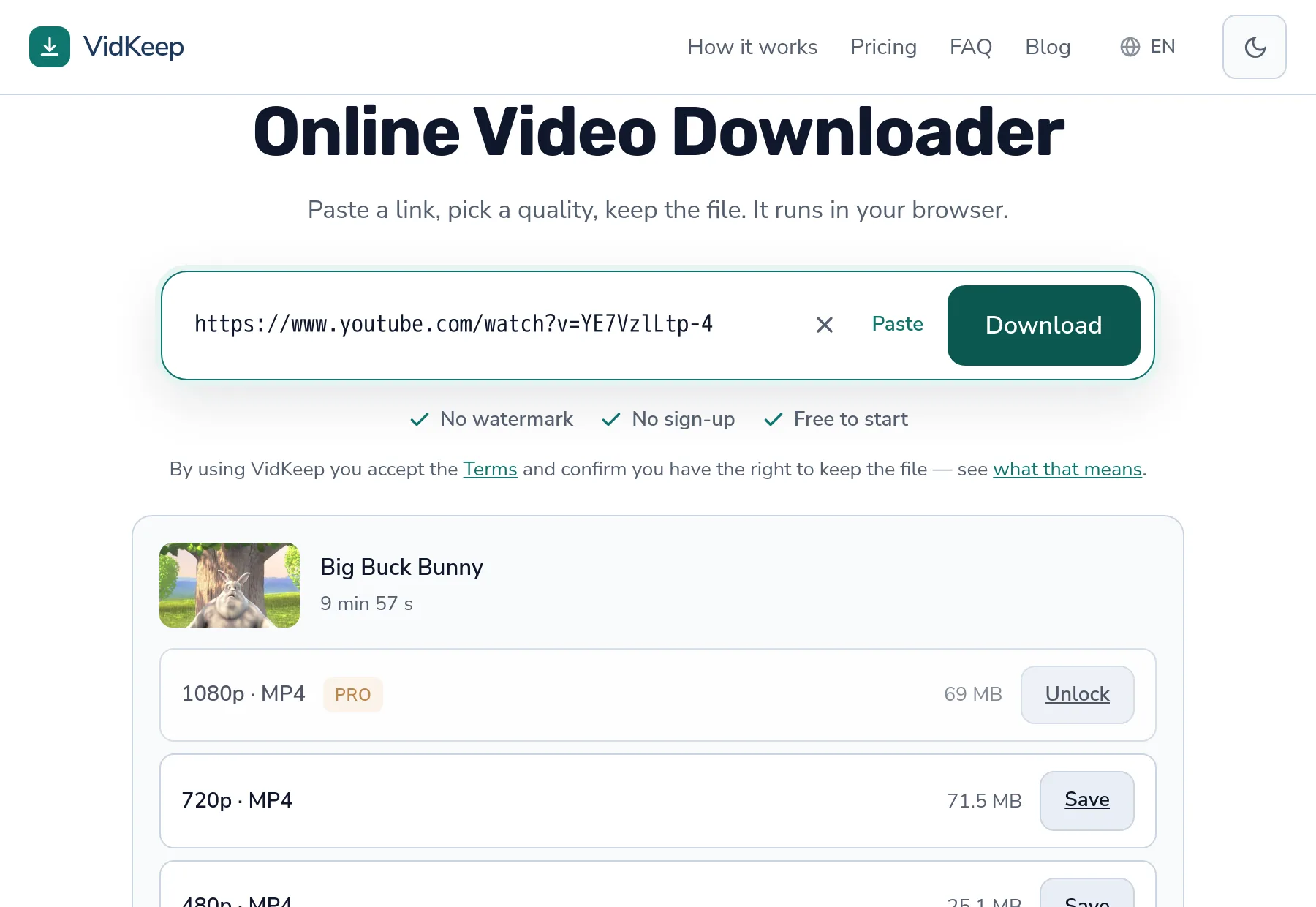
The reliable way to make downloads fast is to choose a smaller file, and the sizes are shown before you commit.
- Audio only — a few megabytes, no merge, arrives almost instantly.
- 360p — single ready file, direct link, no preparation step.
- 720p and above — needs the merge; worth it when you want the picture.
People routinely download 1080p for something they will watch once on a phone screen, then wonder why it took a minute. The quality guide covers when the higher setting is genuinely worth the wait and when it is habit.
The queue you cannot see, and why it exists
Here is the part that no article about download speed will tell you, because it requires running the thing rather than writing about it.
Merging video and audio is the only genuinely expensive operation we perform. Everything else — reading what formats a video has, handing you a direct link for 360p — costs almost nothing. The merge costs processor time and temporary disk space, and it does so for the entire duration of the job.
So there is a limit on how many merges run at once. Not an arbitrary one: it is set from measurements on the actual hardware. A 1080p merge of a three-and-a-half-minute video takes about ten seconds and around 107 MB of memory. Three of those in parallel is comfortable on our machine; ten would not be, and the failure mode of overcommitting is not ‘slightly slower’ but ‘everything stalls for everyone’.
When all slots are busy, your job waits. That wait is invisible — the interface says preparing, the same as it would while merging — and it is the most likely explanation for a preparation step that takes noticeably longer than usual. It is not your connection and not the video; it is three other people who arrived a moment earlier.
We also guard the disk. Before starting, a merge checks that there is enough free space for the worst case, and refuses if there is not. A refusal with a clear message beats filling the disk and taking down every download at once — including the ones already in progress. That is the trade we chose: occasionally saying ‘server busy, try in a moment’ rather than accepting every job and serving all of them badly.
One consequence is worth knowing if you are choosing between tools. A service that never says ‘busy’ is either much larger than us, or it is accepting work it cannot do promptly and letting the queue grow silently. The second is more common, and it is why some downloaders feel fine on a quiet afternoon and unusable in the evening: the limit is there either way, it is simply not being admitted.
Frequently asked questions
Why is my video download so slow?
Most often it is not transferring yet: high qualities need picture and sound joined first. That step takes seconds and does not depend on your connection speed.
Does a faster internet plan help?
Only for the transfer itself. The preparation step is server-side work and takes the same time on any connection.
Why does the third download go slower than the first?
Platform throttling. Several requests in quick succession from one address get rate limited. Waiting a few minutes clears it; retrying immediately extends it.
What is the fastest thing to download?
Audio-only, then 360p. Both come as single ready files with a direct link and no preparation step at all.
The download seems paused on my phone
Switching apps can suspend the browser tab. The download resumes when you return to it — keep the tab in front for large files.
What does 'server busy' mean?
All merge slots are occupied. We cap how many run at once so that everyone gets a fast result rather than everyone getting a slow one. Waiting a moment is the fix.
VidKeep runs in your browser — paste a link, pick a quality, keep the file. No account, no app.
Open VidKeepLast updated: 2026-10-30. We revise our guides as the platforms change.