Troubleshooting
Download Failed: What the Error Messages Mean

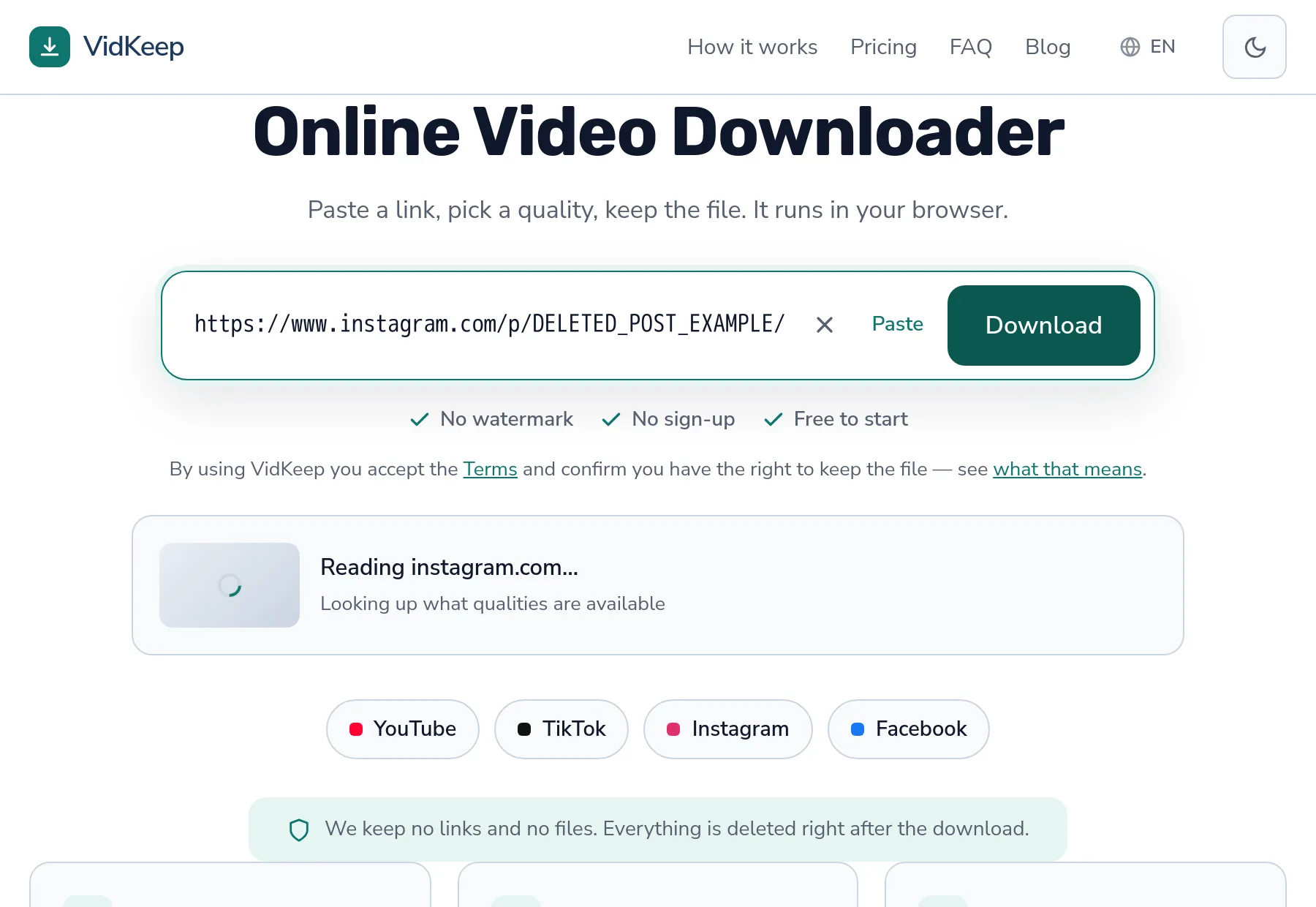
‘Download failed’ is the least useful sentence in this whole category, because it covers at least seven different situations — and only three of them are worth retrying. This article breaks down every failure we actually classify, what each one means about the video, and what (if anything) you can do. The list comes from our own error handling, not from guesswork.
Why does a download fail? Seven real reasons
Under the hood, a failure gets sorted into one of these. Everything else lands in a generic bucket, which itself tells you something.
| What you see | What it means | Retry? |
|---|---|---|
| Private or login required | The video needs a signed-in account to view | No |
| No longer available | Deleted, or made private after you found the link | No |
| Not found | The link points at nothing — typo, or the post is gone | No |
| Site not supported | We do not handle that platform | No |
| Too many requests | The platform is throttling this address | Yes, after a wait |
| Timed out | The platform did not answer in time | Yes, straight away |
| Blocked in your region | The video is restricted by country | No |
Notice how many are permanent. Four of the seven describe the state of the video, not a glitch — retrying them just repeats the same answer more slowly.
The ones that are genuinely permanent
Private or login required. The single most common permanent failure. The video sits behind an account: a private profile, a members-only upload, an age gate. A browser tool has no login and never will, so it sees what a logged-out visitor sees. The full explanation is here — it is the same story on every platform.
No longer available. Links outlive content. The creator deleted the post, or switched the account to private after you copied the link. The URL still looks perfectly valid; there is simply nothing behind it.
Not found. Usually a broken link rather than a removed video — a truncated paste, a link from a chat app that mangled it, or a share URL that expired. Worth opening the link in a normal tab to see what it actually loads.
Blocked in your region. The platform restricts the video by country. Ours sees it from where our servers are, which may differ from where you are — so occasionally you can watch something we cannot fetch, and vice versa.
Which failures are worth retrying?
Too many requests. The platform is rate limiting. This is the failure people misread most often, because it looks like the tool broke when in fact it is working exactly as designed — the platform has decided this address is asking for too much, too fast.
Waiting is the entire fix. Minutes, usually, not hours. What does not help: retrying immediately, which extends the cool-off. What does help: spacing out a batch of downloads instead of firing them back to back.
Timed out. The platform did not answer quickly enough. Ordinary internet weather — a slow response, a busy moment. Retry straight away; it usually works the second time.
A rule of thumb that saves time: if the message describes the video (private, removed, restricted), retrying is pointless. If it describes the connection (throttled, timed out), retrying is exactly right.
When the error is generic
Sometimes nothing matches, and you get a plain ‘could not read this link’. That is honest rather than lazy: it means the platform gave an answer we could not sort into a known category.
Three things to check yourself, in order:
- Is it a video link? A profile page, a playlist page or a channel is not a video. Open the video itself and copy that address.
- Does it open logged out? Paste it into a private browser window. If you cannot see it there, no tool can fetch it.
- Is the link complete? Messengers truncate long URLs. Copy from the address bar rather than from a chat.
Those three cover most generic failures. What is left is genuinely worth reporting — a platform changed something, and the tool has not caught up yet.
Failures after the download starts
A different family of problems: the link resolved fine, the download began, and something went wrong afterwards.
- Stopped halfway. Usually the browser tab lost focus or storage filled up. Neither is the tool's doing; both are fixed on your side.
- File plays but has no sound. A specific, well-understood problem — the video and audio streams were not joined. Full explanation here.
- Server busy. High-quality downloads need a merge on our side, and we cap how many run at once. Waiting a moment is the fix; the alternative is everyone queueing behind one large job.
Why we sort failures into categories at all
This is a design decision worth explaining, because most tools do not bother and the difference shows up exactly when something goes wrong.
When a platform refuses a request, what comes back is a technical message written for developers — long, English-only, and often misleading to a normal reader. Passing that straight through would be the cheapest thing to build. It would also be useless: nobody should have to interpret a stack trace to learn that a video is private.
So we read the underlying message and sort it into a short list of causes: private or login required, unavailable, not found, unsupported site, timed out, rate limited, region blocked. Each maps to one sentence, translated into every language the site speaks. The category is what matters, because the category answers the only question you actually have — is this worth trying again?
Getting the sorting right takes real care, and we have got it wrong before. An early version classified a platform's ‘requested format is not available’ as ‘no formats exist’, which was wrong: the formats existed, our filter had simply excluded all of them. The user saw ‘this video has no downloadable versions’ for a video that was perfectly downloadable. That fix came from testing against real links rather than trusting the code to be right — the same habit that keeps finding problems for us.
There is a second reason, less obvious: categorised failures are countable. Because every failure carries a code, we can look at a week of them and see patterns — a platform that started refusing more often, a format that stopped working, a spike in rate limiting that suggests we are asking too fast. A pile of unsorted error strings tells you nothing. A histogram of causes tells you where to look next, and that is how most of the bugs in this blog got found.
Frequently asked questions
Why does it say the video is private when I can see it?
Because you are signed in and the tool is not. It sees what a logged-out visitor sees. Open the link in a private window to check.
What does 'too many requests' mean?
The platform is rate limiting your address after too many downloads in a short time. Wait a few minutes — retrying immediately extends the wait.
Should I retry after a failed download?
Only if the message describes the connection (timed out, throttled). If it describes the video (private, removed, region blocked), retrying changes nothing.
Why is the same video available for me but not for the tool?
Either you are signed in and it is not, or the video is region restricted and our servers sit in a different country.
The error message is generic. What now?
Check three things: that the link points at a video rather than a profile or playlist, that it opens while logged out, and that it was not truncated by a messenger.
My download stopped halfway — is that the same problem?
No. That happens after a successful start, usually because the tab lost focus or storage ran out. It is fixed on your device, not by retrying differently.
VidKeep runs in your browser — paste a link, pick a quality, keep the file. No account, no app.
Open VidKeepLast updated: 2026-08-06. We revise our guides as the platforms change.