Troubleshooting
Why the File Is Bigger Than You Expected

Resolution is the number people watch, and it is not the number that decides size. Bitrate does — how much data each second of video is allowed — and it varies enormously between videos at the same resolution. Frame rate doubles it, HDR adds to it, and an older codec inflates it further. A ten-minute 1080p video can be 40 MB or 300 MB, both entirely normal.
Bitrate is the number that matters
Resolution says how many pixels each frame has. Bitrate says how much data is spent describing them. Two 1080p videos can differ by a factor of five in size with no difference in the label.
What pushes bitrate up is motion and detail. A talking head against a plain wall compresses beautifully — most of the frame is identical to the last one. Fast movement, confetti, rain, foliage, a shaky handheld shot: every pixel changes every frame and there is nothing to reuse.
That is why a ten-minute vlog is small and a ten-minute sports clip at the same resolution is not. The encoder spent what the content demanded.
Frame rate, HDR and the other multipliers
| Factor | Effect on size | Why |
|---|---|---|
| 60fps instead of 30 | Roughly 1.5–2× | Twice as many frames to store |
| HDR | Around 1.2–1.5× | More data per colour value |
| Older codec | Up to 2× | Less efficient compression |
| High-motion content | 2–5× | Little to reuse between frames |
These stack. A 60fps HDR gaming clip encoded in H.264 hits every multiplier at once, and the result can be several times the size of an ordinary video at the same resolution and length.
None of this is visible in the quality label, which is why the size surprises people. ‘1080p’ describes one dimension of four.
Why the size shown before download can differ
A reported size is sometimes an estimate rather than a measurement, and the gap has a specific cause.
When video and audio are stored as separate streams, the size you see may cover the video stream alone. The audio is a few megabytes more, and the finished file is the sum of both plus a small amount of container overhead.
Sometimes the platform reports no size at all for a stream, only its bitrate. A size derived from bitrate times duration is close but not exact, because bitrate varies throughout a video rather than staying flat.
A difference of a few per cent is normal and expected. A difference of several times is not — that usually means the tool showed one stream's size and delivered something else entirely.
Getting a smaller file, in order of what works
- Take a lower resolution. The largest single lever, and on a phone screen 480p is genuinely hard to distinguish from 1080p.
- Take audio only if you only need the sound. A few megabytes instead of dozens — bitrate matters here too.
- Prefer a newer codec if your device supports it. Roughly a third smaller at the same quality, with the compatibility caveats in the codec comparison.
- Accept 30fps where it is offered. Meaningful saving; barely visible outside fast action.
What is not on this list is re-encoding after the fact. Converting a downloaded file to make it smaller works, but it costs quality every time, and it takes far longer than simply choosing a smaller option before downloading.
Rough expectations for a ten-minute video
Numbers for ordinary content — moderate motion, 30fps, no HDR:
| Quality | Typical size |
|---|---|
| 1080p | 60–120 MB |
| 720p | 40–80 MB |
| 480p | 20–35 MB |
| 360p | 15–25 MB |
| Audio only | 5–10 MB |
Treat these as a range rather than a rule. High-motion content lands above the top of each band, sometimes well above, and a static screen recording can fall below the bottom.
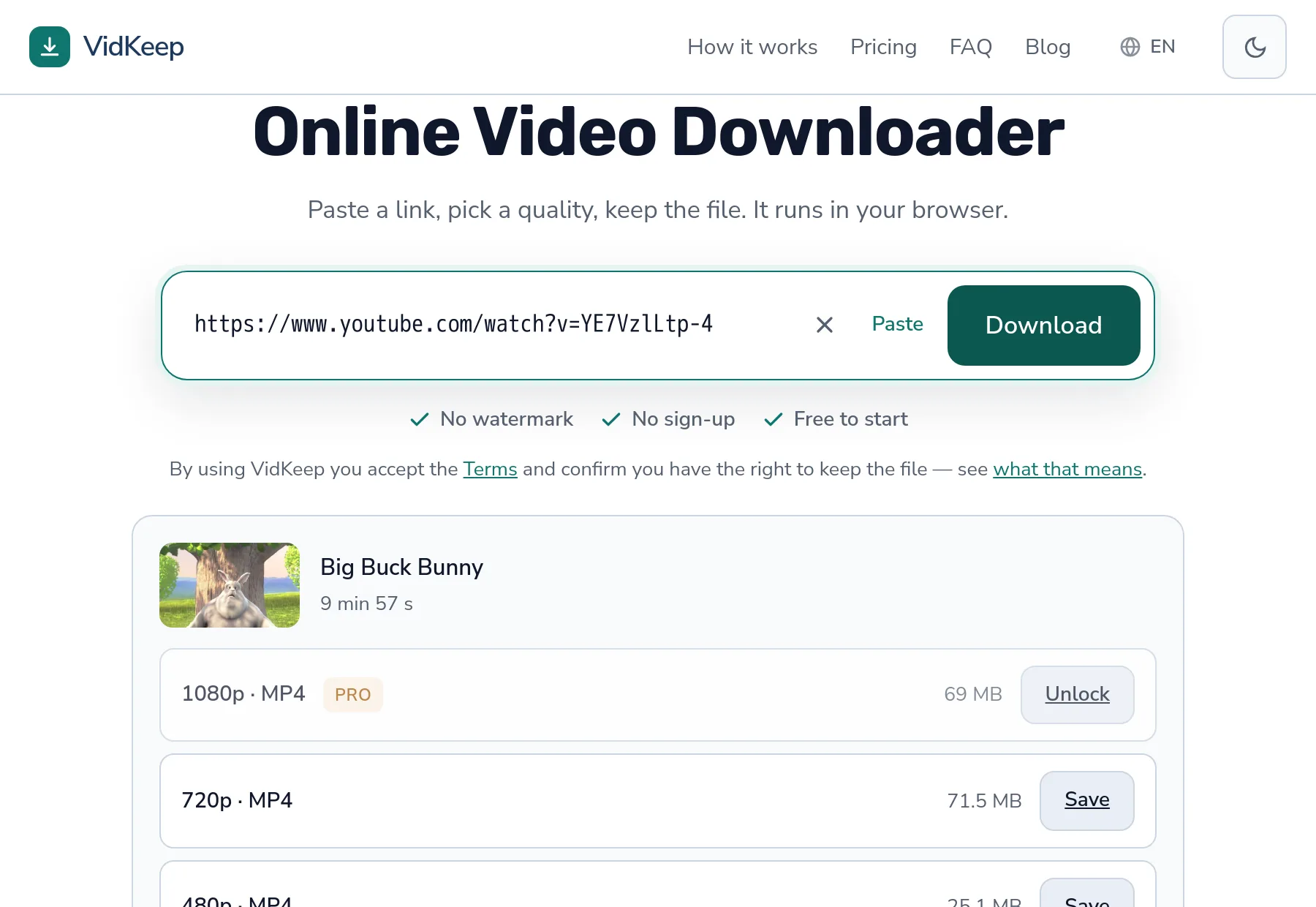
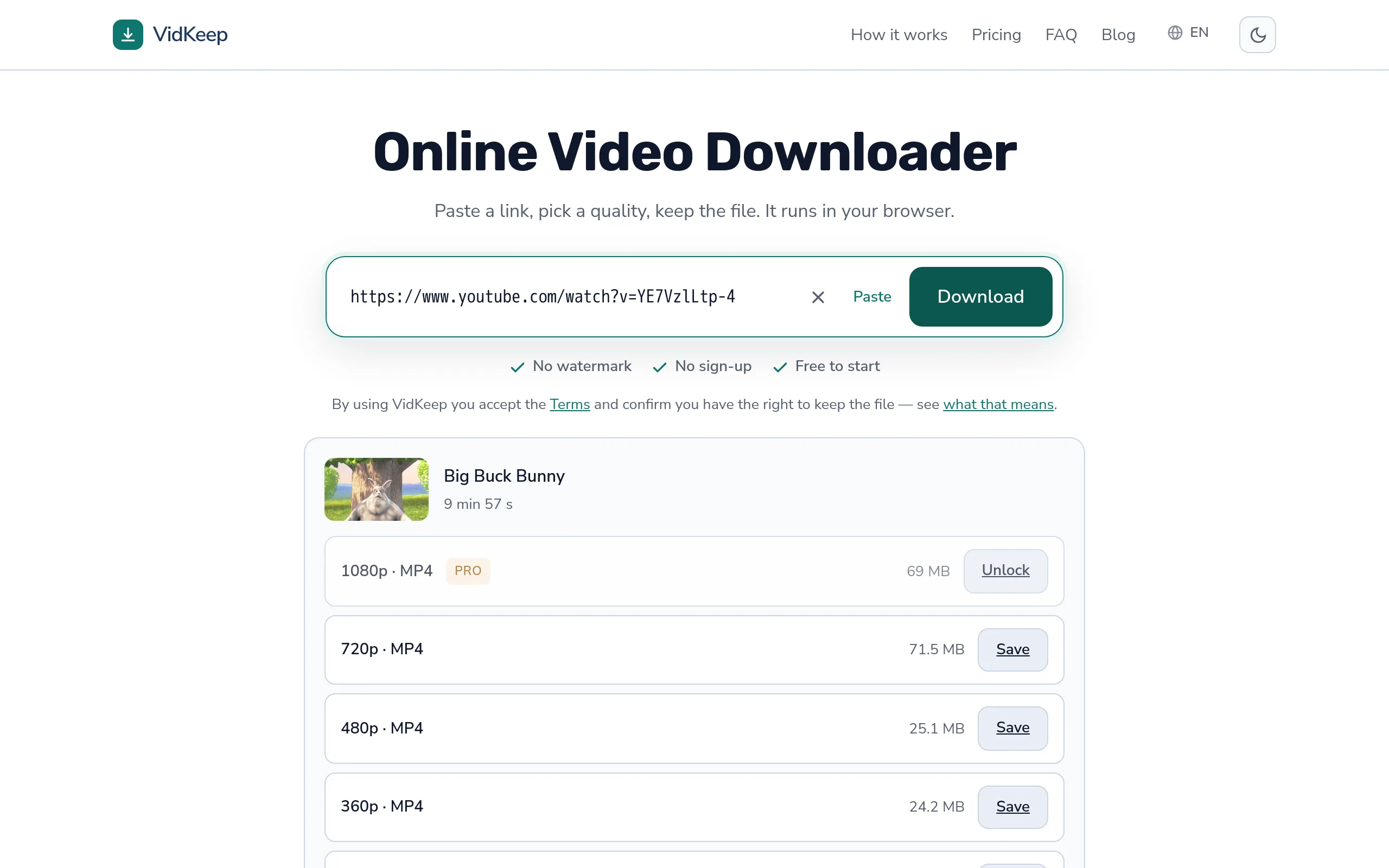
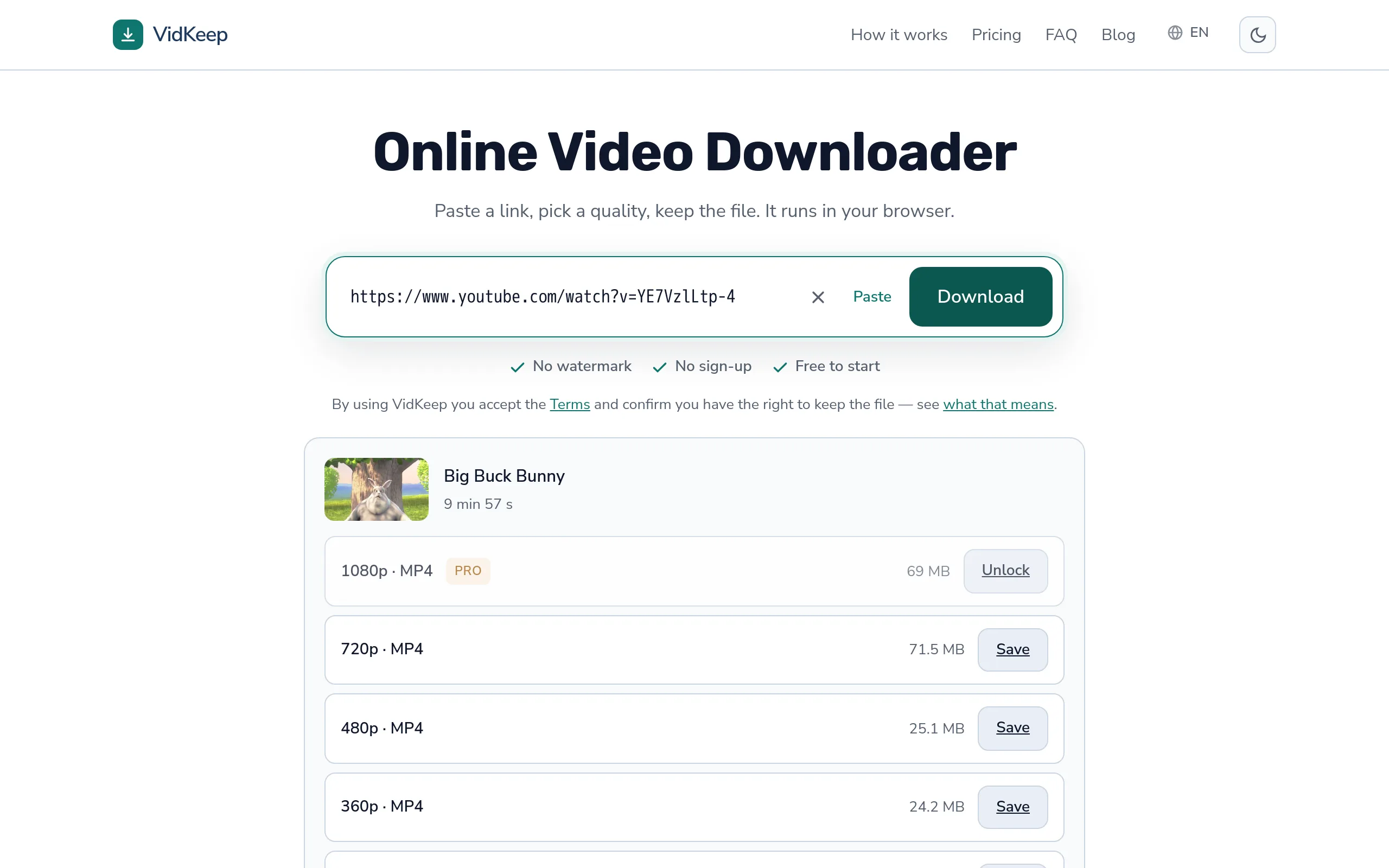
One measurement worth remembering because it breaks the pattern people expect: on a ten-minute test video, 1080p came to 69 MB and 720p to 71.5 MB. The higher resolution was the smaller file, because it used a more efficient codec. The full measured ladder is here.
When the size genuinely signals a problem
Most surprises are ordinary. A few are worth a second look:
- Far smaller than expected. A 1080p file of 5 MB for ten minutes is not 1080p, or the download did not finish.
- Suspiciously round. A file that is exactly some round number of megabytes was probably truncated at a limit rather than completed.
- Much larger than the platform's own figure. Occasionally a sign the file was re-encoded rather than passed through — which costs quality and gains nothing.
- Identical size for different qualities. The same file is being served for every option, whatever the labels say.
The first is the common one and usually means an interrupted transfer. A partial file often plays the portion that arrived, which is exactly what makes it easy to miss.
Where our size numbers come from, and when they are missing
The figure next to each quality is not our estimate. It is what the platform reports for that stream, passed through untouched, and the distinction matters when the number is absent or slightly off.
Platforms report size in more than one way. Sometimes it is exact. Sometimes it is an approximation the platform itself calculated. Sometimes there is nothing at all — TikTok regularly reports no size for its videos, which is why TikTok downloads show a Save button with no number beside it. We could invent a figure from bitrate and duration, and we do not, because an invented number that turns out wrong is worse than an honest blank.
For anything we assemble from separate streams, the number shown is the video stream's size. The finished file is a few megabytes larger once audio is included. We show the video figure rather than a computed total because the video figure is measured and the total would be a guess — and on the scale that matters, deciding between 480p and 1080p, a few megabytes changes no decisions.
There is a reason we put these numbers in front of you at all rather than after. Plenty of tools show quality labels alone and reveal the size only once the file has landed, which is precisely too late for someone on a metered connection or a phone that is nearly full. Knowing that 1080p means 69 MB before you commit is the difference between an informed choice and a surprise.
It also exposes the oddity in the data honestly. Our own interface routinely shows 1080p as smaller than 720p, which looks like a bug and is not. We could hide that by sorting on size or quietly suppressing the confusing row. Showing what the platform actually holds — including when it makes no intuitive sense — is more useful than a tidy list that misrepresents what you will receive.
Frequently asked questions
Why is my downloaded file so large?
Bitrate, not resolution, decides size — two videos at the same 1080p can differ several times over because bitrate is how much data the encoder spends per second, and that depends on what is happening on screen, not the frame dimensions. High-motion footage needs far more bits per second than a static shot, since the encoder cannot reuse much between frames. HDR adds another factor: it stores color in 10 bits per channel instead of 8, pushing bitrate up before motion is even considered. Frame rate compounds it further — 60fps stores twice as many frames as 30fps for the same length. And the codec sets the baseline: older codecs like H.264 need a noticeably higher bitrate than VP9 or AV1 to hold the same quality. These factors stack — a fast-motion 60fps HDR clip in an older codec combines all four at once, which is why some downloads end up many times larger than a plain talking-head video of the same resolution and length.
Why do two 1080p videos have very different sizes?
Different bitrates. A static talking head compresses far better than fast movement, so the same resolution and length can differ several times over.
Why does the finished file differ from the size shown?
The figure usually covers the video stream; audio adds a few megabytes. A few per cent difference is normal, several times is not.
Does 60fps make the file bigger?
Yes, roughly 1.5 to 2 times, because there are twice as many frames to store.
How do I get a smaller file?
Choose a lower resolution before downloading. Re-encoding afterwards also works but costs quality and takes much longer.
Why does TikTok show no file size?
TikTok often does not report one. We show a blank rather than inventing a figure from bitrate and duration.
VidKeep runs in your browser — paste a link, pick a quality, keep the file. No account, no app.
Open VidKeepLast updated: 2026-08-28. We revise our guides as the platforms change.