Guides
Aspect Ratios, and Why Videos Do Not Fit

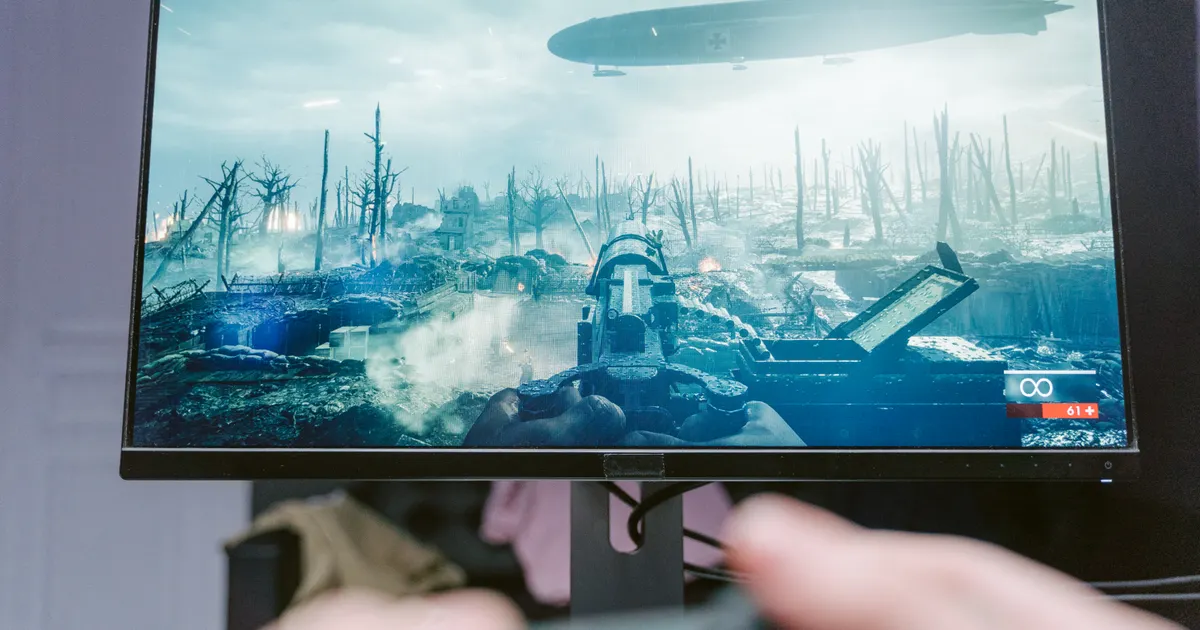
Aspect ratio is the shape of the frame, and it explains most ‘why does this look wrong’ complaints about downloaded video. A vertical clip on a laptop leaves black bars because the video is 9:16 and the screen is 16:9. Nothing is broken and nothing was lost — the shapes simply do not match, and the only fixes involve losing picture.
The shapes you will meet
| Ratio | Shape | Where it comes from |
|---|---|---|
| 16:9 | Widescreen | YouTube, television, most cameras |
| 9:16 | Vertical | TikTok, Reels, Shorts, phone video |
| 1:1 | Square | Older social posts, some ads |
| 4:5 | Tall but not full | Instagram feed posts |
| 21:9 | Ultra-wide | Cinematic footage |
The ratio is independent of resolution. A 1080p video can be any of these shapes — ‘1080p’ describes the height in a widescreen context, and a vertical 1080-wide video is 1080 × 1920 rather than 1920 × 1080.
That is why a vertical video's file can behave unlike what its label suggests, and why quality comparisons between vertical and widescreen content are not straightforward.
Why black bars appear
A player showing a video in a window of a different shape has three options, and only one of them preserves the picture.
Letterbox or pillarbox. Fit the whole frame and fill the remainder with black. Nothing is lost; there is empty space. This is what players do by default and it is the correct behaviour.
Crop. Fill the window by cutting off what does not fit. No bars, and part of the picture is gone — often heads and captions, since those live near the edges.
Stretch. Distort the frame to fit. Everyone looks wrong and nobody wants this, though some televisions do it by default.
Black bars are the honest option. A vertical video on a widescreen display will always have them unless you accept losing picture, and no download setting changes the arithmetic of two different shapes.
What cropping actually costs
Converting between shapes is not free, and the cost is measurable rather than a matter of taste.
Turning a 16:9 video into 9:16 for a vertical platform means keeping about a third of the width. Two thirds of every frame is discarded. If the subject is centred you may get away with it; if two people are talking on opposite sides of the frame, one of them disappears.
Going the other way — vertical to widescreen — means either bars down the sides or cropping the top and bottom, which on phone footage usually removes heads and feet. This is why re-purposed vertical content on YouTube so often looks awkward.
Cropping also requires re-encoding, which costs quality on top of the lost picture. A clip that has been reframed for a second platform has been compressed at least twice — the compounding is covered here.
What to do when you have the wrong shape
- Look for the version made for your platform. Many creators publish both a vertical and a widescreen cut, and the one shot for that shape always looks better than a crop.
- Accept the bars. On a phone held vertically, a vertical video fills the screen. On a laptop, bars are what correct playback looks like.
- Crop deliberately if you must, choosing what to lose rather than letting a player decide.
- Never stretch. It is the only option that makes the picture wrong rather than incomplete.
Point one is underrated. Searching for the same content in the shape you need takes less time than reframing, and produces a result nobody has to apologise for.
Point two deserves defending, because accepting bars feels like giving up. It is not: a letterboxed video is showing you everything the creator framed, at full quality, with some unused screen around it. Every alternative trades picture for the absence of black, and black is the cheapest thing on any display. Televisions and phones have shown bars for decades precisely because the alternatives are worse.
Why phone video is vertical at all
Worth understanding, because it explains why this problem exists and is not going away.
People hold phones vertically. A video shot that way fills the screen of the device it was made on and the device most people will watch it on, and platforms built for phones designed their entire interface around that shape.
The friction appears at the boundary — when vertical content meets a widescreen device, or widescreen content meets a phone held upright. Both directions look wrong, and neither is anyone's mistake. Widescreen exists because cinema and television standardised on it long before phones; vertical exists because that is how a phone is held. Two reasonable conventions from two different eras, meeting in the same download folder.
For downloading, the practical implication is knowing where a clip will be watched before choosing anything. A TikTok saved to watch on a television will have bars down both sides and occupy a fraction of the screen, which is worth expecting rather than discovering — the television guide covers the practicalities.
Editing across shapes without ruining it
If you genuinely need content in a different shape, a few habits produce results that do not look like a mistake.
Shoot for the destination when you can. Anything filmed knowing it will end up vertical can keep the subject centred, which makes a later crop survivable. Footage shot without that in mind rarely crops well.
Reframe rather than crop uniformly. A fixed centre crop loses whatever happened to be at the edges. Moving the crop through the video to follow the subject is more work and the difference is obvious.
Consider a blurred background instead of bars. Filling the empty space with a blurred, enlarged copy of the video keeps the whole frame and avoids dead black. It is a convention on vertical platforms and looks deliberate rather than lazy.
Accept that some shots cannot move. A wide landscape or a two-person conversation does not become vertical without losing what made it work. Choosing different footage beats mangling the right footage.
Ratios and file size
A small point that trips up comparisons between platforms.
Vertical video at ‘1080p’ contains fewer pixels than widescreen 1080p — 1080 × 1920 is about two megapixels, and so is 1920 × 1080, but the vertical version is usually stored at a lower width. Comparing file sizes between a TikTok and a YouTube video at nominally the same quality is comparing different amounts of picture.
Short vertical clips are also brief, which dominates everything: a fifteen-second video is small regardless of shape or bitrate. This is why storage is rarely a consideration for short-form content and frequently is for long-form.
The general rule stands, though: read the actual size rather than reasoning from the label, because the label describes one dimension of several — measured sizes are here.
There is one place the shape genuinely changes the storage arithmetic, and it is worth knowing if you save a lot of short-form content. Vertical clips are usually brief, and duration multiplies everything: fifty TikToks can occupy less space than one long lecture at the same nominal quality. People planning storage from resolution alone consistently get this backwards in both directions.
The other half of that is what happens on the screen. A vertical file that occupies a third of a laptop display is using its pixels on a third of the area, so it looks sharper than the number suggests. The same file on a phone fills everything and looks exactly as sharp as its resolution. Shape decides how much screen a given number of pixels has to cover, which is the whole reason a phone can get away with less.
Why we never change the shape of anything
Our downloads preserve the source's aspect ratio exactly. There is no crop option, no ‘fit to screen’, and no conversion between shapes — and this is one of the few places where doing nothing required a decision rather than being the default.
The obvious feature request is a vertical-to-widescreen crop, or the reverse, for people moving content between platforms. It is not technically difficult; the tool that assembles video can crop while it works.
We do not because cropping means re-encoding, and re-encoding means the file we hand you is no longer what the platform holds. Everything else in this product is built on passing the source through untouched — the streams are copied into a container rather than converted, and the picture in your file is bit-for-bit what the platform served. A crop breaks that guarantee for every download that uses it.
There is a second reason, about who should be making the choice. A crop discards two thirds of the frame, and which two thirds is a creative decision — where the subject is, what the caption says, whether the interesting thing is on the left. An automatic crop guesses, and the guess is wrong often enough that the result needs checking anyway. At which point you are in an editor, and an editor is the right tool.
What this costs: someone re-purposing content for a second platform gets no help from us and needs separate software. That is a real gap, and the honest framing is that we are a tool for getting the file, not for changing it. Every feature that alters the picture moves us toward being a bad editor rather than a good downloader.
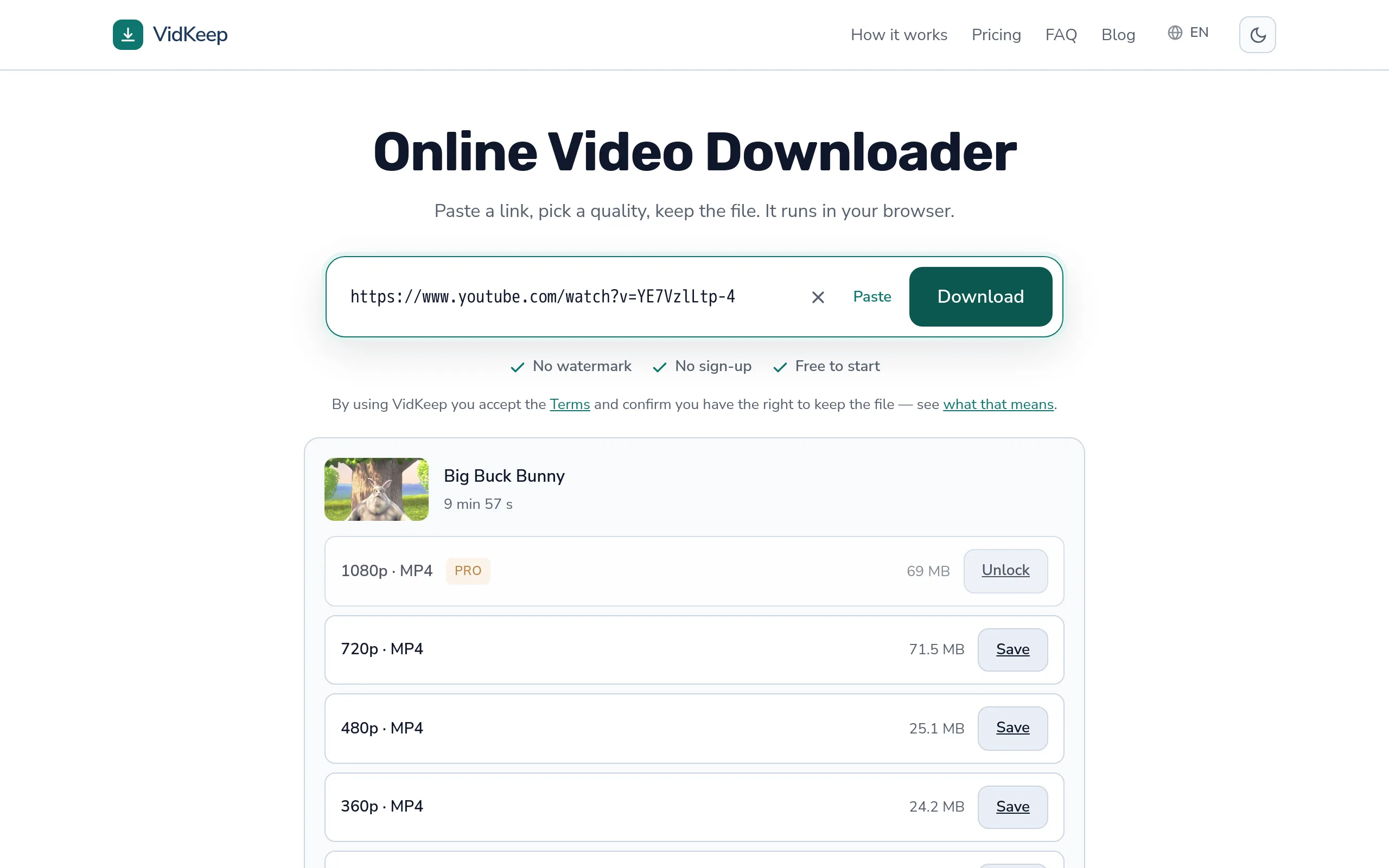
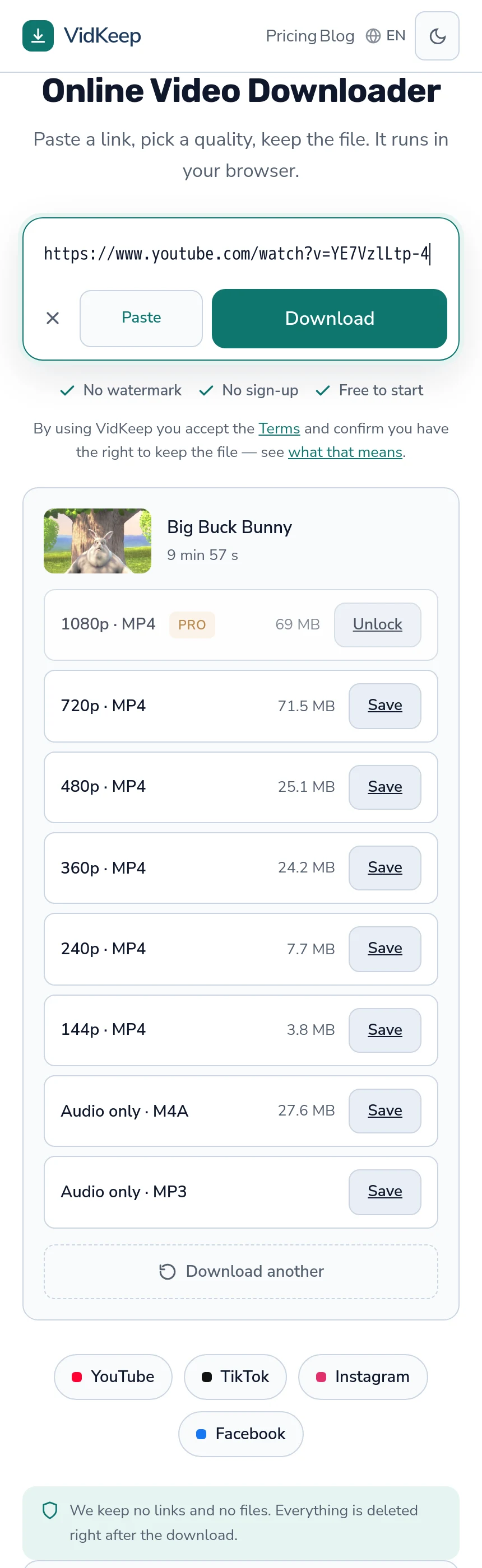
The one shape-related thing we do is show the video's thumbnail at its own proportions rather than forcing it into a fixed box. A vertical clip appears as a tall thumbnail and a widescreen one as a wide thumbnail, which tells you the shape of what you are about to save before you save it. Small, and it costs nothing — the browser does the work.
Frequently asked questions
Why does my downloaded vertical video have black bars?
Because the video is 9:16 and your screen is 16:9. The bars are correct playback — the alternatives are cropping the picture or distorting it.
Can I remove the black bars?
Only by cropping, which discards part of the picture, or stretching, which distorts it. Nothing recovers picture that was never in the frame.
Does aspect ratio affect quality?
Not directly, but it affects how much picture there is. Vertical 1080p and widescreen 1080p are different amounts of image despite the same label.
How much is lost cropping widescreen to vertical?
About two thirds of the width. If the subject is not centred, part of it disappears.
Why is phone video vertical?
People hold phones upright, so a vertical video fills the screen of the device it was made on and watched on. Platforms built for phones designed around that.
Do you offer cropping between shapes?
No. Cropping requires re-encoding, which breaks the guarantee that the file matches what the platform holds, and which part to keep is a creative decision better made in an editor.
VidKeep runs in your browser — paste a link, pick a quality, keep the file. No account, no app.
Open VidKeepLast updated: 2026-10-23. We revise our guides as the platforms change.