Troubleshooting
Why Instagram Links Fail

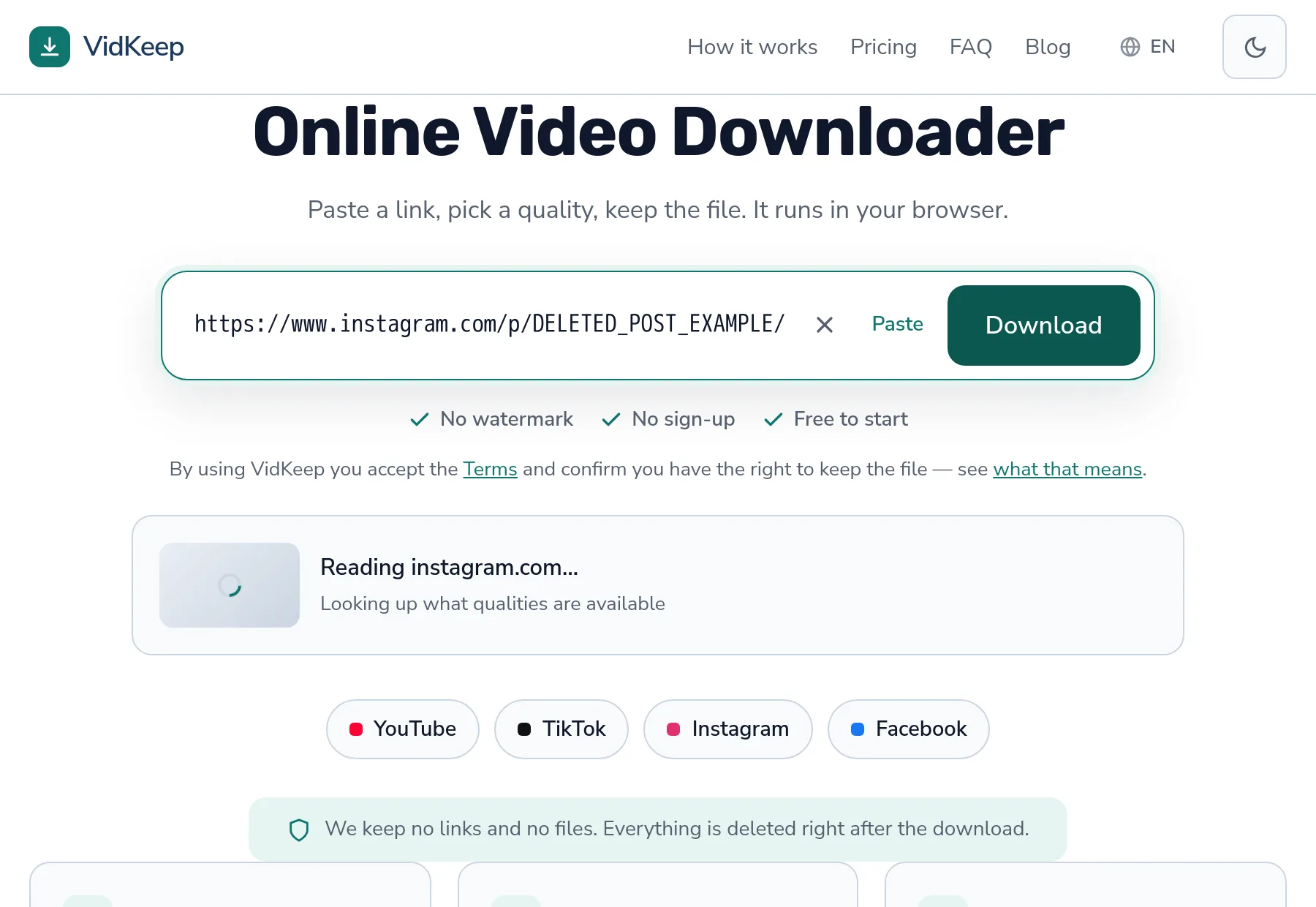
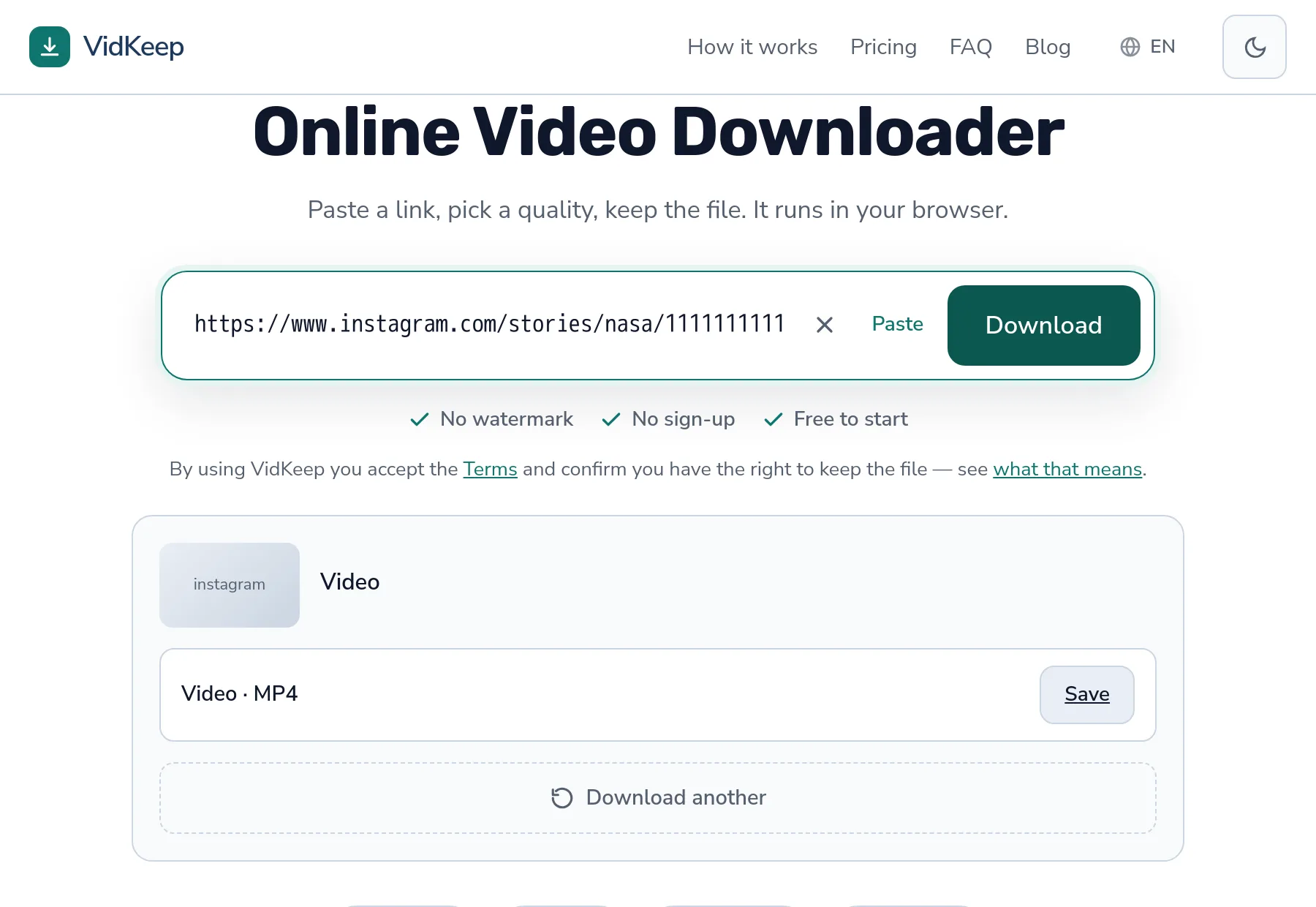
Four causes cover nearly all of them. The account is private — no tool reaches those. The post contains photos and no video, so there is nothing to download as a video file. The story expired. Or the link points at a profile rather than a post. Each produces a different message, and the message tells you which.
Reading the message you got
| Message | What happened | Fixable? |
|---|---|---|
| Private or requires a login | The account is not public | No — only the owner can change it |
| This post has photos, not a video | A photo post or a photo-only carousel | Nothing to fix; there is no video |
| No downloadable media found | The link resolved but held nothing usable | Check the link points at a post |
| No longer available | Deleted, or a story that expired | No |
The distinction matters because two of these are worth another attempt and two are final. Retrying a private account produces the same answer indefinitely.
Private accounts: the honest answer
If an account is private, its posts are visible only to approved followers. A downloader is not signed in and has no account, so it sees what any logged-out visitor sees: nothing.
This is not a limitation waiting to be engineered around. It is the privacy setting working. Any service claiming to download from private accounts is doing one of three things: using compromised or fake accounts, showing you content that was public when it was cached, or simply not working while taking your data — covered in full here.
The test takes ten seconds: open the link in a private browser window. If you cannot see the post while logged out, no tool can fetch it.
The same applies to posts from an account that has blocked you, and to content restricted by age or region — all of it depends on who is asking, and a downloader is always asking as nobody.
Photo posts, and why they are not a failure
A specific message exists for this because it is not an error and the response is different.
Instagram posts can contain photos, video, or a mix in a carousel. A link to a photo post resolves perfectly and simply contains no video. There is nothing broken and nothing to retry — the request was for a video and the post does not have one.
Carousels are where this catches people. A post can hold ten items with a video buried among the photos, and which one you were looking at when you copied the link is not part of the link. The address points at the post, not the slide.
A generic ‘download failed’ here would send someone hunting for a better tool for a video that does not exist. That is why the distinction is worth building rather than collapsing everything into one message.
Stories: the expiry problem
Stories disappear after 24 hours, and after that the link is a dead address.
Two things follow. First, a story link shared yesterday may already be gone by the time you try it — the failure is time, not the tool. Second, only stories from public accounts are reachable at all, which removes most of them: the majority of story sharing happens between people who follow each other privately.
There is a further constraint worth knowing: our support covers video in stories. A story that is a still photo returns the photo-only message rather than a file. The dedicated story guide goes through what is and is not reachable.
Highlights behave differently from stories — they persist, because the account owner chose to keep them — but the same public-account requirement applies.
Link shapes that will never work
- A profile address.
instagram.com/usernameis a person, not a post. Open the individual item and copy from there. - The explore or search page. A view of many posts rather than one.
- A truncated share link. Chat apps sometimes shorten addresses for display and copy the shortened version. Open it and copy from the address bar.
- An in-app internal reference. Some share options produce something only meaningful inside Instagram. Use Copy link rather than Share to.
A working post address contains /p/, /reel/ or /tv/. If yours has none of those, that is the problem — more on finding the right link.
When it worked yesterday and fails today
The confusing case, and there are only a few explanations.
The account went private. People change this setting, and every post becomes unreachable at once, including ones saved from before.
The post was deleted. Links outlive content — the address stays valid while pointing at nothing.
Instagram changed something. Platforms adjust delivery constantly, and external tools catch up within a day or two — how to tell that from an abandoned tool.
Rate limiting. If several links stop working together after a run of downloads, that is not the links. Waiting a few minutes fixes it; retrying extends it.
The quickest way to separate these: try a different Instagram post you know is public. If that works, the problem is the specific post. If it does not, something broader is going on.
Two routes to Instagram, and why we need both
Instagram is the platform where our code does the most work behind the scenes, and explaining why makes the failures above easier to interpret.
The first route is the standard extraction path, the same one every other platform uses. It works for a good share of public posts and reels. When Instagram declines to serve it — which happens for reasons that have nothing to do with the post being private — we fall back to a second route through a commercial provider that specialises in exactly this.
We pay for that fallback, per request, and it exists because the alternative is telling people a public post cannot be fetched when it plainly can be viewed in a browser. Instagram is more aggressive than most platforms about requests from datacentre addresses, and our single server is unambiguously one of those.
The fallback is also what makes the photo distinction possible. It reports what a post actually contains — video, image, or a carousel of both — which is how we can say ‘this post has photos, not a video’ rather than failing generically. Without it, a photo post and a broken extraction would look identical to us, and the message would have to be vague enough to cover both.
What neither route does is reach anything private. The fallback provider sees Instagram as a logged-out visitor exactly as we do, and no amount of paying for requests changes that. If a post requires an account to view, both routes return the same answer, and the message says so rather than implying we might succeed on a retry.
The honest limitation of this design: two routes means two ways to fail, and when both are unavailable we genuinely cannot tell you much. In that case the message says we could not read the post rather than asserting something about its contents — because at that point we do not know, and inventing a specific-sounding explanation would send you fixing the wrong thing.
Frequently asked questions
Why does my Instagram link fail?
Usually a private account, a post containing photos rather than video, an expired story, or a link pointing at a profile instead of a post.
Can I download from a private Instagram account?
No. A downloader sees Instagram as a logged-out visitor. If you cannot see the post in a private browser window, no tool can fetch it.
Why does it say the post has photos and not a video?
Because it does. Instagram posts can be photos, video, or a carousel of both — a photo post has no video file to download.
Why did a story link stop working?
Stories expire after 24 hours. After that the address remains valid and points at nothing.
Which Instagram links work?
Post addresses containing /p/, /reel/ or /tv/. A profile address or an explore page is not a post.
It worked yesterday and fails today
The account may have gone private, the post may be deleted, or you may have hit rate limiting after several downloads. Try a different public post to tell which.
VidKeep runs in your browser — paste a link, pick a quality, keep the file. No account, no app.
Open VidKeepLast updated: 2026-10-09. We revise our guides as the platforms change.