Guides
When Platforms Change and Tools Break

Every downloader breaks sometimes, and it is not a sign of a bad one. Platforms change how video is delivered — for their own reasons, without notice — and every external tool has to catch up. What separates a good tool from an abandoned one is not whether it breaks but how quickly it comes back, and there are reliable ways to tell which you are looking at.
What actually changes on the platform's side
Nothing dramatic usually happens. The changes are small and technical, and each one is enough to stop an external tool.
- The page structure changes. Tools read the page to find the video; a redesign moves what they were reading.
- Delivery details change. New parameters, new signing, a different handshake before the video is served.
- New formats appear. A codec or packaging a tool has not been taught to recognise.
- Detection tightens. Requests that looked fine yesterday are treated as automated today.
Most of these are not aimed at downloaders. Platforms optimise delivery constantly, and external tools are collateral rather than the target — which is also why the changes arrive without warning and with no changelog to read.
How to tell an outage from an abandoned tool
| Signal | Temporary outage | Abandoned |
|---|---|---|
| Scope | One platform fails, others work | Everything fails |
| Duration | Hours to a couple of days | Weeks with no change |
| Messages | Specific, sometimes acknowledging the issue | Generic errors, or a blank result |
| Signs of life | Recent posts, updates, replies | Nothing for months |
The first row is the quickest test. If YouTube fails and TikTok works, something specific broke and someone probably knows. If nothing works at all, the service itself is the problem.
Waiting is genuinely the right move for a real outage. Fixes for common platforms usually arrive within a day or two, because the underlying extraction work is shared across the whole ecosystem rather than done separately by every tool.
Why fixes are usually faster than they look
Most downloaders — ours included — are built on the same open-source extraction project. That has a consequence worth knowing as a user.
When a platform changes something, contributors to that project notice within hours, because thousands of people are hitting the same wall simultaneously. A fix lands upstream, and every tool that updates its dependency inherits it.
So the question for any given service is not whether it can fix a break, but how often it updates. A tool that pulls upstream changes weekly is back quickly. One that pinned a version two years ago is not coming back at all, however healthy the website looks.
This also explains a pattern people notice: several unrelated downloaders break on the same day and recover on the same day. They are not copying each other. They share a foundation.
What to do while it is broken
- Test another platform on the same tool. This one step separates a platform-specific break from a dead service.
- Try a different quality. Breaks often affect one delivery path — high quality may fail while 360p works, or the reverse.
- Try audio only. A different path again, and frequently the one still standing.
- Wait a day. Genuinely the highest-value action, and the one people skip in favour of trying six alternative sites.
- Do not install something to fix it. A broken web tool is not a reason to grant permissions to an app you found while frustrated.
Point five matters more than it sounds. The moment a familiar tool stops working is exactly when people install things they would normally scrutinise, and it is the moment the worst options in this category are designed for.
Why platforms are not usually attacking downloaders
It is tempting to read every break as a deliberate move against tools like this, and mostly that is not what happened.
Platforms spend enormous effort on delivery: shaving bandwidth, adding codecs, moving traffic between servers, tightening defences against genuine abuse like scraping at industrial scale. All of that changes the technical surface that external tools read, and none of it needs to have downloaders in mind to break them.
The exception is bot detection, which is aimed at automation and catches downloaders because a downloader is automation. Even there the target is usually volume rather than individuals — the systems are built for someone making a hundred thousand requests, and a person saving one video is caught by the same net.
Why this matters practically: a break caused by an optimisation gets fixed and stays fixed, because nobody on the other side is watching for the workaround. A break caused by detection is a moving target that will recur. The first kind is most breaks, which is why waiting usually works.
Choosing tools that survive
If you would rather not repeat this, the signals to look for are visible before anything breaks:
- Does it explain failures specifically? A tool that distinguishes a removed video from a rate limit is one that has thought about breakage.
- Is there evidence of maintenance? A blog with recent dates, a changelog, any sign of a person behind it.
- Does it support several platforms? Not for the variety, but because it means the breakage of one does not take the tool down.
- Does it publish its limits? A service honest about what it cannot do is more likely to be honest when something is broken.
What is not a signal: how polished the site looks. Abandoned tools keep their design indefinitely, and the last update to the page is often years before the last update to the code.
Nor is a long list of supported platforms on the front page. Those lists are written once and rarely revisited, so a site can claim eighty sites while genuinely handling four. The only way to know is to try the one you care about, which takes less time than reading the list did.
The most reliable signal is unglamorous: does the tool ever tell you something you did not want to hear? A service that says a video is private, or that a quality does not exist, or that it is rate-limited right now, is a service where someone wrote code for those cases. One that fails the same way for every cause has not been maintained past the happy path, and that is exactly the code that does not come back after a platform change.
The one break that is not a break
Worth separating, because it produces the same experience for a different reason.
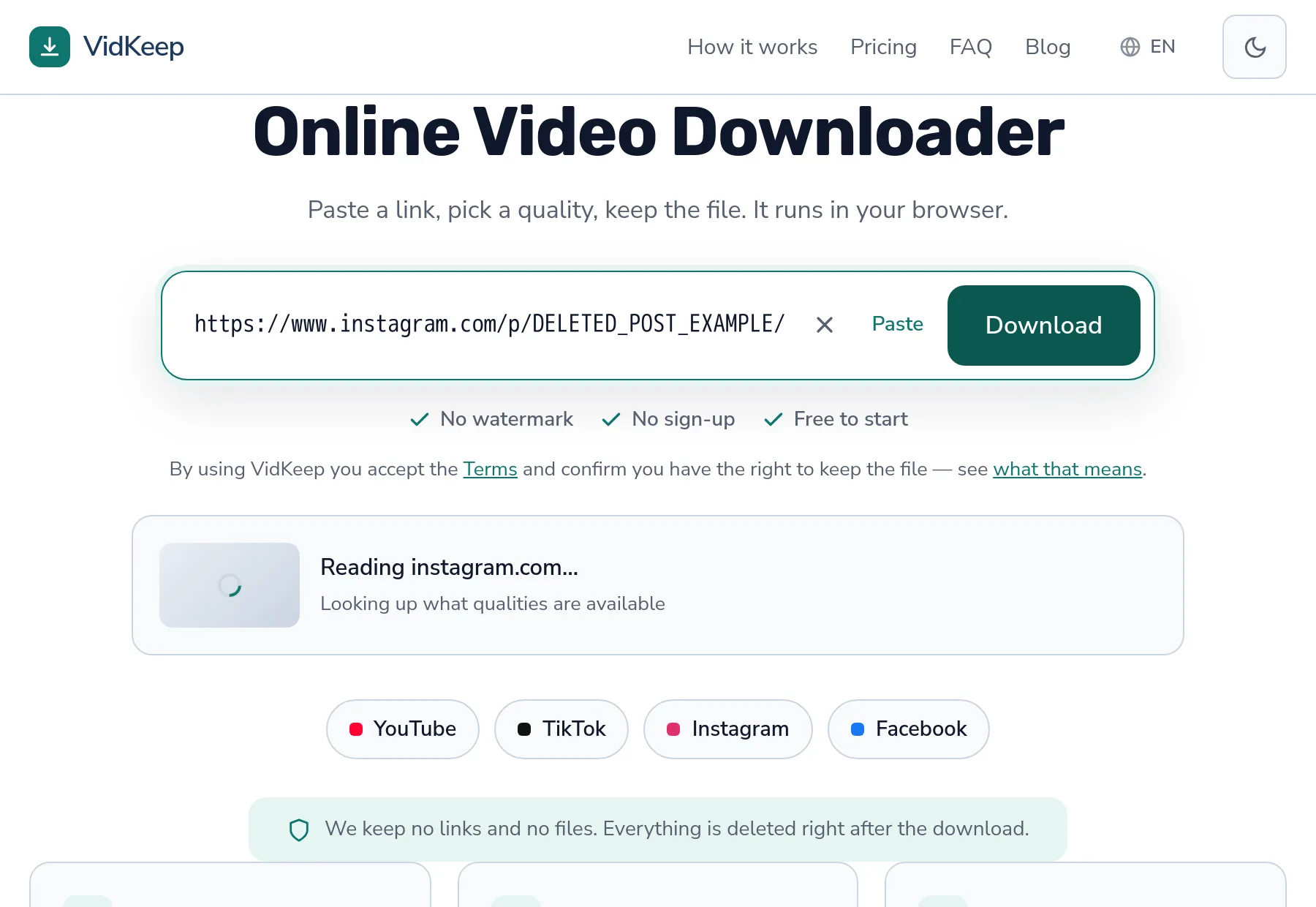
When downloads suddenly fail after several successful ones, that is usually rate limiting rather than a platform change. The tell is that it follows heavy use and clears by itself within minutes — covered in full here.
The distinction matters because the correct responses are opposite. For a genuine break, trying repeatedly is harmless and pointless. For rate limiting, trying repeatedly extends the problem you are trying to escape.
Rule of thumb: if it worked ten minutes ago and stopped after a run of downloads, wait quietly. If it has not worked all day and nobody else's downloads work either, something actually changed.
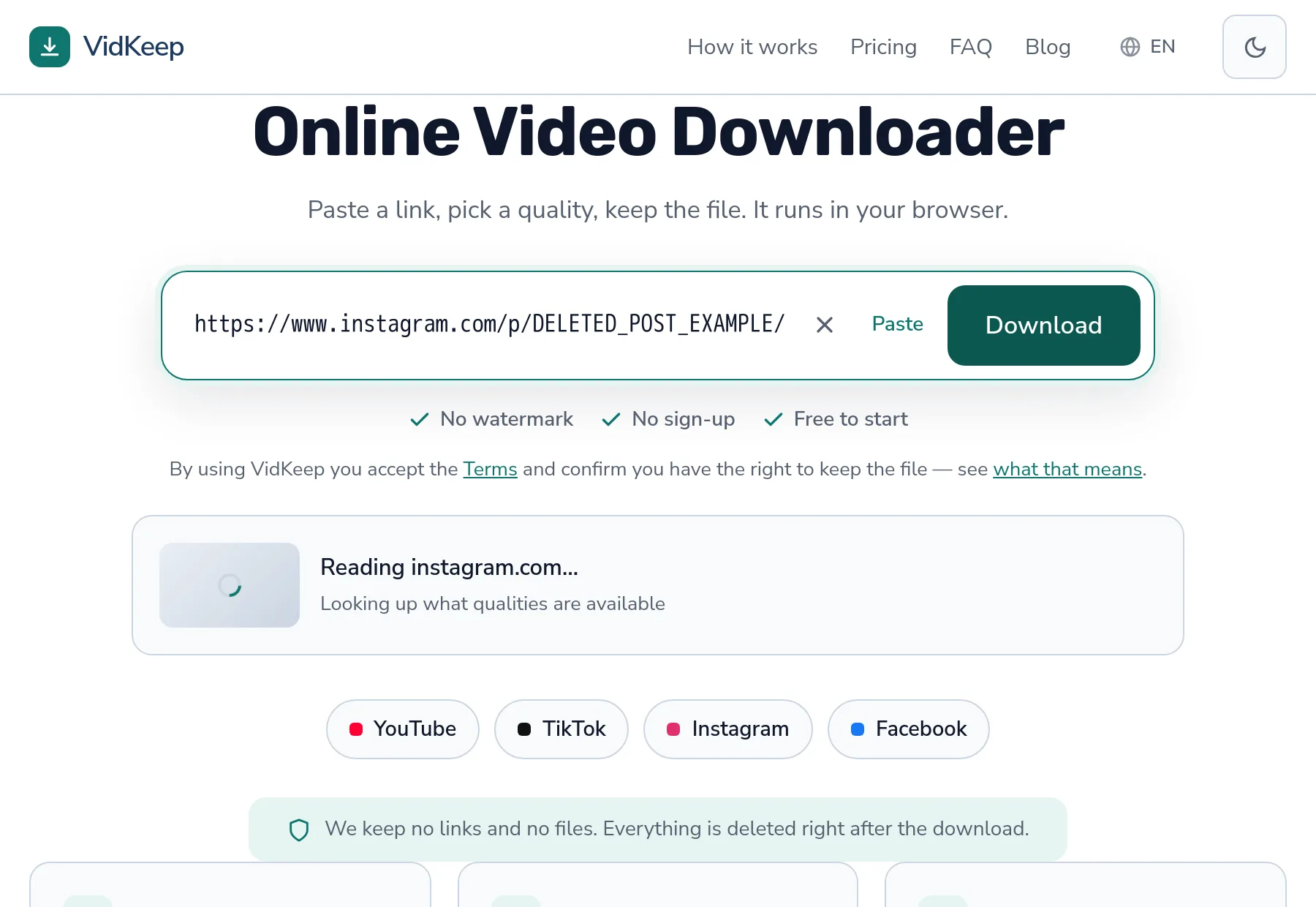
Two more failures get mistaken for breakage and are worth ruling out before you conclude anything. A video that was removed produces a failure indistinguishable from an outage if you only try that one link — the address outlives the content, so nothing tells you it is gone. And a video that has just been posted may genuinely not have its higher qualities yet, which reads as a tool losing options rather than a platform still working.
The cheap test for both is a second video. One known-good public link, ideally something old and popular, settles in fifteen seconds whether the problem is the tool or the particular thing you were trying to save. It is the first thing worth doing and almost nobody does it.
The two breaks that taught us the most
We can be specific about this rather than theoretical, because two failures shaped how the service is built and both were entirely our own doing.
The first was YouTube requiring a JavaScript runtime to work out how to fetch a video. Our container did not have one. Downloads failed with an error that meant nothing to anyone reading it, and the fix — installing a runtime in the image — was trivial once the cause was clear. What took time was recognising that a platform change had introduced a dependency we did not know we needed. Nothing in the failure said ‘you are missing a runtime’.
The second was subtler and worse, because it produced confident wrong answers rather than errors. Our code reduces a platform's raw format list to one option per quality. When that filter emptied the list, the underlying tool reported that the requested format was unavailable, and we translated that directly into ‘this video has no downloadable versions’. The versions existed. Our own filter had removed them, and we blamed the platform. Facebook exposed it, because it labels its streams unlike anyone else.
Both changed how we handle breakage. Failures are now classified rather than lumped together, so a rate limit, a removed video, a private account and a genuine extraction failure each produce their own message. And when we truly cannot tell, the message says we could not read the video rather than asserting something about it — the uncertainty belongs where it actually is.
The practical consequence for anyone using this or any similar service: a tool that always produces a confident explanation is inventing some of them. Real breakage is confusing from the inside too, and a service that admits that is more trustworthy than one that never appears puzzled. When we do not know, we would rather say so than send you off re-copying a link that was fine all along.
Frequently asked questions
Why did the downloader suddenly stop working?
Usually a platform changed how video is delivered. External tools have to catch up, which typically takes a day or two for major platforms.
How do I know if it is temporary?
Try another platform on the same tool. If others work, the break is specific and someone is probably fixing it. If nothing works, the service itself may be gone.
Why do several downloaders break on the same day?
Most are built on the same open-source extraction project. They break together and recover together as the upstream fix propagates.
Should I try a different site while it is broken?
Waiting a day is usually better. Frustration is when people install things they would normally examine carefully, and that is what the worst tools rely on.
Can I do anything to make it work now?
Try a different quality or the audio option — breaks often affect one delivery path while others still work.
How do I pick a tool that breaks less?
Look for specific error messages, recent signs of maintenance, and published limits. How polished the site looks says nothing about whether the code is maintained.
VidKeep runs in your browser — paste a link, pick a quality, keep the file. No account, no app.
Open VidKeepLast updated: 2026-09-23. We revise our guides as the platforms change.