Guides
Downloading Many TikToks Without Breaking It

The honest answer is that bulk downloading mostly does not work the way people expect. Firing fifty requests at a platform in a minute produces rate limiting, not fifty files — and a partial archive with no record of which parts are missing is worse than none. Spacing requests out finishes sooner in practice than any tool promising to do it all at once.
What actually happens with rapid requests
Platforms watch request patterns per address. Ordinary use is irregular — a request, a pause, some scrolling. Fifty requests in ninety seconds is unmistakably automated, and it gets treated as such.
The response arrives in stages rather than all at once: answers get slower, then some requests fail, then the address is throttled outright for a period. By the time it is obvious, twenty of your fifty have failed and the tool may not have recorded which — the escalation is covered in detail here.
This is why bulk tools frequently produce fewer files than links you gave them, with no clear report. The failures are not bugs in the tool; they are the platform declining, and a tool has no way to make a declined request succeed by trying harder.
Pacing that works
- One at a time. Paste, save, move on. Boring and reliable.
- Leave a gap. Ten or twenty seconds between videos is enough to look human.
- Break long sessions. Twenty videos, then a pause of a few minutes.
- Stop at the first sign of slowness. That is stage one of throttling, and continuing turns a pause into a block.
- Never retry immediately. Each retry counts as another request and extends the limit you are waiting out.
Fifty videos at this pace takes perhaps half an hour of intermittent attention. Fifty videos fired at once takes ninety seconds, fails halfway, and costs an afternoon working out what is missing.
Step four is the one people skip, and it is the difference between a pause and a block. When responses start taking five seconds instead of one, nothing has broken yet — that is the platform's first warning, and stopping for a few minutes at that point costs almost nothing. Pushing through it is what turns a five-minute wait into an hour.
What each approach actually costs you
| Approach | Time for 50 videos | What goes wrong |
|---|---|---|
| All at once | 90 seconds, then failure | Throttled halfway; no record of what is missing |
| One at a time, no gaps | 15 minutes | Often throttled near the end |
| One at a time with gaps | 30 minutes | Usually nothing |
| Command-line archiver with delays | An hour, unattended | Setup time; runs on your own address |
The row people want is the first one, and it is the only one that reliably does not finish. The apparent time saving is the problem rather than the benefit — speed is precisely what makes a pattern look automated.
The last row is worth the setup once a job is genuinely large. Below roughly fifty videos, the browser with patience wins on total effort; above it, an archiver that can run unattended wins on everything.
Preparing the list first
The work that makes a large job manageable happens before any downloading.
Collect the links in a text file with the title beside each. A list of thirty numeric identifiers is unusable a week later, and you will not remember which was which.
Use full addresses rather than short links. Short forms are convenient to copy and fragile to store — the formats are compared here.
Mark each one as you go. The most common failure in a large job is losing track of where you were, and a marked list is the only defence.
Do not leave the list too long. Videos get deleted and accounts go private. A list assembled over six months will have gaps by the time you work through it, and nothing recovers those.
Decide the quality once, at the start. On TikTok this is decided for you — there is one file per video and no menu — but for a mixed list across platforms, settling on a quality before you begin avoids fifty separate decisions and produces a consistent folder.
The single most useful habit in a large job is writing down where you stopped. Not the count — the last link you actually finished. Sessions get interrupted, and a folder of thirty files tells you nothing about which thirty of the fifty they were.
When you genuinely need hundreds
At some scale a browser stops being the right tool, and pretending otherwise wastes your time.
Command-line archivers are built for this: they queue, retry, resume, name files consistently, keep a record of what succeeded, and — crucially — can be told to wait between requests. That last feature is the one that makes large jobs possible at all.
They are more work to set up and they run on your own machine, which means your own address takes the rate limiting rather than a shared one. For a genuine archive that is the right trade — where installed software wins.
What no tool solves is the platform's willingness to serve you. A well-behaved archiver with sensible delays succeeds where an aggressive one fails, and the difference is patience rather than cleverness.
There is one caveat about running these on your home connection. Rate limiting applies to the address making requests, and at home that address is shared by everyone in the household. A large unattended job can leave someone else meeting a bot check on an ordinary video, which is an unusual way to annoy your family.
The delays matter more than the software. An archiver configured with no wait between requests behaves exactly like the bulk button this article warns about — the tool being capable of pacing is not the same as it doing so, and the default is frequently as fast as possible.
The rights question at scale
Volume changes this conversation, and it is worth being direct about it.
Saving a handful of clips you enjoyed is one situation. Systematically collecting a creator's entire catalogue is another, and the arguments that support the first — personal use, study, keeping something you might not find again — get considerably weaker as the number grows.
Where it is clearly fine: your own content, material you hold rights to, and public domain or openly licensed work. Where it is clearly not: building a channel from someone else's clips, or reposting a catalogue you collected — both of which platforms also penalise independently of any legal question.
The middle ground is research and analysis, which is genuinely defensible and depends on what you do next — the four-factor analysis applies, and volume weighs against you in it.
If you are archiving your own account
The most common legitimate reason for a large job, and there is a better route than any downloader.
TikTok, like most platforms, offers a data export covering your own uploads. It is free, it takes days to arrive, and it generally contains better versions than an external tool reaches — the platform has no reason to serve you a reduced copy of your own work.
Request it first, then use a downloader only for whatever the export missed. Doing it the other way round means spending an evening on files you were about to be given, at lower quality than the ones arriving.
And save the metadata separately, before anything else. Captions, sounds used and posting dates are not in the video files, nobody archives them on your behalf, and they are the part that genuinely cannot be recovered once a post is gone — the same problem across platforms.
Why we did not build the button everyone asks for
Bulk downloading is the most requested feature we do not have, and it would be the easiest one to justify commercially — it is exactly the capability that turns a free user into a paying one. The decision not to build it was deliberate and is worth explaining.
The first reason is that it would not work. A button firing fifty requests in a minute produces a rate limit, and the downloads fail. From the user's side that looks like our tool breaking, not like the platform declining — we would be handing someone a feature that generates failures and then absorbing the blame for them.
The second is what a partial archive does to you. Thirty of fifty succeeding is worse than none, because you now have a folder that looks complete and is not, and reconstructing which twenty are missing means going back through the original list by hand. That is a genuinely bad afternoon, and it lands hardest on the person who most needed the archive.
The third is our own hardware. Everything above 360p is assembled on a single CPU shared with another product, guarded by a check that refuses new jobs when disk is short. A bulk feature would queue dozens of assemblies at once and meet that guard immediately — so the honest version of the feature would be a queue that mostly says ‘server busy’.
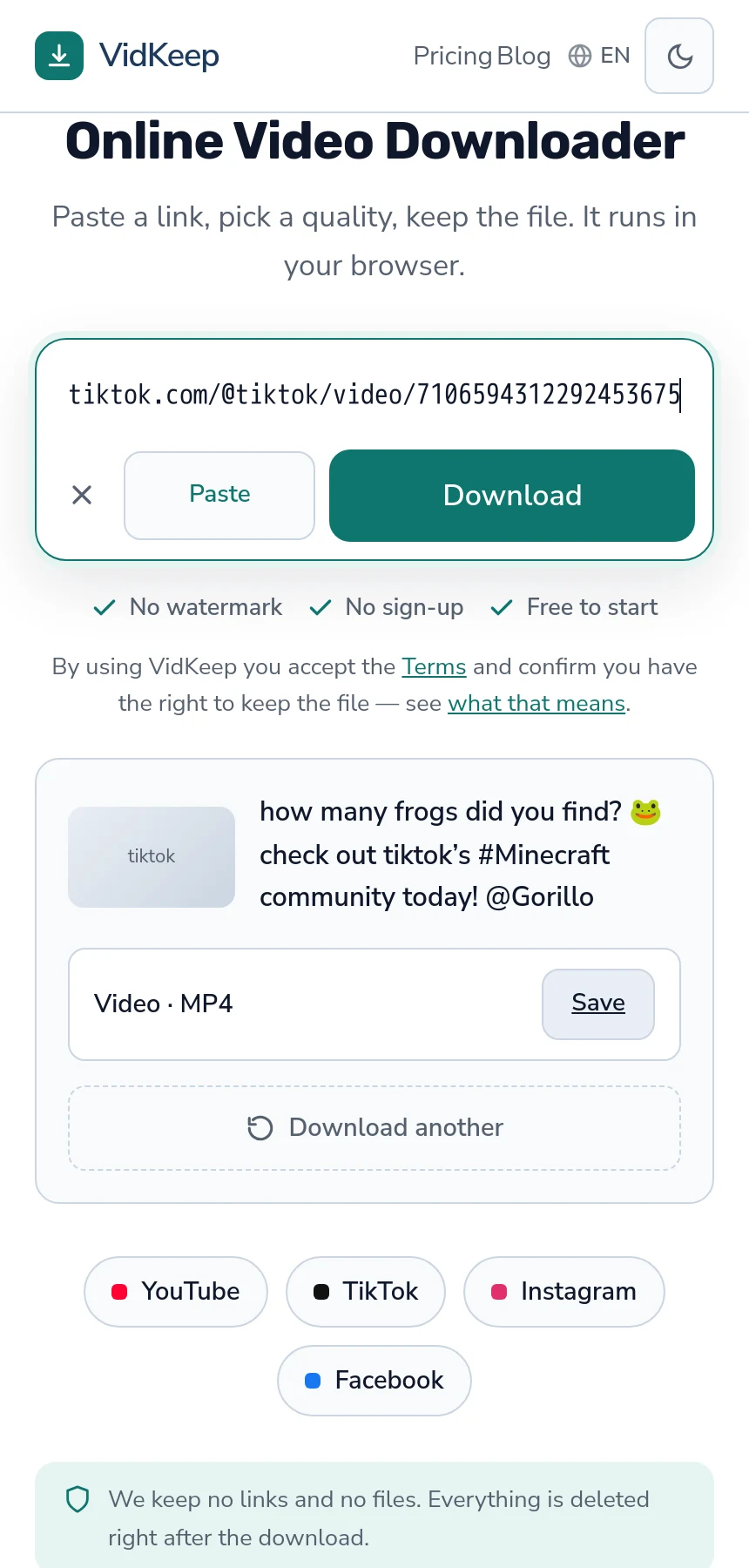
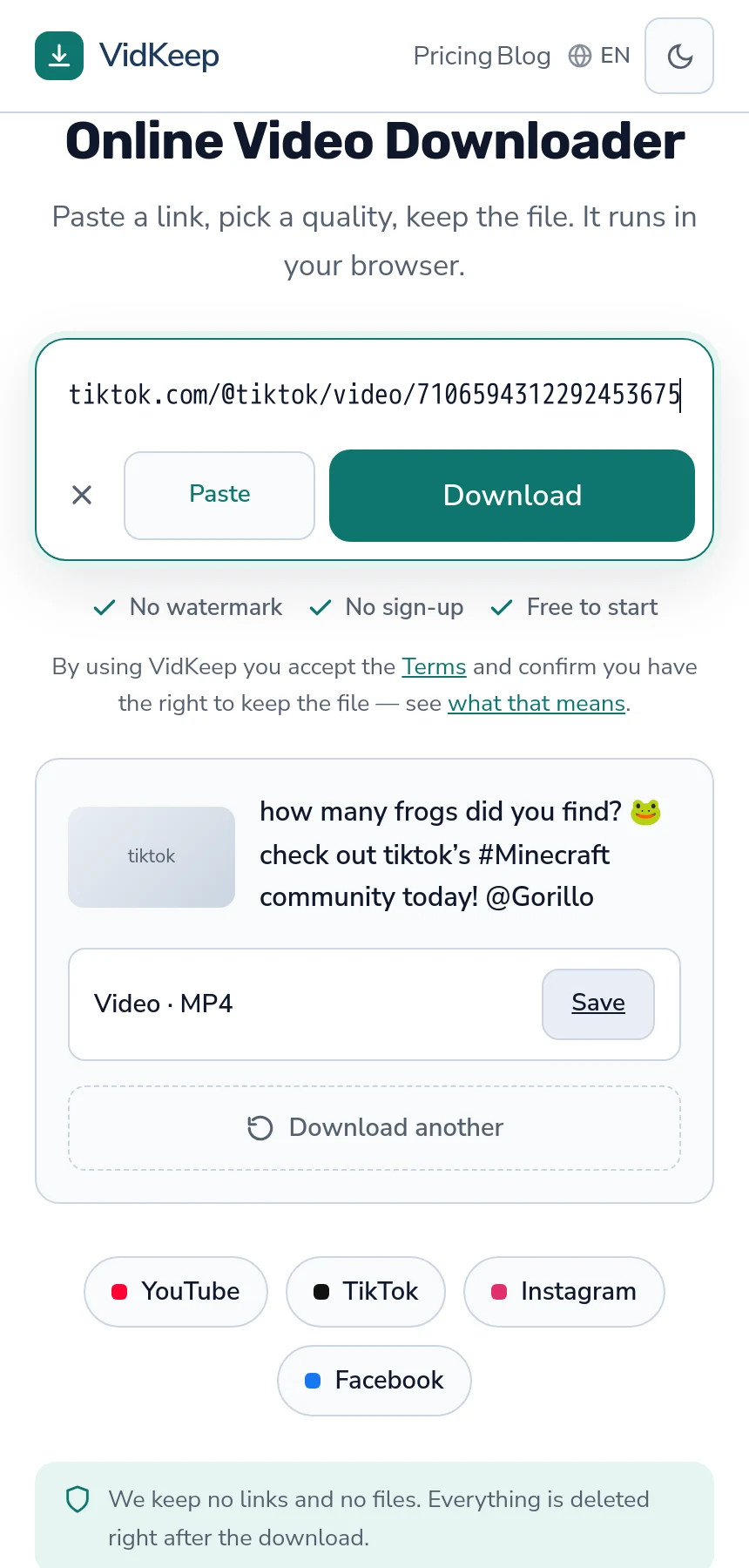
What we built instead is small and specific: after a download, the result panel keeps a Download another button in place, so the next video is a paste and a tap rather than a page reload. It came from noticing that TikTok is rarely one video — people arrive with a handful saved in a folder — and that the friction worth removing is between clips, not before the first one.
The trade is stated plainly: we are a poor tool for archiving a catalogue and a good one for saving a dozen things. Pointing someone at a command-line archiver for the larger job costs us a sale and saves them an evening, which we think is the right way round.
Frequently asked questions
Can I download many TikToks at once?
Rapid batches trigger rate limiting rather than producing files. One at a time with short gaps finishes sooner in practice.
How long should I wait between downloads?
Ten or twenty seconds is usually enough, with a longer pause every twenty videos. Stop entirely at the first sign of slower responses.
Why did half my batch fail?
The platform throttled the address after too many rapid requests. The failures are the platform declining rather than a bug in the tool.
What should I use for hundreds of videos?
A command-line archiver. They queue, retry, resume and — most importantly — can be told to wait between requests.
Is bulk downloading allowed?
Volume weakens the arguments that support saving a few clips. Your own content and licensed material are clear; collecting someone else's catalogue is not.
How do I archive my own TikTok account?
Request the platform's data export first — it is free, contains better versions, and takes days to arrive. Use a downloader only for what it missed.
VidKeep runs in your browser — paste a link, pick a quality, keep the file. No account, no app.
Open VidKeepLast updated: 2026-08-01. We revise our guides as the platforms change.