Comparisons
YouTube Premium vs a Downloader

These solve different problems, and the marketing on both sides pretends otherwise. Premium gives you offline viewing inside the YouTube app, plus no ads and background play. A downloader gives you an actual file you keep. If you want to watch on a plane and nothing more, Premium is the cleaner answer — and yes, we are a downloader saying that.
What each one actually gives you
| YouTube Premium | Downloader | |
|---|---|---|
| Offline viewing | Yes, inside the app | Yes, as a normal file |
| Do you own the file? | No — it lives in the app | Yes |
| Works after you stop paying | No | Yes, files are yours |
| Removes ads | Yes, everywhere | No |
| Background play | Yes | Not applicable |
| Use in an editor | No | Yes |
| Play on a TV, in a car, on an old device | Only where the app runs | Anywhere that plays MP4 |
| Cost | Monthly, ongoing | Free tier, or a one-off period |
The row that matters most is the third one. Premium downloads are a rental with extra steps: stop paying and they stop working, because the files were never really yours.
When Premium is genuinely the better choice
We would rather point you at the right tool than win an argument:
- You watch a lot of YouTube. No ads across every video is worth real money if you are there daily.
- You want background play. Audio continuing with the screen off is something no downloader replicates — that is an app behaviour.
- You only ever watch inside the app. If the file never needs to leave YouTube, the extra freedom a downloader gives you is freedom you will not use.
- You want it to be effortless. One tap on the video, done. No links, no quality choices, no file management.
That last point is not trivial. Premium's download is genuinely smoother for the plain case, and pretending otherwise would be silly.
When a downloader is the right answer
- You need the file itself. Editing, a presentation you have the rights to use, embedding in something else — Premium's copy cannot leave the app.
- You want it to survive. Files you keep do not expire when a subscription lapses or a video gets deleted.
- The device is not a phone. A car head unit, an old TV, a media player, a laptop without the app — all play MP4 and none run Premium downloads.
- You just need one video. Paying monthly for an occasional save is poor value, and that is most people.
- You want audio only. Premium does not hand you an MP3; a downloader does.
The archival case deserves emphasis. Videos disappear — channels get deleted, content gets removed, creators clean up old uploads. A Premium download disappears with them, because it was always a licence to view rather than a copy.
The honest cost comparison
Premium is a monthly subscription in every market it operates. The relevant question is not the exact figure — prices vary by country and change — but the shape: ongoing cost for ongoing access.
Against that, our free tier covers thirty downloads a day with ten of them above 720p, and audio and 360p do not count at all. For occasional use that is genuinely free rather than free-with-an-asterisk. Heavier use is a yearly fee, not a monthly one.
Which is cheaper depends entirely on you. Daily viewing with ads removed is a lot of value for a monthly fee. Saving six videos a year and paying twelve monthly instalments for the privilege is not.
The mistake worth avoiding is paying for Premium purely to download things. That is the one use case where the subscription is clearly the wrong instrument — you are renting a capability you could have as files.
What each one cannot do, however much you want it to
Both products have hard limits that no setting changes, and knowing them saves a lot of searching.
Premium cannot give you a file. The offline copy lives in the app's storage in a form the app controls. You cannot move it, edit it, put it on a memory stick or play it in anything else. That is deliberate on YouTube's part and not a bug.
Premium downloads are not permanent. They require periodic reconnection to verify the subscription, and they vanish when it ends. Content removed from YouTube usually disappears from your downloads as well.
A downloader cannot touch private content. Members-only videos, private uploads and age-gated material need a signed-in account. Premium has your account; a browser tool never will.
A downloader cannot remove ads from YouTube itself. Ads are inserted during playback on the platform, so a downloaded file simply never had them — but browsing YouTube stays exactly as it was.
Read those four together and the division becomes obvious: Premium controls the experience on the platform, a downloader gives you something to take away from it. Neither crosses into the other's territory, and every disappointed review of either product is someone who expected it to.
Using both, which is what many people do
They are not mutually exclusive, and the combination is often the sensible answer.
Premium for daily watching: no ads, background audio, one-tap offline for the commute. A downloader for the handful of videos you actually need as files — the tutorial you will edit, the talk you want to keep, the clip going into a presentation.
Framed that way the question stops being ‘which one’ and becomes ‘what am I doing right now’. Watching is a subscription problem. Keeping is a file problem. Most of the confusion in this comparison comes from treating them as the same thing.
Why we recommend our competitor in the article about our competitor
Saying ‘Premium is better for that’ in our own blog is an odd move commercially, so it is worth explaining rather than leaving it as false modesty.
The plain reason: it is true for a real slice of people, and they will find out anyway. Someone who wants ad-free viewing with background audio is not going to be satisfied by any downloader, ours included. Persuading them to try ours first wastes their time and produces exactly one outcome — a person who concludes the tool did not do what they wanted.
There is a second reason, less noble and more practical. The people for whom a downloader is genuinely right — those who need the file, on an old device, after the subscription ends — get a clearer picture when the comparison is honest. Vague claims that we do everything Premium does would blur precisely the distinction that makes us useful to them.
And a third, about what this category looks like from outside. Search this comparison and you will find pages where every row favours the downloader and Premium is described as a trap. Those pages are usually selling something. Readers can tell, and the tell is the absence of any situation where the other side wins.
So: Premium wins on ads, on background play, on effortlessness, and on the plain case of watching later inside the app. We win on ownership, on longevity, on devices, on audio-only, and on not costing anything for occasional use. Those are different columns, and anyone who tells you one product sweeps the table has not thought about the question.
One asymmetry is worth naming because it is easy to miss. Premium is a product built by the platform that hosts the videos, which means it can do things no third party ever can: remove ads at the source, keep playing with the screen off, integrate with the app you already use. Those are not features we have chosen not to build — they are structurally unavailable to anyone outside YouTube.
The reverse asymmetry is just as real. YouTube has no interest in handing you a portable file, because a portable file is one you keep after you stop paying. That is not a criticism; it is simply what a subscription business optimises for. The two products end up in different places because the incentives point in different directions, and knowing that explains the comparison better than any feature table.
Frequently asked questions
Is YouTube Premium better than a downloader?
For watching offline inside the app with no ads, yes. For getting a file you own and can use anywhere, no — Premium downloads never leave the app.
Do Premium downloads expire?
They stop working when the subscription ends, and they can disappear if the video is removed. A downloaded file does neither.
Can I edit a video downloaded with Premium?
No. The file stays inside the app and is not accessible as an ordinary file.
Can a downloader remove ads?
No — that is a viewing feature, not a file feature. Downloaded files have no ads because ads are inserted during playback on the platform.
Should I pay for Premium just to download videos?
Probably not. That is the one case where the subscription is the wrong tool: you are renting a capability you could have as files.
Can I use both?
Many people do. Premium for daily watching, a downloader for the few videos that need to exist as files.
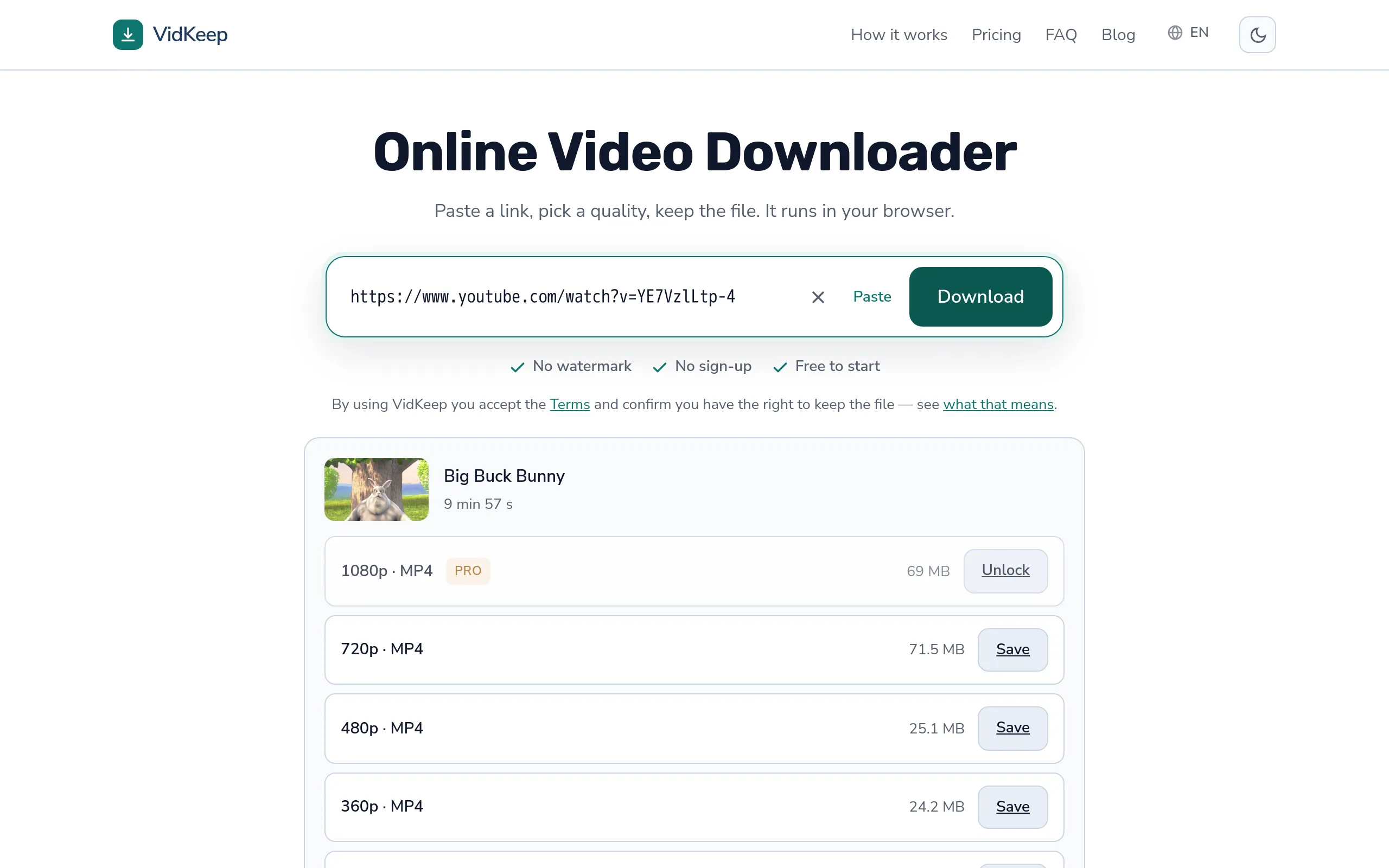
VidKeep runs in your browser — paste a link, pick a quality, keep the file. No account, no app.
Open VidKeepLast updated: 2026-09-11. We revise our guides as the platforms change.