Guides
Why 1080p Is Missing From the List

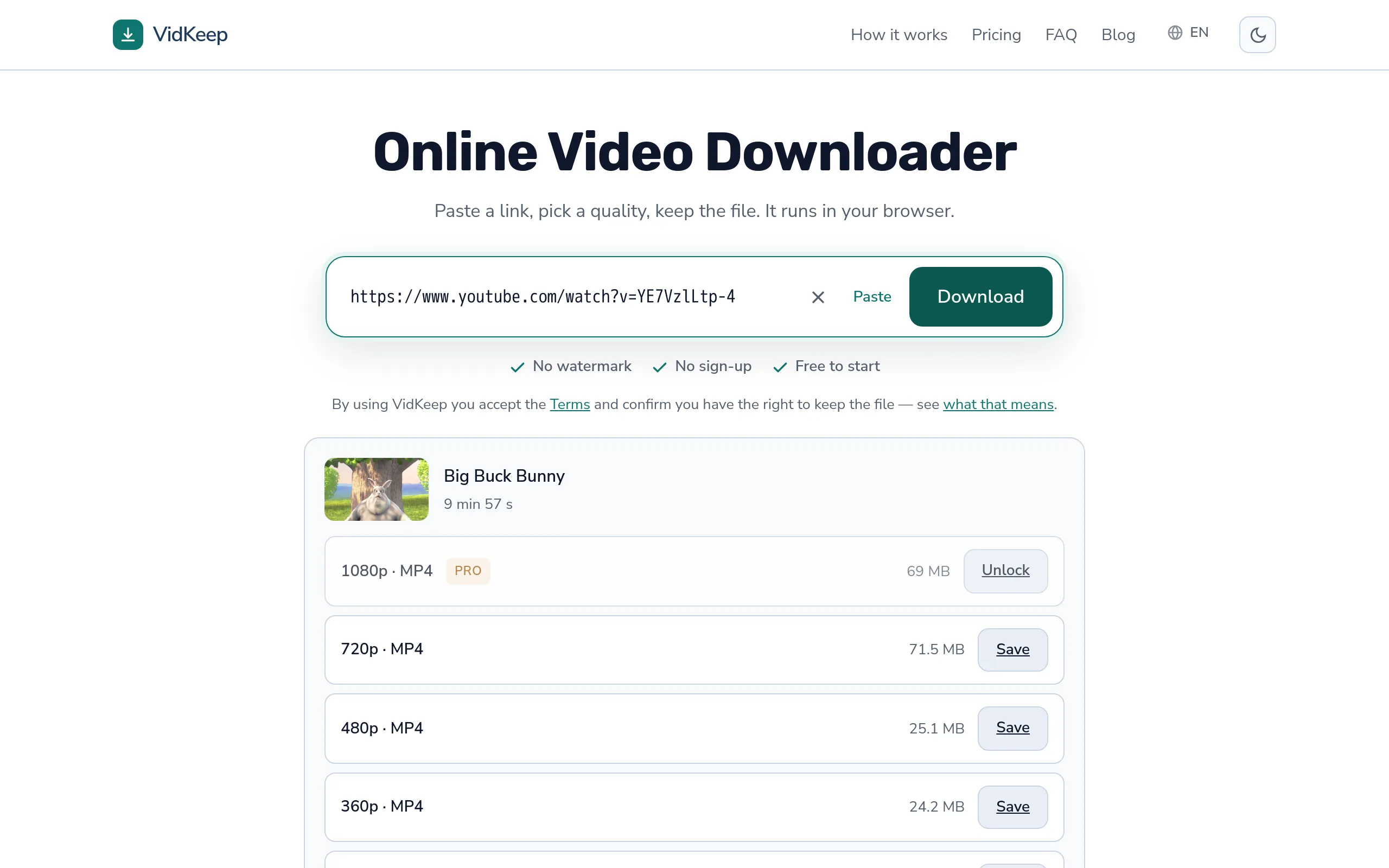
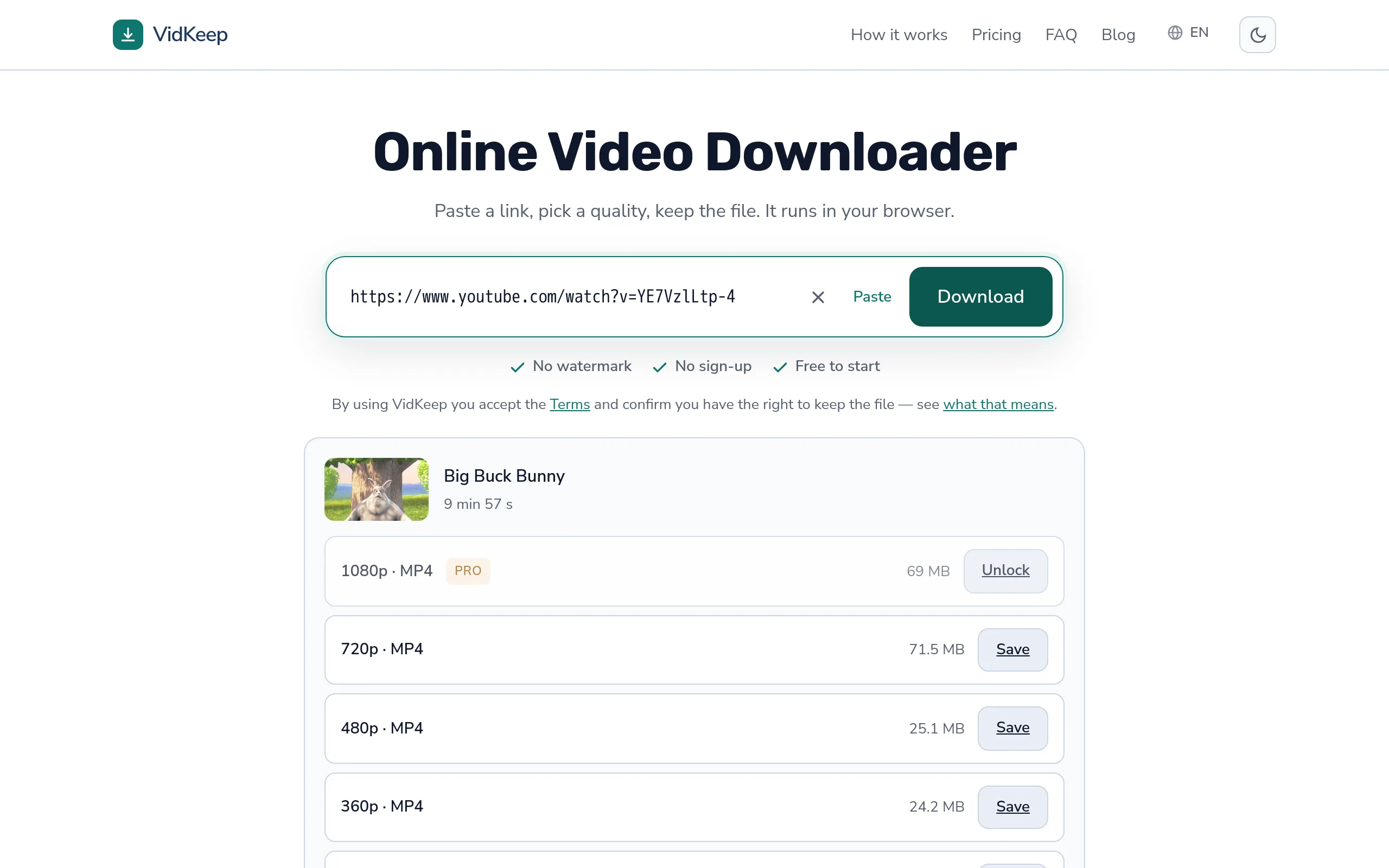
Because that version does not exist. A platform offers the resolutions it created, and it only creates versions up to the quality that was uploaded — a 720p upload never becomes 1080p. Recently posted videos are a second case: higher resolutions are still processing and appear later. No downloader can offer a quality the platform never made, and any that claims to is upscaling.
What the platform actually has
When a video is uploaded, the platform re-encodes it into a ladder of resolutions — one stream per quality. Which rungs exist depends entirely on the source file.
| Uploaded at | Available afterwards |
|---|---|
| 4K | 2160p, 1440p, 1080p, 720p, 480p, 360p… |
| 1080p | 1080p and below |
| 720p | 720p and below — no 1080p, ever |
| 480p | 480p and below |
The ladder only goes down. Adding a rung above the source would mean inventing detail that was never recorded, and platforms do not do that.
So a missing 1080p is usually a fact about the upload rather than about your connection, your device, or the tool you are using. Older videos, phone uploads from a decade ago and re-uploads of re-uploads are all commonly capped well below what a modern screen expects.
The recently-uploaded case
One situation where the answer changes if you wait.
Processing is not instant, and it is not simultaneous. A platform publishes the low resolutions first so the video is watchable, then works up the ladder. For a long video, 1080p and above can take hours to appear.
The tell is the video's age. If it went up in the last few hours and only 360p and 480p exist, come back later. If it is three years old, that is what it will always be.
This also explains something creators notice: their own upload looks worse immediately after publishing than it does the next morning. Nothing was fixed — the better versions finished processing.
What a downloader can and cannot do
Worth being blunt, because this is where misleading claims live.
Can: list every quality the platform holds, fetch any of them, and assemble video and audio into one file.
Cannot: produce a resolution the platform does not have. There is nothing to fetch. A tool showing 1080p for a 720p-only video is either mislabelling the file or upscaling it.
Upscaling means stretching a smaller picture to fill a larger frame. The file gets bigger and the numbers look better; the detail does not improve, because the detail was never captured. On a phone the result usually looks slightly softer than the honest smaller version.
If you have a file that claims 1080p and looks like 720p stretched, that is what happened to it. There is no setting that recovers the original.
Why the same video differs by platform
A video posted to several places often has different qualities on each, which confuses people who assume the file is the file.
- Each platform re-encodes independently with its own settings and its own ladder.
- Upload limits differ. Some cap resolution or file size on the way in, so the source they hold is already reduced.
- Short-video platforms optimise for phones. A vertical clip is stored at phone-appropriate dimensions rather than at desktop resolutions.
- Re-uploads compound. A clip taken from one platform and posted to another has been encoded twice, and the second encode starts from the first one's output.
This is why the same clip can be sharp in one place and mushy in another, and why tracking down the original posting is worth the minute it takes when quality matters.
How to check what the platform really has
Before concluding anything, confirm it independently. This takes ten seconds and settles the question completely.
Open the video on the platform itself, in a browser, and look at its own quality menu — the gear icon on YouTube, the equivalent elsewhere. That menu lists exactly what exists. If 1080p is absent there, it is absent everywhere and no tool will find it.
Do this signed out, in a private window, because that is the view a downloader gets. Being signed in occasionally changes what a platform offers, and a quality you can see while logged in is not necessarily one that anything else can reach.
The reverse case is the informative one. If the platform's menu shows 1080p and your downloader does not, the problem is the downloader, not the video — and that is worth knowing, because a tool that silently drops the best option will do it again on every video you save with it.
What to do when 1080p is not there
- Check the video's age. Hours old? Wait and check again. Years old? This is final.
- Look for the original upload. Reposts lose quality; the source account often has a better version.
- Take the highest that exists. An honest 720p beats an upscaled 1080p on every screen.
- Consider the screen. On a phone, 720p and 1080p are hard to tell apart at normal viewing distance — more on matching quality to screen.
The third point is the one worth internalising. The instinct is to keep hunting for a higher number, and the number is not the thing you are watching.
There is also a case for deliberately taking less than the maximum, which sounds perverse until you have watched a download fail three times. Every step down the ladder is a smaller file, a shorter transfer and less exposure to everything that can interrupt it. On a train, on hotel Wi-Fi, or on a phone with a couple of gigabytes left, the quality that finishes is better than the quality that does not.
And if the video turns out to be worth keeping properly, you can fetch it again later from a better connection. Downloads are not a one-time offer — treating the first attempt as though it were is what leads people to insist on a resolution their connection cannot carry.
When the list looks wrong rather than short
A different problem, worth separating: sometimes the qualities offered are not missing but odd — a gap in the middle, or sizes that make no sense.
A gap in the ladder (1080p and 480p but no 720p) usually means that rung exists in a form the tool filtered out — a stream with no usable audio pairing, or a codec it excluded. The platform has it; something in between decided not to show it.
Sizes that do not follow resolution are normal and not an error. A 1080p file can be smaller than the 720p one because the higher rung uses a more efficient codec — the codec comparison covers why.
Only one option with no resolution named means the platform stores a single finished file rather than a ladder. Short-video platforms work this way, and there is genuinely nothing to choose between.
The three look similar in a list and mean quite different things. Only the first is a sign that a tool is losing something.
A fourth variant deserves a mention because it is genuinely a platform behaviour rather than anything a tool controls. Some videos offer a high resolution only in a form that requires being signed in, or only within the platform's own player. From outside, those rungs simply are not there, and no amount of trying a different tool changes it — the restriction travels with the account, not with the software.
The practical way to tell that case apart from the others is the private-window check described above. A quality that vanishes when you sign out is a quality no downloader will ever reach, and knowing that saves an afternoon of trying alternatives that all fail for the same reason.
The bug that made us tell people their video had no formats
We shipped a version of this wrong, and it is the most instructive mistake in the codebase because the failure was invisible from our side and confidently misleading from the user's.
Our code takes the raw list of streams a platform reports and reduces it to one option per quality step — otherwise you would see four rows labelled 720p and no way to tell them apart. The filter prefers streams that already carry audio, then prefers MP4, then falls back.
The bug was in what happened when that filter emptied the list. The underlying tool reports ‘requested format is not available’, and we translated it directly: this video has no downloadable versions. Which was false. The versions existed. Our own filter had excluded all of them, and we blamed the platform for our omission.
People saw a definitive statement about their video and went away believing it. There was no error on our side, nothing in the logs looked wrong, and the only way we found out was testing against real links from platforms whose stream layouts we had not anticipated — Facebook in particular, which labels things unlike anyone else and needed its own handling.
The fix was partly code and partly wording. Formats that our general rules reject now get a second pass for platforms known to be unusual, so the list is rebuilt rather than abandoned. And the message changed: when we genuinely find nothing, we say we could not read the video rather than asserting it has no versions. The first is honest about where the uncertainty lives; the second was a claim we had no right to make.
It is worth knowing this as a user of any downloader, not just ours. When a tool tells you a quality does not exist, that statement passes through the tool's own filtering before it reaches you. Checking the platform's own quality menu in a browser takes ten seconds and tells you whether the missing rung is really missing — and it is how you catch a tool that is quietly losing options.
Frequently asked questions
Why is there no 1080p option for this video?
The platform does not have a 1080p version. Either the video was uploaded at a lower resolution, or higher qualities are still processing.
Will 1080p appear later?
Only for recently uploaded videos. Processing works up the ladder, so higher resolutions can take hours. An old video will not change.
Can a downloader create a higher quality?
No. It can only fetch what exists. A tool offering a quality the platform lacks is upscaling — the frame gets bigger, the detail does not.
Why does the same video have better quality elsewhere?
Each platform re-encodes independently and caps uploads differently. A repost has also been encoded twice, starting from the first encode's output.
Is upscaled 1080p better than real 720p?
No. It is a larger file with no extra detail, and usually looks slightly softer than the honest smaller version.
Why is 720p missing while 1080p and 480p are there?
That gap usually means the tool filtered out the 720p stream rather than the platform lacking it. Checking the platform's own quality menu confirms it.
VidKeep runs in your browser — paste a link, pick a quality, keep the file. No account, no app.
Open VidKeepLast updated: 2026-08-31. We revise our guides as the platforms change.