Troubleshooting
Not Enough Storage for the Download

A download needs more free space than the finished file — often roughly twice, because some browsers write a temporary copy and move it at the end. So a 70 MB video can fail with 100 MB free. The fastest wins are almost never your photos: it is app caches, old downloads, and offline content inside streaming apps that quietly accumulated.
Why the file size is not the space you need
Two things make the requirement larger than the number shown next to a quality.
Temporary copies. Some browsers download to a temporary location and move the file when it completes. Briefly, two copies exist.
Nothing is reserved. Your phone is doing other things while the download runs — an app updating, photos syncing, a message arriving with an attachment. Space that was free when you started may not be free at minute three.
The practical rule is to have at least twice the file size available before you tap Save, and more for a long video. It sounds wasteful and it is the difference between a download that completes and one that dies silently — which is what a full disk usually looks like.
Where did the space actually go?
People reach for photos first because photos feel large. They are usually not the problem.
| Culprit | Typical size | Safe to clear? |
|---|---|---|
| Streaming app offline content | Several GB | Yes — it re-downloads |
| Messaging app media cache | 1–10 GB | Yes, but check saved attachments |
| Old browser downloads | Hundreds of MB | Yes |
| App caches generally | Varies widely | Yes — apps rebuild them |
| Photos and videos | Large but wanted | Last resort |
The first row is the one people forget entirely. Offline episodes in a streaming app occupy gigabytes, are invisible in any file manager, and can be re-downloaded whenever you want them.
The second is the biggest on most phones that have been used for years. Every image and video ever sent in a group chat is cached locally, and none of it is needed.
Finding out, rather than guessing
- iPhone: Settings, General, iPhone Storage. It lists apps by size with the largest first, and separates the app from its data.
- Android: Settings, Storage. Breakdowns vary by manufacturer but all of them show categories and let you drill in.
- Either: look at the top three entries. On almost every phone, three apps account for most of the used space.
This takes a minute and consistently surprises people. The instinct is that a thousand photos must be the problem; the reality is usually one messaging app and one streaming app.
Both systems also suggest things to delete on that screen. Those suggestions are reasonable and worth reading before deleting anything by hand.
How do you clear space without losing anything?
In order of how much you get back for how little you lose.
Delete offline content in streaming apps. Gigabytes, instantly, and it re-downloads whenever you want it.
Clear messaging app caches. Every app has this in its own settings. Check whether anything you saved lives only there first.
Empty the Downloads folder. Years of files nobody revisits. On iPhone this is the Files app; on Android, Files or your file manager.
Empty the deleted-items album. Photos you deleted are kept for thirty days and still occupy space. Emptying it recovers everything at once.
Offload unused apps. iOS removes the app and keeps its data; reinstall restores everything. Genuinely free space with no loss.
Can you download with a nearly full phone?
If space is permanently tight, the download itself is where to adjust.
- Take a lower quality. On a video we listed on 31 October 2026, 360p was 11.3 MB against 80.5 MB at 1080p, and on a phone screen the difference is hard to see at normal distance.
- Take audio only when the picture does not matter — podcasts, interviews, lectures. A fraction of the size.
- Download one at a time and move each off the phone before the next.
- Use an SD card on Android — and set the browser to save there directly.
- Check the size before tapping. It is shown next to most qualities for exactly this reason; the MP3 row is the exception.
The failure with no message
Worth knowing what this looks like, because it rarely announces itself.
Both iOS and Android frequently abandon a download when space runs out without showing anything. You tap save, time passes, and no file exists. It looks exactly like a broken tool or a bad connection.
The tell is that it happens on larger files and not smaller ones. If 360p works and 1080p does not, and your connection is fine, storage is the first thing to check rather than the last.
A partial file is sometimes left behind, and it will often play the portion that arrived — which misleads people into thinking the download half-worked and can be repaired. It cannot; the rest of the data was never received.
Why the size is next to the options, and where it is missing
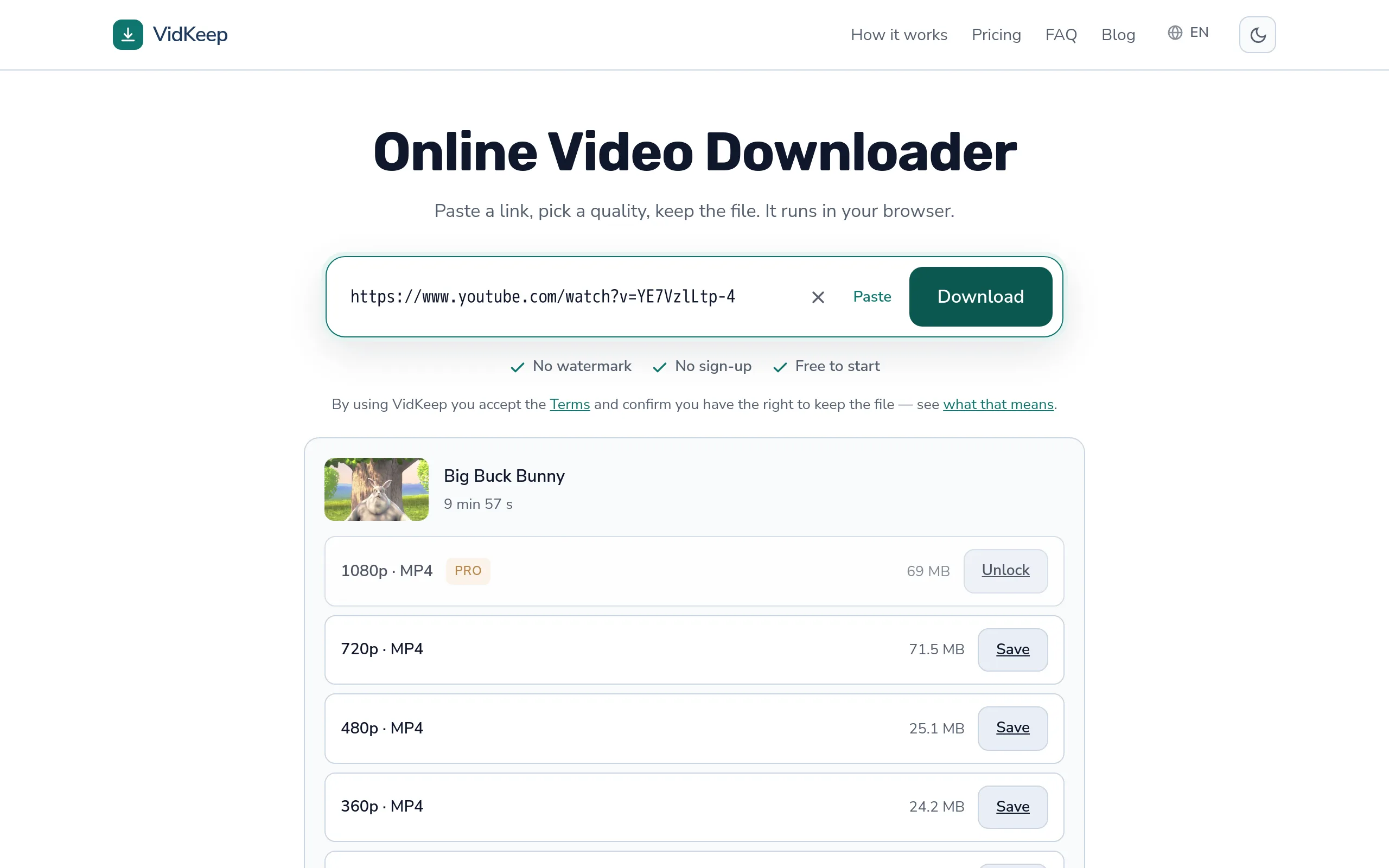
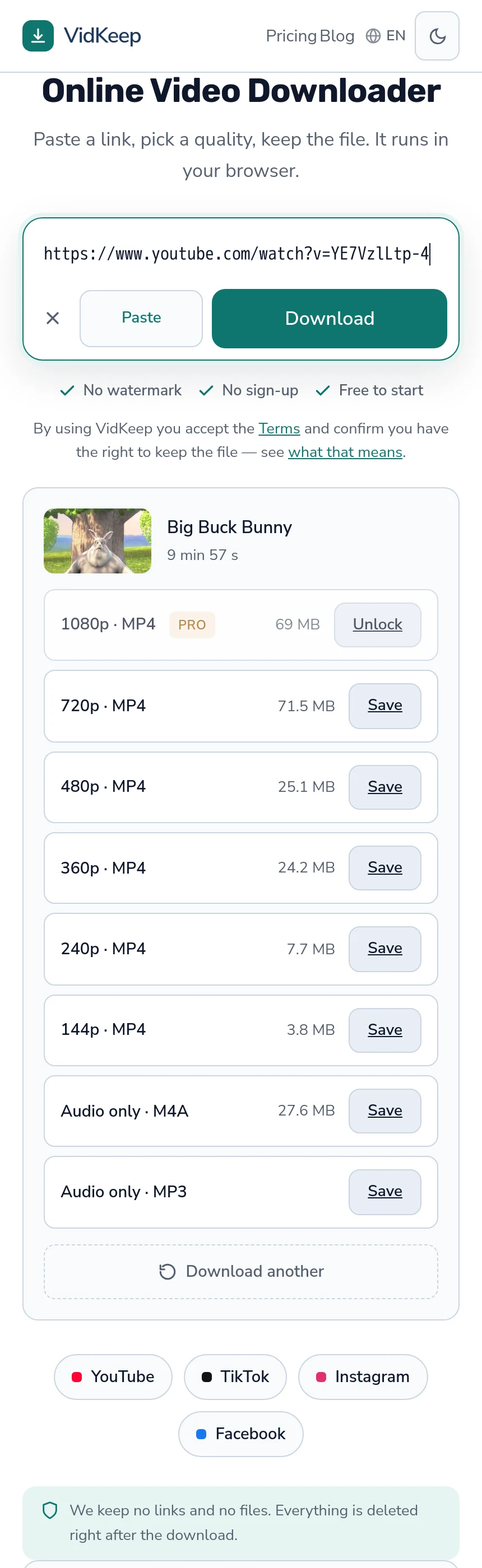
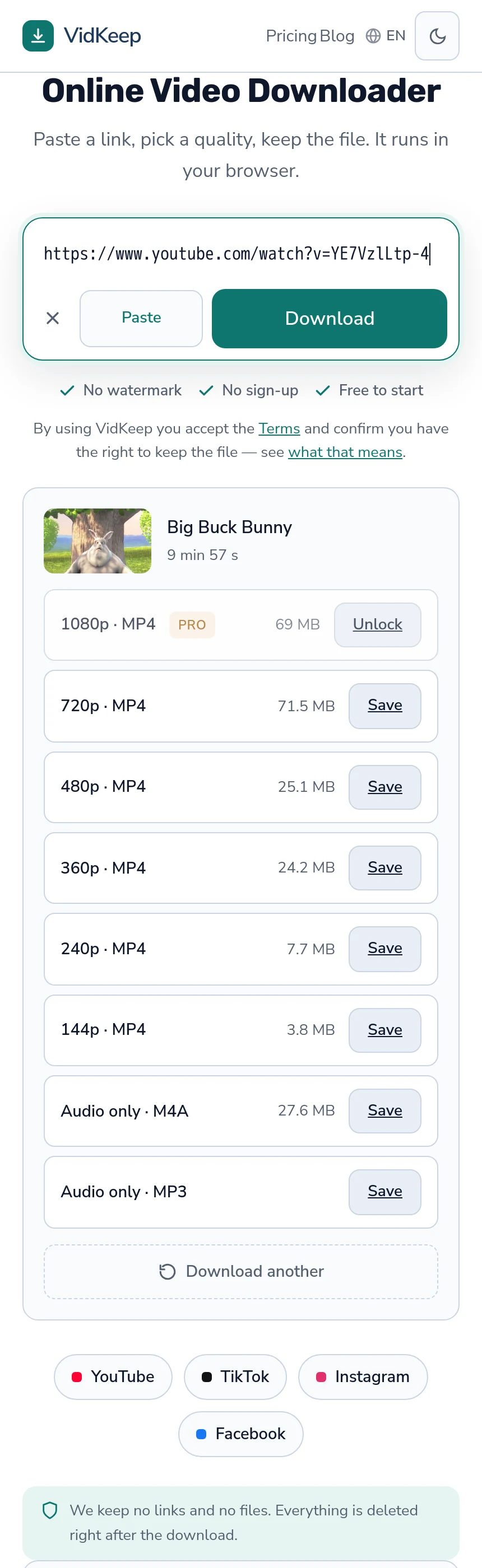
Most qualities in our list carry a size, shown before you commit to anything: exact when the platform reports it, and marked with a ~ when we estimate it from the bitrate and duration. On a phone with a storage problem, that is the single most useful thing an interface can do, and plenty of tools in this category do the opposite.
The common pattern is to show quality labels alone and reveal the size once the file has arrived. That is easier to build — the size does not have to be fetched or reasoned about — and it is precisely too late for someone deciding whether a video fits in what is left. The choice between 360p and 1080p is a storage decision as much as a quality one, and it cannot be made with the numbers hidden.
We show them even when they are surprising. Size does not rise in step with the label: on a three-and-a-half-minute video we listed on 31 October 2026, 360p was 11.3 MB, 720p 28.5, 1080p 80.5 and 2160p 232.5. From 720p to 1080p the file nearly triples, and the codec and the bitrate the uploader chose matter as much as the resolution.
This article used to describe a list that showed 1080p smaller than 720p and called it a codec effect, and to say we refuse to estimate a size. Neither is true now. The first was our bug: for a quality that needs video and audio joined, the number covered the video alone, and since 30 October 2026 it includes the audio track. The second changed on 11 September 2026, when we started estimating from bitrate and duration and marking the figure with a ~.
One row still has no number: the MP3, because the file does not exist until it is converted. The M4A audio-only row, where a platform offers one, does show its size, and that is why audio is worth looking at when a phone is nearly full. If someone is counting megabytes, they deserve the actual number.
Frequently asked questions
Why does my phone say not enough storage when the file is small?
A download often needs about twice the file size free, because some browsers write a temporary copy and move it when it completes.
What is actually using my storage?
Usually offline content in streaming apps and messaging app caches, not photos. Check the storage screen in settings — three apps account for most of it on most phones.
How do I free space without deleting photos?
Delete offline episodes in streaming apps, clear messaging caches, empty the Downloads folder, and empty the recently-deleted album, which still occupies space for thirty days.
Why did the download fail with no error?
Both iOS and Android abandon downloads quietly when space runs out. If small files work and large ones do not, check storage first.
Can I download to an SD card?
On Android, yes — set the browser's download location to the card. iPhones have no card slot.
What quality should I take on a full phone?
A lower quality is far smaller (11.3 MB at 360p against 80.5 MB at 1080p on the video we measured) and hard to distinguish on a phone screen. Audio only is smaller again when the picture does not matter.
VidKeep runs in your browser — paste a link, pick a quality, keep the file. No account, no app.
Open VidKeepLast updated: 2026-11-14. We revise our guides as the platforms change.