How-to
Download Videos on PC and Mac Without Software

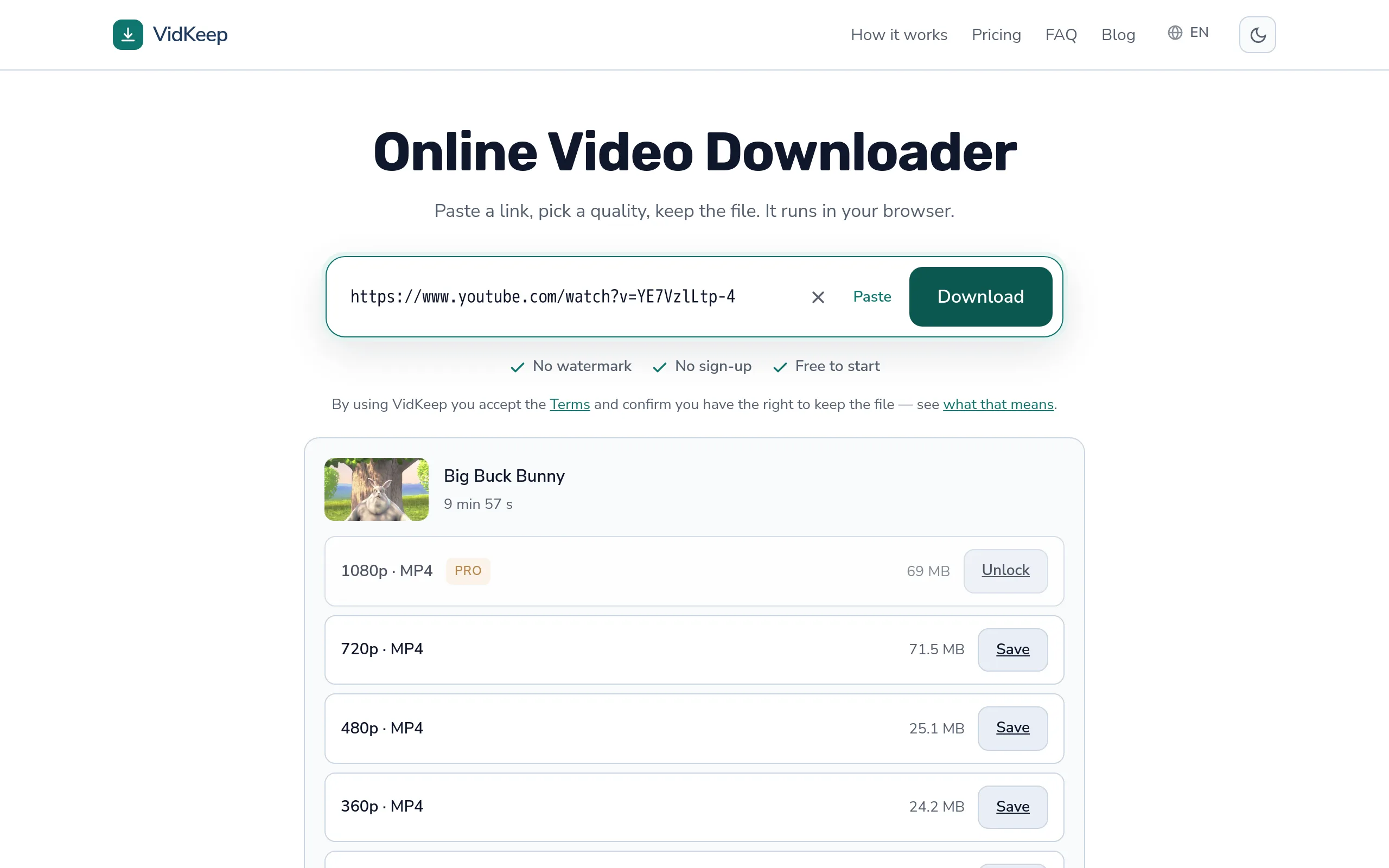
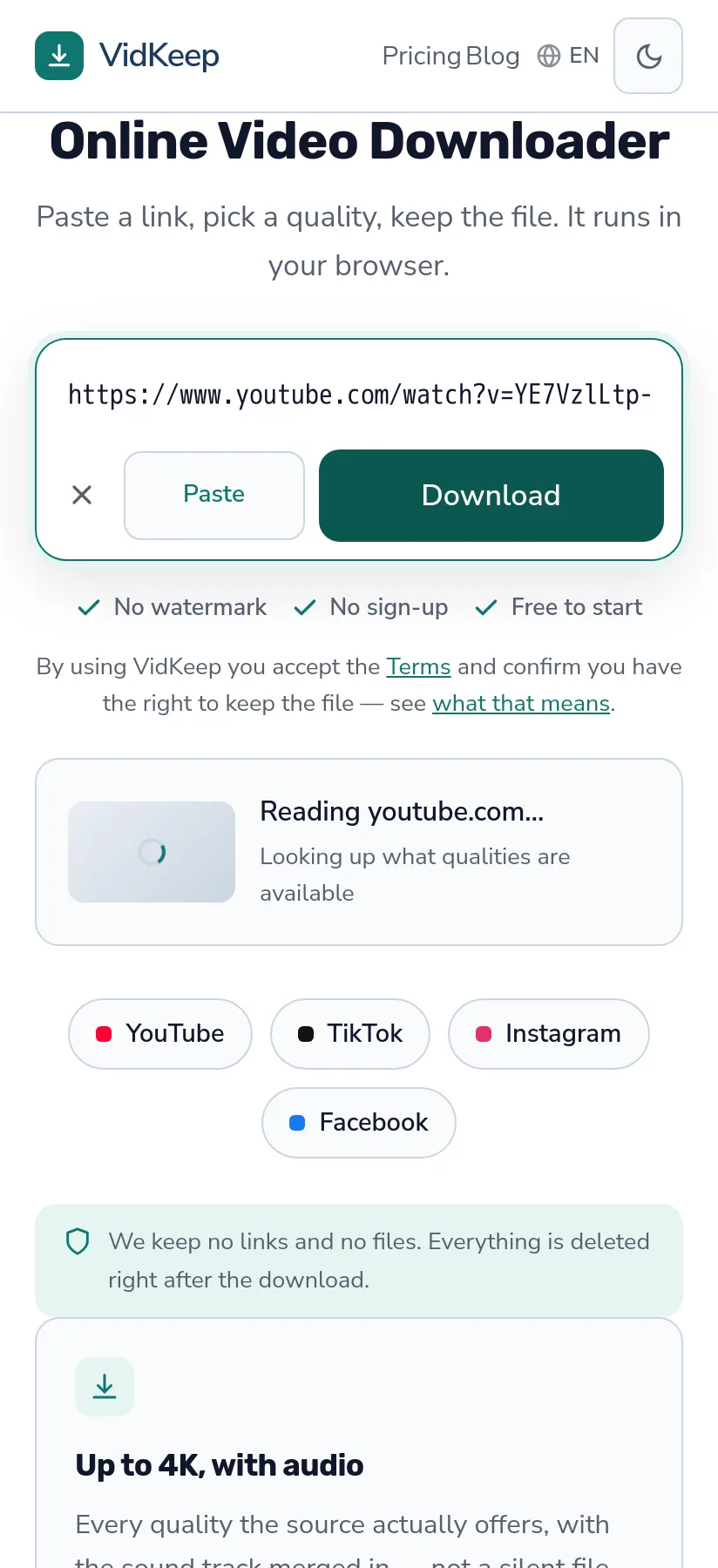
On a computer you need nothing installed: open VidKeep in whatever browser you already use, paste the link, pick a quality, save. The file lands in your normal Downloads folder, and nothing stays behind afterwards. This matters more on desktop than on phones, because desktop is where the sketchy installers and browser extensions live.
The three steps, identical on Windows and macOS
- Copy the video link from the address bar.
- Paste it into the box and let the page read what qualities exist.
- Click a quality. The browser downloads it exactly as it would any other file.
Any browser works — Chrome, Edge, Firefox, Safari, Brave, Opera. There is no extension to install, so browser choice changes nothing except where the download list appears.
Where the file goes
| System | Default location | Fastest way to open it |
|---|---|---|
| Windows | C:\Users\You\Downloads | Ctrl+J in the browser |
| macOS | /Users/You/Downloads | Cmd+Shift+J, or the download icon in Safari |
Both systems keep a download history in the browser, which is usually quicker than hunting through folders. If you saved something and cannot find it, that list has a ‘show in folder’ option next to every entry.
One quirk worth knowing on macOS: Safari can be set to open ‘safe’ files after downloading. For a video that means it may start playing in QuickTime the moment it arrives, which people sometimes mistake for the file having opened instead of saved. It saved — it also opened.
Why browser extensions are the risky route here
Search for a downloader on desktop and half the results are extensions. They are genuinely convenient — a button right on the video page — and they ask for a permission most people click past.
That permission is usually read and change all your data on all websites. It is not unreasonable for a downloader to want it: to find a video on a page, it has to read the page. But the same access covers your email, your bank, and every form you fill in.
The problem is not the extension you install today. It is that extensions update silently, and they get sold. An extension that was honest for three years can change hands and ship an update that harvests everything — with permissions you already granted, on a browser that updates it automatically.
This has happened repeatedly across the extension ecosystem, and it is why we do not publish one. A web page has no permissions, sees only what you paste into it, and vanishes when you close the tab.
When a desktop application is genuinely the right tool
We are not going to pretend the browser wins every time. Some jobs need real software:
- Archiving a whole channel. Hundreds of videos with resume, retries and consistent naming — that is what desktop tools are built for.
- Scheduled or repeated jobs. Anything that should run unattended.
- Unusual formats or codecs. Command-line tools expose options no web interface reasonably could.
- Working offline from a queue. A browser tab is a poor place to park a hundred pending tasks.
For everything else — one video, now, on a machine you would rather not install things on — the browser is simply less hassle and less risk. Most people are in that second group almost all the time.
Desktop-specific problems and fixes
- ‘This file may harm your computer.’ Chrome sometimes warns on large media downloads. Check the file extension is
.mp4or.mp3, then keep it. If something offers you an.exe, that is a different matter entirely — nothing about saving a video requires a program. - Corporate machine blocks it. Work laptops often filter downloads by policy. That is your IT department's setting and no tool overrides it.
- Antivirus quarantines the file. Rare with plain MP4s, and usually a false positive on a large unknown file. Check the source before overriding.
- Download completes but the file will not open. Usually a codec the player does not know rather than a damaged file.
Why we deliberately never shipped an extension
This is a product decision we get asked about often enough to explain properly, because from the outside declining to build one looks like an oversight.
A browser extension would be commercially better for us in every obvious way. It sits permanently in the toolbar instead of being a page you have to remember. It creates a habit. It is defensible against competitors, because switching costs something. Every growth argument points the same direction.
The reason we have not is the permission model. To find a video on an arbitrary page, an extension needs to read that page — and browsers do not offer ‘read only video pages’ as a permission. What you grant is access to every site you visit, forever, including the ones where you type passwords and card numbers.
That grant is not renewed when the extension changes. Updates ship automatically, ownership can transfer quietly, and the new owner inherits access that thousands of people approved years earlier for entirely different code. The extension ecosystem has a long history of exactly this sequence, and the users affected did nothing wrong at any point.
A web page cannot do any of that. It sees the link you paste and nothing else — not your other tabs, not your history, not the page you were on. When you close it, it is gone. That is a genuinely weaker position for us and a genuinely safer one for you, and given the choice we would rather be the tool that cannot betray you than the one that promises not to.
The same reasoning explains why we have no desktop application either. An installer asks for far more trust than an extension: it runs with your account's privileges, it can start with the system, and uninstalling it does not always remove what it left behind. For a task that amounts to fetching one file, that is an enormous amount of access to hand over.
There are jobs where a desktop tool genuinely is the right answer, and we said so plainly above rather than pretending otherwise. But those jobs are archiving and automation, not ‘save this clip’ — and pointing people at the heavier tool for the lighter task is how software ends up on machines that never needed it.
Frequently asked questions
Do I need to install anything to download videos on PC?
No. It runs in any browser with nothing installed and no extension. Anything asking you to run an installer for this is doing more than downloading a video.
Where do downloaded videos go on Windows?
C:\Users\YourName\Downloads by default. Ctrl+J opens the browser's download list, which is usually faster than looking through folders.
Where do they go on Mac?
The Downloads folder in your home directory. Cmd+Shift+J shows the browser's list.
Are browser extensions safe for this?
They require permission to read and change data on all sites. That is a lot to grant for one feature, and extensions can change ownership after you install them.
Why does Chrome warn me about the file?
Chrome flags some large media downloads by default. Check the extension is .mp4 or .mp3 and keep it. Never accept an .exe from a video downloader.
Is a desktop app better?
For archiving hundreds of videos or scheduled jobs, yes. For one video now, the browser is faster and installs nothing.
VidKeep runs in your browser — paste a link, pick a quality, keep the file. No account, no app.
Open VidKeepLast updated: 2026-08-01. We revise our guides as the platforms change.