How-to
Saving Your Own TikToks

Two completely different problems. Published posts are public videos and download like anyone else's — normally clean, with no watermark, because the stored file never had one. Drafts are not on TikTok at all: they live in the app's storage on your phone, which is why they vanish when you reinstall and why no downloader can reach them.
Can you download a TikTok draft?
This surprises people every time, usually at the worst moment.
A draft is not uploaded. It sits in the TikTok app's private storage on the phone that made it, and nothing about it exists on TikTok's servers. There is no link, no public page and nothing for any tool to fetch.
The consequences follow directly. Drafts do not appear on another device when you sign in. They are lost if the app is uninstalled, if the phone is reset, or if the phone is lost. Clearing the app's data deletes them. None of this is recoverable, by you or by TikTok's support.
If a draft matters, get it out of the app: use the app's own save-to-device function while the draft still exists. That copy carries a watermark, and a watermarked copy you have beats a clean one you do not.
How do you save a post you published?
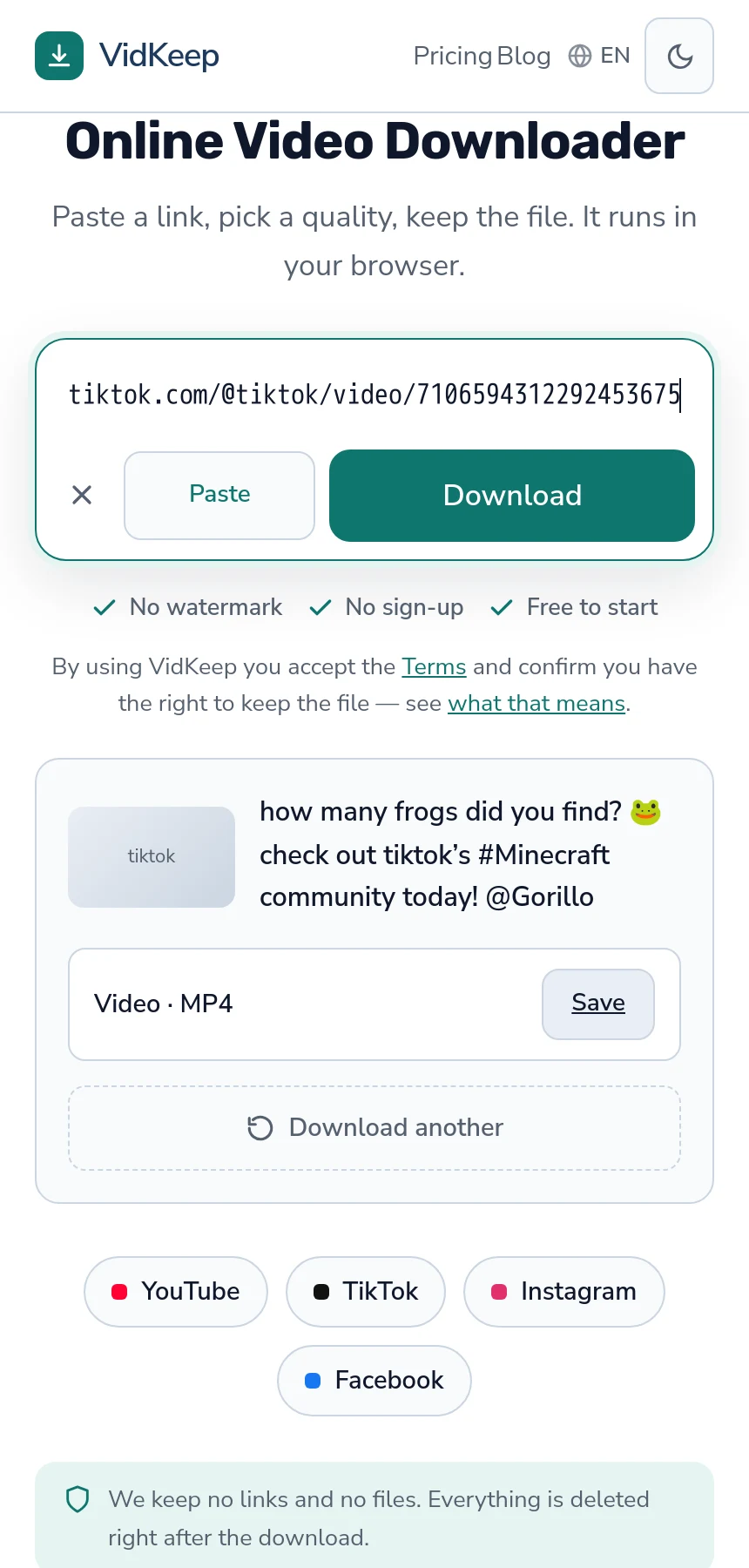
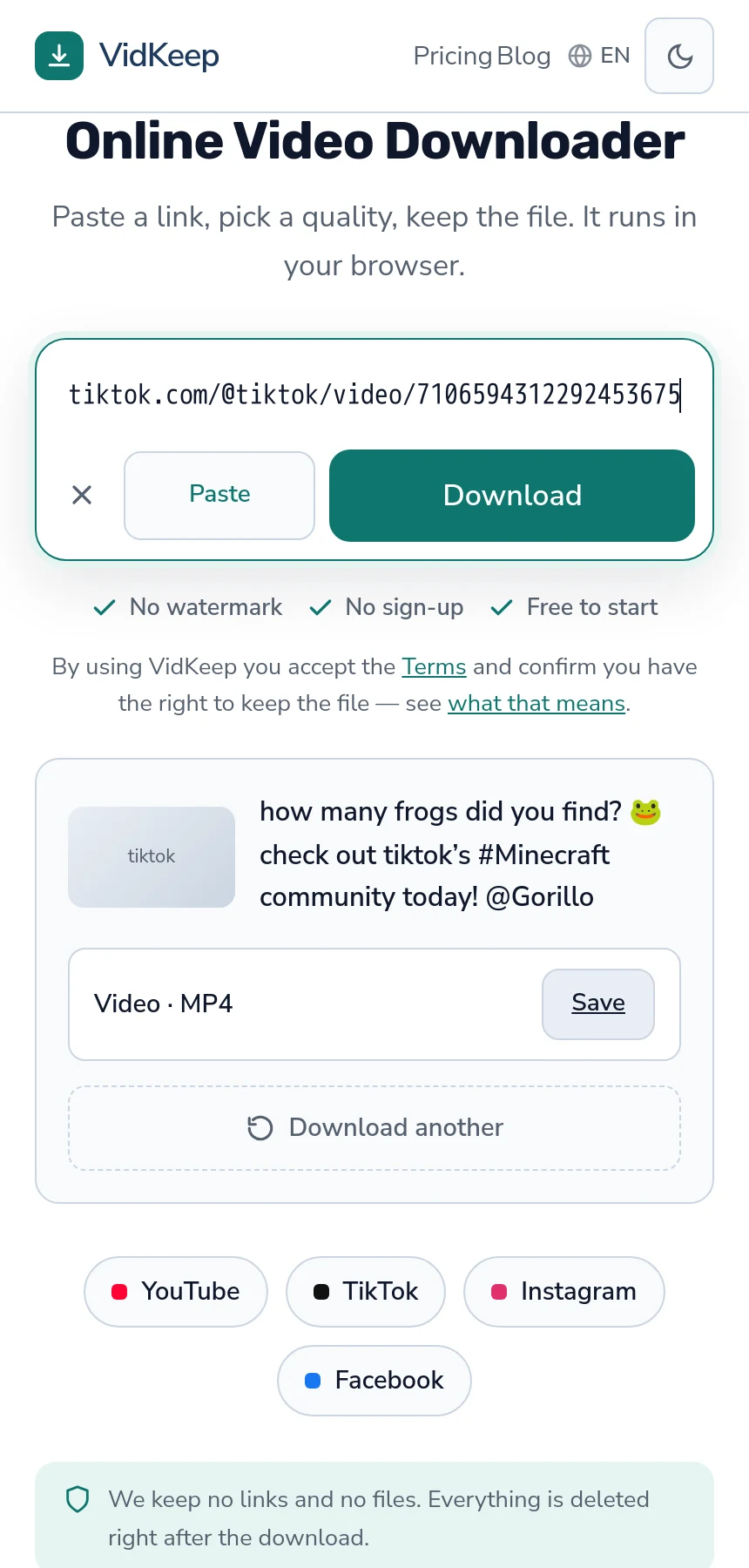
Once a video is posted, it is a public video with an address, and saving it works like any other TikTok.
- Open your own video and tap Share, then Copy link.
- Paste it in and save the file.
The result normally has no watermark. That is not removal — the stamp is applied when the app exports a copy for saving, and the stored file never had it — the distinction matters and is explained here.
For your own work that difference is practical rather than theoretical. Cross-posting a watermarked clip to another platform is down-ranked by most recommendation systems and reads as recycled content, so a clean file is worth the extra step.
What does the clean copy not include?
Worth setting expectations, because this is the point where creators are most often disappointed.
What you download is TikTok's processed version, not what you uploaded. The platform re-encoded it on upload and discarded your file, so the copy is compressed twice and capped at whatever resolution TikTok produced.
For reposting and archiving that is fine. For re-editing it is a poor starting point: exporting from it adds a third generation, and compression artefacts that were invisible on a phone become obvious under scaling or grading — the general problem for creators.
The version you actually want is your own export, from before uploading. If it still exists anywhere — the editing app, the camera roll, a laptop — that is the better file, and no download replaces it.
Habits that avoid the whole problem
- Save the export before posting. Ten seconds, and it removes every question in this article.
- Do not treat drafts as storage. They are a workspace inside one app on one device, with no backup behind them.
- Get finished work out of the app. Camera roll, then wherever you keep things properly.
- Keep the captions too. Text, sounds used and posting dates are not in the video file and cannot be reconstructed later — the same problem across platforms.
The first point is the whole article in one line. Everything else here is recovery from not having done it.
Drafts versus posts, side by side
| Draft | Published post | |
|---|---|---|
| Where it lives | Your phone, inside the app | TikTok's servers |
| Has a link | No | Yes |
| Downloadable | No | Yes, clean |
| Survives reinstalling | No | Yes |
| Visible on another device | No | Yes |
The middle row is the one that matters. Everything a downloader does begins with a link, and a draft has none — which makes this a storage question rather than a downloading one, however much it feels like the latter.
Archiving a whole account
If the goal is your entire catalogue rather than a few clips, the right first move is not a downloader.
TikTok offers an export of your own data. It is free, takes days to arrive, and generally contains better versions than an external tool reaches — the platform has no reason to serve you a reduced copy of your own work.
Request it first, then fill gaps with individual downloads. Doing it the other way round means spending evenings on files you were about to be given, at lower quality — the order of operations is covered here.
And pace the gap-filling. Sixty rapid requests produce rate limiting rather than sixty files, which on the day you are closing an account is a genuinely bad outcome — the pacing that works.
Deleted posts and what remains
A question that follows naturally: can you recover something you already deleted?
Generally no. A deleted post is removed from TikTok and its address stops resolving. There is no external cache of TikTok videos that any tool consults, and services claiming otherwise are describing something that does not exist.
Two partial exceptions. If someone reposted the clip, that copy still exists — lower quality, having been through another encode, and possibly watermarked. And if you requested a data export before deleting, it may contain it.
This is the strongest argument for the habit at the top of this article. Recovery options after deletion are thin and depend on other people; keeping your own export costs ten seconds and depends on nobody.
Why your own videos get no special treatment here
Our service has no idea whose video it is, and that is worth being explicit about because creators reasonably wonder whether saving their own work is a different path.
It is not. A link to your own TikTok and a link to a stranger's produce identical requests: same code, same fetch, same result. We see a platform and an address. Nothing in the request indicates ownership, and the free tier has no account at all; a Pro account only holds an email for the licence key, never a list of videos, so nothing on our side could establish it.
Which cuts both ways honestly. It means we cannot give you anything better because the video is yours — no higher quality, no original file, no metadata a stranger would not get. The platform serves the public version to every request, and ownership is not a fact the platform is being asked about.
It is also why the line under the link box says that by using the service you confirm you have the right to keep the file. It is a line of text, not a prompt before each download, but it is doing real work in this case: a creator saving their own post and someone about to repost that post as their own produce the same request. The question is genuinely yours to answer and nobody else is in a position to.
The practical implication for creators is that we are the wrong tool for the job you most want done. For your own catalogue, the platform's export gives you better files, includes the text, and costs nothing. We are useful for a handful of clean copies for cross-posting, and for what the export missed — a smaller role than a page selling to creators would claim, and the accurate one.
There is one thing the lack of a free-tier account does buy you, and it is worth naming since so much of this article is about what we cannot do. Saving your own post requires giving us nothing: no login, no email, no connection between the video and you (Pro keys are the exception, and they hold an email only). A tool built to serve creators specifically would almost certainly ask you to sign in — that is how it would offer a library, a history, a queue — and signing in is what makes a record of everything you saved.
Frequently asked questions
Can I download my TikTok drafts?
No. Drafts are stored inside the app on your phone and never reach TikTok's servers, so there is no link for any tool to fetch.
What happens to drafts if I reinstall the app?
They are gone. Uninstalling, resetting the phone or clearing the app's data deletes them, and nothing recovers them.
How do I save my own post without the watermark?
Copy the link to your published video and save it through a downloader. The stored file never had a watermark — the stamp is added when the app exports a copy.
Is the downloaded copy the same as what I uploaded?
No. TikTok re-encoded it on upload and discarded your file, so the copy is compressed twice and capped at the platform's resolution.
How do I archive my whole account?
Request TikTok's data export first — free, better versions, takes days. Fill gaps with individual downloads afterwards.
Can I recover a video I deleted?
Generally no. The address stops resolving and no external cache exists. A repost by someone else or a prior data export are the only partial routes.
VidKeep runs in your browser — paste a link, pick a quality, keep the file. No account, no app.
Open VidKeepLast updated: 2026-10-31. We revise our guides as the platforms change.