How-to
Instagram Profile Pictures: What Is Actually Available

The honest answer is disappointing and worth knowing before you try three services. A public Instagram page exposes the profile picture at a small size — we measured the one served for a large public account and it came back at 100 × 100 pixels. Sites promising ‘full size HD’ are upscaling that, which enlarges the frame and adds no detail.
What the page actually gives you
Every public Instagram profile carries a preview image in its page markup — the one used when a link is shared into a chat or a social post. That image is the profile picture, and it is reachable without an account.
It is also small. We fetched the one for a large public account and measured the file: 100 × 100 pixels, just under 3 KB. That is a thumbnail, and it is what the public page makes available.
Larger versions exist on Instagram's own servers — the app displays a bigger avatar — but they are not exposed on the public page. There is no address to construct and no parameter to change.
What 'full size HD' services actually do
Search this and you will find services promising the full-resolution avatar. Three things are happening, and none is what is advertised.
Upscaling. The small image is enlarged to 1080 pixels. The file grows, the number looks impressive, and the picture is a blurred version of the thumbnail. This is the most common case.
Serving the same thumbnail with a page around it, which at least does not pretend to improve anything.
Asking you to sign in ‘to access full resolution’. That is a credential harvest with a plausible cover story, and no legitimate tool needs your Instagram account for anything — the pattern is covered here.
The tell for the first is size. A genuinely high-resolution photograph is tens or hundreds of kilobytes. An upscaled 100-pixel thumbnail saved at 1080 is visibly soft the moment you look at it at full size.
Getting the available version
- Open the profile in a browser, signed out, so you see what is public.
- View the page source and find the preview image address — it is in a meta tag near the top.
- Open that address and save the image as you would any picture.
That is the whole method, and it produces the thumbnail described above. Any service doing this for you is wrapping these three steps in a page with advertising around it.
On a phone, viewing source is awkward, which is the actual reason those services exist. A desktop browser makes it trivial.
Why a video downloader will not help
A reasonable thing to try, and worth explaining what happens.
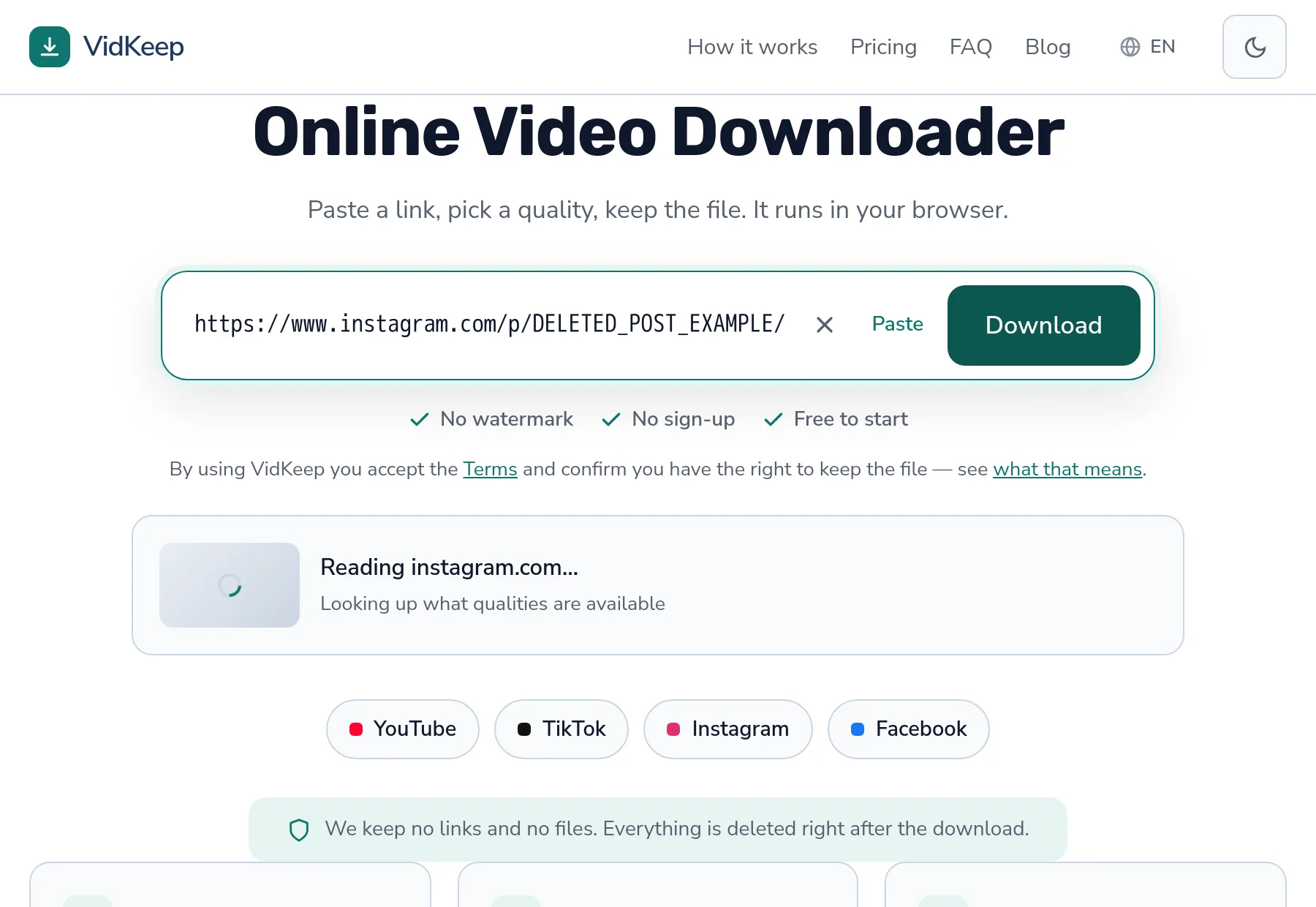
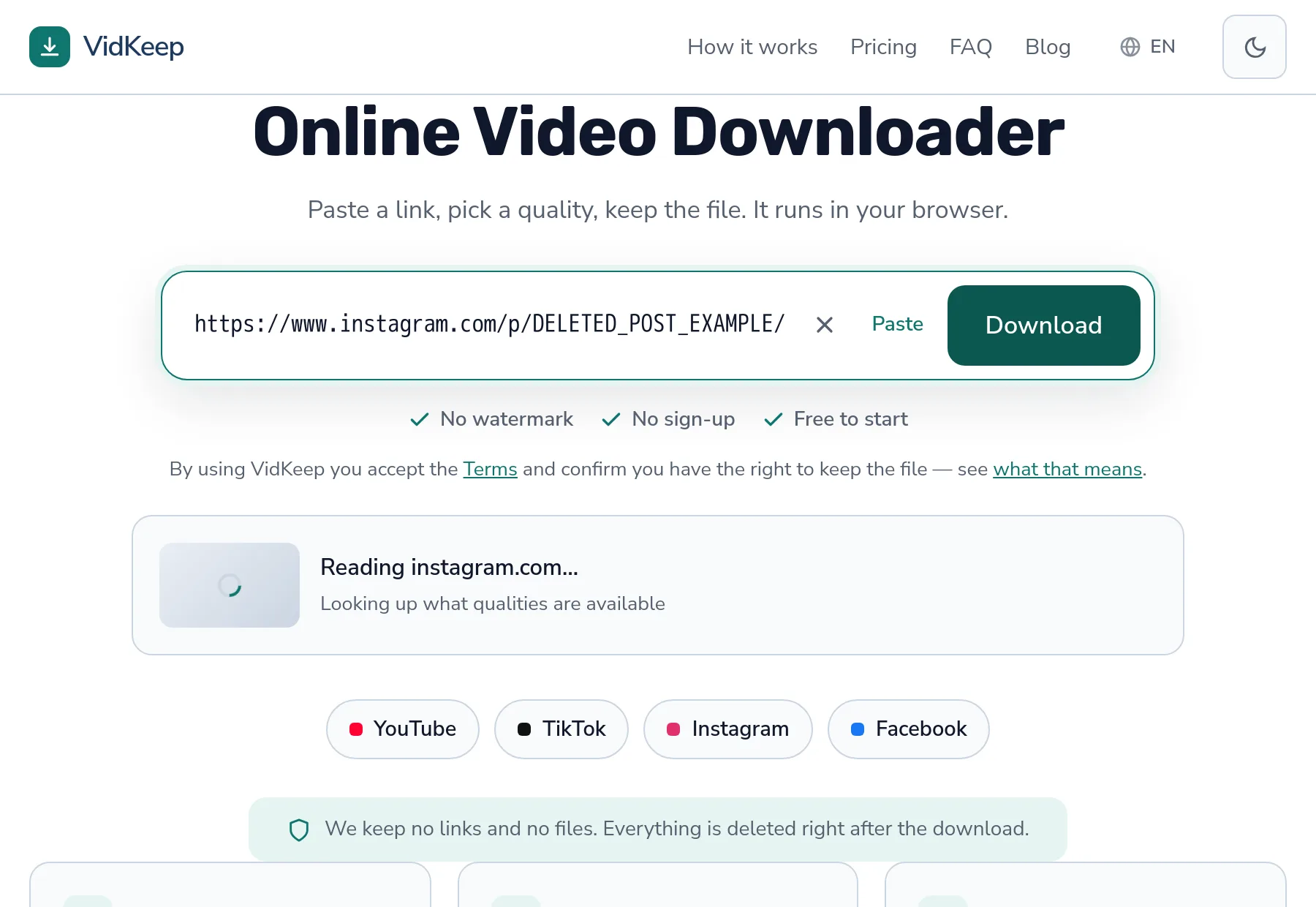
A profile address is not a post. Paste one into a downloader and it will tell you there is no downloadable media at that link — which is accurate: the page is a person, not a piece of content.
Posts are a different case. Since 6 August 2026 our engine returns an Instagram post made only of photographs as a list of JPEG rows (Photo 1, Photo 2 and so on), where before it refused with a message about photos. A profile address still gets “No downloadable media found at this link” — the difference between post types matters here.
So the line runs between a person and a post. Photographs inside a post can be saved; the profile picture belongs to the person’s page, which has no media of its own to hand over.
What each route actually produces
| Route | What you get |
|---|---|
| Preview image from the public page | The real thing, small — 100 × 100 in our measurement |
| ‘Full size HD’ service | The same image enlarged; no extra detail |
| Screenshot from the app | Whatever your screen showed — often better than the thumbnail |
| Asking the person | The original photograph |
The third row is worth noticing because it is overlooked. The app displays a larger avatar than the public page exposes, so a screenshot on a high-resolution phone can genuinely beat every automated route — inelegant, and it works.
The etiquette question
Worth a paragraph, because profile pictures are personal in a way most content is not.
An avatar is usually a photograph of a person, frequently the account holder. Saving one to see it larger is unremarkable. Using it elsewhere — in a post, a mock-up, a profile of your own — involves both copyright and the person's likeness, and the second is not something a public profile waives.
The uses that go wrong here are impersonation and harassment, and both are what makes this topic worth handling carefully rather than as a neutral technical question. A public account is not consent to be used.
For legitimate purposes — a press kit, a collaboration, a design mock-up you will show the person — asking is faster than any of this and produces a better file than the thumbnail.
If you need a high-resolution image
- Ask the person. They have the original, it takes one message, and it avoids every problem on this page.
- Check their other profiles. Many people use the same photograph elsewhere, and other platforms expose larger versions.
- Look for the original post. If the avatar is a crop from a photograph they published, that post has a much larger version.
- Accept the thumbnail. For identifying an account or a small reference, 100 pixels is genuinely enough.
What is not on the list is any tool that produces detail from a thumbnail. Enlarging an image cannot recover information that was never in it — the same principle as with upscaled video.
What our tool does with Instagram images, and where it stops
This article was first published with a claim that turned out to be wrong, and the correction is the most useful thing we can add. It said our service downloads video and nothing else, and that photographs in a post were seen in the response and discarded. That was true for a few days in early August 2026 and has not been true since the 6th, when a refusal that sent people away empty-handed was replaced with the photographs themselves. Checking the code against the page is how we found it.
What the engine does today, from the code and its tests: an Instagram post of photographs comes back as one row per picture, JPEG, free, with no size shown because the file is not measured before you take it. A profile link comes back as “No downloadable media found at this link”, which we confirmed against a live public account on 31 October 2026.
The profile picture is the case that stays out. The reason is mechanical rather than a policy we can point to: the provider we ask about Instagram describes the media of a post, and a profile has none, so there is nothing to return. We did not set out to keep avatars away from you, and we have not measured whether the provider could be asked differently. The honest statement is that this route does not produce one.
What does produce one is the three-step method above, and its limit is the one the platform sets: a public page exposes a small version, around 100 by 100 pixels on the account we looked at. No tool turns that into a large picture, because the detail was never sent. A service promising full size is upscaling the thumbnail, serving the same small file, or asking for your login.
Services built around profile pictures also skew toward uses we would not want to be the convenient tool for, which is a reason to say what the page really contains and send you to the short manual route rather than to wrap it.
The practical advice is short. For photographs in a post, paste the post link. For a profile picture, use the manual method and accept the small size. For anything claiming more, expect a thumbnail with the resolution stretched.
Frequently asked questions
Can I download an Instagram profile picture in full size?
Not in high resolution. The public page exposes a small version — we measured 100 × 100 pixels for a large public account.
What about sites promising full size HD?
They upscale the thumbnail, serve the same small image, or ask you to sign in — which is a credential harvest. None produces detail that was never there.
How do I get the version that is available?
Open the profile signed out, view the page source, find the preview image address in a meta tag, and save it. That is what any service doing this wraps.
Why does a video downloader reject a profile link?
Because a profile is a person, not a post. There is no downloadable media at that address, which is what the message says.
Can I use someone's profile picture?
It involves both copyright and their likeness, and a public account is not consent. For legitimate uses, asking is faster and produces a better file.
Do you download Instagram photos at all?
Yes, from posts: a post of photographs comes back as one JPEG row per picture. Profile pictures are not available this way, because a profile link returns no media.
VidKeep runs in your browser — paste a link, pick a quality, keep the file. No account, no app.
Open VidKeepLast updated: 2026-11-01. We revise our guides as the platforms change.