How-to
Getting a YouTube Thumbnail at Full Size

You need no tool at all. A thumbnail is an ordinary image at a predictable address: take the video's identifier and open i.ytimg.com/vi/<ID>/maxresdefault.jpg, then save it like any picture. No site is required, and the ones offering this service are wrapping a URL you can type yourself in ten seconds.
The address pattern
Every YouTube video has an identifier — the part after watch?v= in its address. For a video at youtube.com/watch?v=ABC123, the identifier is ABC123.
Thumbnails live at i.ytimg.com/vi/ABC123/ followed by a file name that determines the size. Open the address in a browser, then right-click and save, or long-press on a phone.
| File name | Typical size | Notes |
|---|---|---|
maxresdefault.jpg | 1280 × 720 | The largest; not present for every video |
sddefault.jpg | 640 × 480 | Reliable fallback |
hqdefault.jpg | 480 × 360 | Always exists |
mqdefault.jpg | 320 × 180 | Small |
Try maxresdefault.jpg first. If it returns nothing, the video has no high-resolution thumbnail — common on older uploads — and hqdefault.jpg always works.
Why maxres is sometimes missing
YouTube generates the smaller sizes for every video automatically. The largest exists only when the source supports it.
Custom thumbnails uploaded by a creator are usually high resolution, so maxresdefault is present. Auto-generated thumbnails — frames the platform picked from the video itself — depend on the video's own resolution, and an old 360p upload has no 1280-pixel frame to offer.
This means a missing maxres file tells you something: either the video is old, or the creator never set a custom thumbnail. Neither is fixable from outside, and no tool generates the missing size — upscaling a 480-pixel image produces a larger blurry file, not detail.
Getting the identifier from any link form
- Standard link:
youtube.com/watch?v=ABC123— the identifier followsv=, up to any ampersand. - Short link:
youtu.be/ABC123— the identifier is the whole path. - Shorts:
youtube.com/shorts/ABC123— after/shorts/. - Embed:
youtube.com/embed/ABC123— after/embed/.
Identifiers are eleven characters and can contain letters, numbers, hyphens and underscores. Anything after a question mark is tracking and can be ignored.
If a link came from a chat app and is truncated, open it first and read the identifier from the address bar — the same problem that affects video links generally, covered here.
What you may do with it
A thumbnail is a copyrighted image like any other, and the fact that it is trivially accessible does not change that.
Generally fine: personal reference, a design study, checking how an image looks at size, saving your own thumbnails.
Needs thought: using someone's thumbnail in your own video, on a website, or in anything published. It is their work, frequently commissioned, and often contains a photograph of a person.
Clearly not fine: using it commercially without permission, or using a creator's face and branding in a way that implies endorsement — the commercial analysis applies.
The awkward case is thumbnails containing a person's likeness, where the rights involve more than copyright. Someone who appeared in a video did not thereby agree to appear on your material.
For creators studying thumbnails
The most common legitimate use, and it is worth doing deliberately rather than collecting.
Thumbnails are the single largest factor in whether a video is clicked, and studying successful ones is ordinary competitive research. Looking at how a channel handles faces, text size, contrast and cropping is analysis, not copying.
Two practical notes. Look at them small — that is how everyone sees them, and a design that only works at full size does not work. And compare across a channel rather than individually; consistency is often what makes a thumbnail recognisable rather than any single choice.
Where this crosses into a problem is recreating someone's thumbnail closely enough that viewers confuse the two. That is not research, and it tends to be obvious to the audience before it is obvious to anyone else.
Other platforms
- TikTok and Instagram: no predictable public pattern. Thumbnail addresses are generated and expire, so there is no equivalent trick.
- Facebook: same — image addresses are session-specific and short-lived.
- Vimeo and others: vary; some expose a stable pattern, most do not.
YouTube is unusual in having a permanently addressable, publicly documented pattern, which is why this article is specific to it rather than general. Elsewhere the practical route is a screenshot, which is lower quality and usually sufficient for reference purposes.
Why we show the thumbnail but do not offer it as a download
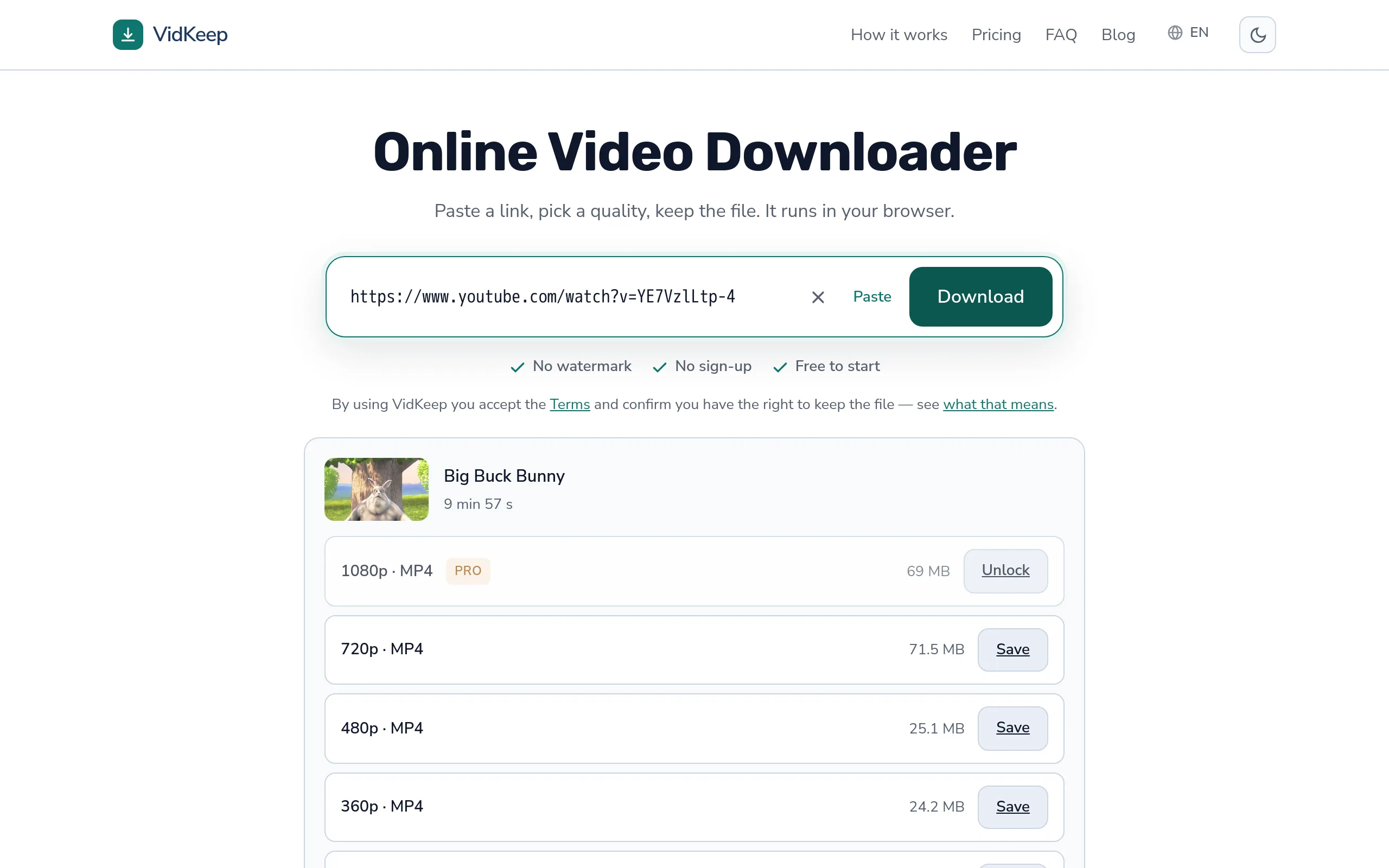
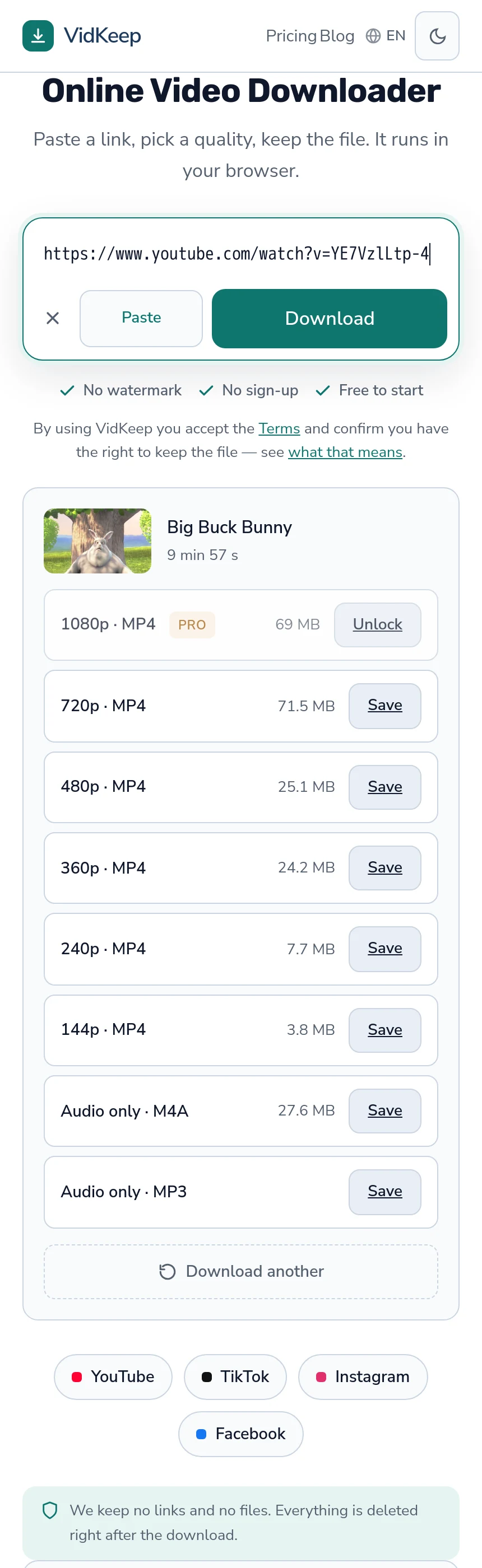
When you paste a YouTube link into our page, the result shows the video's thumbnail beside the title and duration. That image comes straight from the platform's address — the same i.ytimg.com pattern described above — and we display it without storing a copy.
Adding a download button beside it would take an afternoon. We have not, and the reason is that it would be a button for something you already have. The image is loaded in your browser at that moment. Right-click and save, or long-press on a phone, and you have it — a download button would be our page taking credit for a browser feature.
The full-size version is a different address, and that is a genuine gap: what we show is small, and someone wanting 1280 pixels needs the pattern rather than the picture on our page. We chose to publish the pattern here instead of building a feature around it, because the pattern works forever, works without us, and works when this service is unavailable.
That is an unusual thing for a product blog to do — the whole category is built on wrapping simple operations in a page with advertising around it. Thumbnail downloaders are the clearest example: dozens of sites exist to fetch one URL you could type, and they exist because most people do not know the URL. Publishing it is worth more to a reader than another site doing it.
Where a tool genuinely helps is video, and the difference is instructive. A video is not at a guessable address, requires assembling separate streams, needs a header to make browsers save it rather than play it, and involves work that cannot happen in your browser. A thumbnail requires none of that. Building the same interface around both would imply they are equally hard, and they are not.
Frequently asked questions
How do I download a YouTube thumbnail in full size?
Open i.ytimg.com/vi/VIDEO_ID/maxresdefault.jpg in a browser and save the image. No tool is needed.
Why does maxresdefault.jpg not exist for some videos?
The largest size only exists when the source supports it. Old uploads and auto-generated thumbnails often have nothing above 480 pixels.
Where do I find the video identifier?
After watch?v= in a standard link, after the slash in a youtu.be link, or after /shorts/ in a Shorts link. It is eleven characters.
Can I use someone's thumbnail in my own video?
It is a copyrighted image, frequently commissioned, and often contains a person's likeness. Personal reference is one thing; publishing it is another.
Does this work for TikTok or Instagram?
No. Their thumbnail addresses are generated and expire, so there is no equivalent pattern. A screenshot is the practical route.
Can a tool create a higher-resolution thumbnail?
No. Upscaling a small image produces a larger blurry file rather than additional detail.
VidKeep runs in your browser — paste a link, pick a quality, keep the file. No account, no app.
Open VidKeepLast updated: 2026-08-01. We revise our guides as the platforms change.