Guides
On a Managed Computer

Two questions, and only one of them is technical. Can you depends on what your organisation blocks — usually a network filter or a browser policy, occasionally nothing at all. Should you depends on the acceptable use policy you agreed to, which is a document rather than a firewall and is the one that has consequences.
What is actually blocking you
| What you see | Usually means |
|---|---|
| The site will not load at all | Network filter — category blocking |
| The page loads, the download never starts | Browser policy on downloads |
| The file downloads and vanishes | Endpoint security removed it |
| ‘Cannot write to this location’ | Restricted folder permissions |
| Everything works | Nothing is blocked — the policy question remains |
The distinction matters because three of these are settings you cannot change and the fourth is sometimes just a folder — the browser-side causes.
None of them are faults in the video or the service, which is worth knowing before you spend twenty minutes trying different links.
The quickest way to tell them apart is to try any large file from any site. If that fails the same way, the restriction is general and has nothing to do with video; if it succeeds, the filter is category-based and no amount of retrying will change it.
A second useful test is another network. The same laptop on a phone hotspot separates a network filter from a policy on the machine itself — the first disappears, the second does not.
Why a web tool gets further than an app
On a managed machine, the single largest restriction is usually the one on installing software, and it is enforced absolutely.
A browser-based download needs no installer, no administrator rights and no exception from anyone. It is a web page and a file transfer, which is the shape of work that managed machines are built to permit.
That is a genuine practical advantage over desktop downloaders, and it is not a claim that policy does not apply — it means the technical obstacle is smaller, not that the rules are different.
Where a network filter blocks the category outright, the browser route stops too. Filters work at the network level and do not care what is or is not installed.
The same logic explains why browser extensions are usually the worst option here. An extension is software, it is frequently blocked by policy, and on a managed browser the list of permitted extensions is decided centrally.
Extensions also want broad permissions over every page you visit, which is a reasonable thing for a security team to refuse on a machine holding company data — the privacy comparison.
The policy question, honestly
This is the part most articles skip, and it is the part with actual consequences.
It is also the part no tool can answer for you, because the rule lives in a document your employer wrote rather than anywhere a downloader can see.
Most acceptable use policies cover personal use of company equipment and networks, and many mention downloading media specifically. Whether saving a conference talk for work falls foul of that is a question for your organisation and not for us.
Assume it is visible. Managed machines log network activity, and traffic through a corporate proxy is inspected as a matter of course. A download you would rather nobody saw is one to do elsewhere — what we record on our side.
Work purposes are not automatically safe. A video downloaded for a presentation still raises the rights question, and doing it on company equipment makes it the company's problem too — the commercial-use checks.
The practical version: if you would be comfortable explaining the download to your IT team, it is probably fine. If the honest answer involves hoping nobody looks, it is not.
Worth separating from all of this: none of it is about the download being illegal. Most of what people save is entirely lawful and still against an internal policy about personal use of company equipment, which is a contract question rather than a legal one.
What to try when it fails
- Change the save location. Downloads to a restricted folder fail silently on some configurations. Point it at your own documents folder.
- Check whether the file arrived and was removed. Endpoint security quarantines quietly, and a download that appeared to fail sometimes succeeded.
- Try a smaller file. Some proxies refuse transfers above a size limit — a 360p test will tell you in seconds.
- Use your own device instead. Faster than any workaround, and it removes the policy question entirely.
What we do not suggest is circumventing the controls. Personal VPNs, proxy sites and portable browsers all defeat security your organisation installed deliberately, and using them is usually a disciplinary matter in a way that the original download is not — what a VPN does and does not change.
The fourth step deserves more weight than its position suggests. A phone with a hotspot solves this in under a minute, produces a file on a device you own, and leaves no question about whose equipment was used for what.
If you genuinely need the file on the work machine afterwards, moving it there is a separate and much smaller question than downloading it there.
Storage, backup and where the file ends up
A downloaded file on a work machine lands in an environment you do not control, and that has consequences people rarely think about.
Corporate backup. Your documents folder is probably synchronised somewhere, which means a personal video quietly becomes company data with a retention policy attached.
Disk allowances. Managed machines often have small, monitored drives, and a few large videos are noticeable in a way they would not be at home — what to expect by quality.
Taking a lower quality helps more here than anywhere else. On a machine you do not control, a 360p copy that answers the question is better than a 4K one that triggers a storage alert.
Leaving the job. Whatever is on that machine when you hand it back is gone, including anything you meant to move. If a file matters, it should not live only there — keeping a library somewhere durable.
The same applies to anything you save to a shared drive to get it off the laptop. Personal files on company storage are visible to whoever administers that storage, and they are usually still there long after you have forgotten them.
The case where this is simply your job
Plenty of legitimate work involves saving video, and it is worth separating that from the personal case.
The considerations change, and mostly they get simpler, because someone else has already decided the task is worth doing.
Marketing teams archive their own campaigns, support teams keep customer recordings, researchers collect source material, and educators build teaching sets. None of that is a policy grey area in principle — saving your own material.
The pattern in all four is that the download serves a task someone assigned, which is precisely what a policy on personal use is not aimed at. Saying so in a sentence when you ask usually settles it.
Where it becomes one is licensing. Material used commercially needs rights that personal viewing does not, and ‘we found it online’ is not a licence — the four factors.
If the work is routine, the sensible move is to ask IT for the tool to be permitted rather than to work around the block. A stated business reason usually gets a faster answer than people expect.
It also creates a record that you asked, which is worth having. The difference between a permitted tool and a tolerated one only becomes visible when someone reviews the logs after an unrelated incident.
And if the answer is no, that is useful information too — it usually means the organisation has a licensed route for the same need, which is better than either option you were weighing.
Why we are easier to permit than most of the category
If you do end up asking your IT team, it helps to know what they will look at — and to be honest about what is and is not in our favour.
Nothing is installed. There is no client, no browser extension and no background process. The entire interaction is a web page you visit and a file that transfers, which removes the review a piece of software would need.
No account, no sign-in, no credentials. We never ask you to log into a platform, and we could not accept those credentials safely if we wanted to. Any downloader that asks for a platform password is asking for something an IT team should refuse — why we cannot reach private content.
No advertising network. Most free downloaders monetise through aggressive ad networks, which is the specific thing that gets the category blocked wholesale — malware delivery through ad slots is a real pattern, not a hypothetical. We are paid for by subscriptions instead, so there is no third-party script serving whatever it likes on a corporate machine — how to judge the rest.
Fake download buttons do not exist here, which is the other half of the same problem. On ad-funded sites the largest button on the page is frequently an advertisement for something else entirely — the pattern described.
What is not in our favour: we are a video downloader, and some organisations block the whole category by policy regardless of how any individual service behaves. That is a defensible decision on their part and we would not argue with it. If your filter blocks the category, the answer is your own device rather than a clever route around the filter.
The last thing worth saying plainly: nothing above changes whether you are allowed to download a given video. It only means the tool itself is unlikely to be the objection.
Frequently asked questions
Can I download videos on a work laptop?
Technically, often yes — a browser-based download needs no installation. Whether you are permitted to is a question of your organisation's acceptable use policy.
Why does the download start and then disappear?
Usually endpoint security quarantining it, or a restricted save location. Try your own documents folder first.
Will IT see what I downloaded?
Assume yes. Managed machines log network activity and corporate proxies inspect traffic as a matter of course.
Should I use a VPN to get around the block?
No. Circumventing security controls your organisation installed is usually treated far more seriously than the download itself.
Is a web downloader better than an app here?
For this situation, yes — it needs no administrator rights and no installation, which is the largest restriction on most managed machines.
What if downloading video is part of my job?
Ask IT to permit the tool with a stated business reason. That is faster and safer than working around the block, and licensing still needs checking separately.
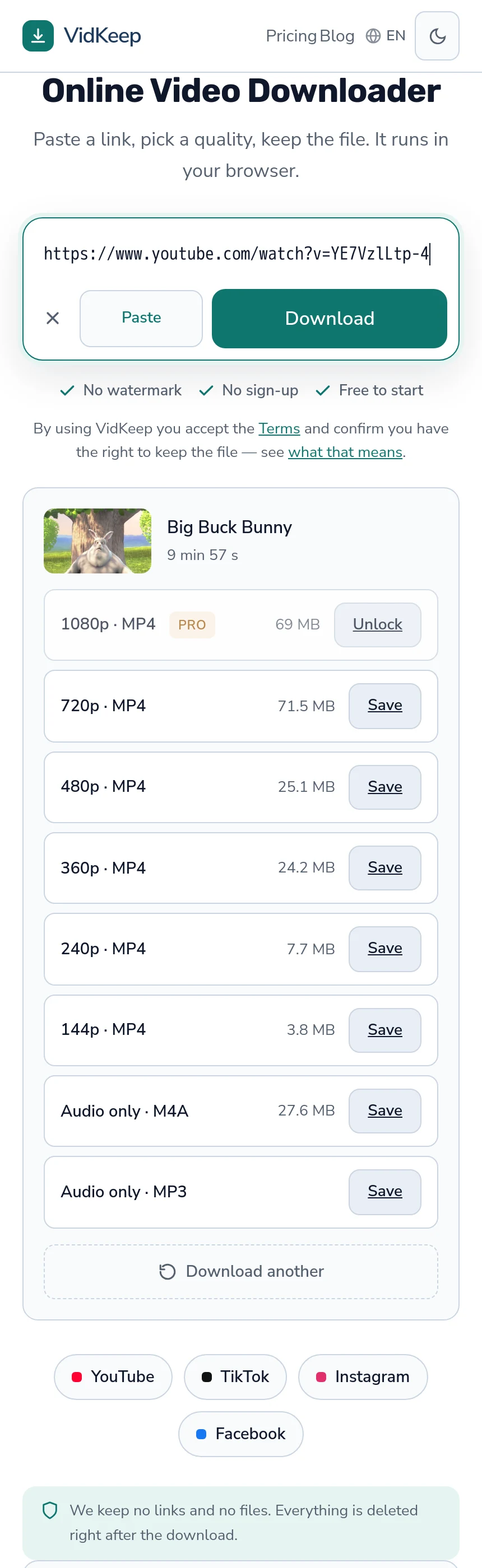
VidKeep runs in your browser — paste a link, pick a quality, keep the file. No account, no app.
Open VidKeepLast updated: 2026-08-02. We revise our guides as the platforms change.