Guides
What Those Words Actually Mean

Most of the vocabulary in this category is marketing rather than description. HD covers everything from 720p upward. Lossless is impossible for platform video. Original quality is a file nobody can give you. Here is what each term means in practice, and which ones are worth acting on.
Quality words
HD. Anything from 720p upward, which spans a very wide range. Not a specification, and a page offering ‘HD download’ has told you almost nothing.
Full HD, 4K, 8K. Genuine resolutions, and only meaningful if the platform holds them. A tool offering a resolution the source lacks is upscaling — a bigger frame with no extra detail — which the 8K case illustrates well.
Original quality. At best, the platform's top version passed through unchanged. It cannot mean the creator's file: platforms re-encode on upload and discard the source — covered in full here.
Lossless. Impossible for platform video, which is lossy before anyone touches it. The only sensible reading is ‘we added no further loss’, which is a real and checkable claim wearing a misleading word.
Enhanced. Almost always upscaling or a filter. Neither recovers information, and both make the file larger.
Best quality. Meaningful only if the page shows you what the options were. Selecting the highest available and telling you which one it picked is useful; selecting it silently means you cannot tell a good result from a poor source.
Limit words
Unlimited. Rarely literal. There is always a rate limit, a size ceiling or a processing timeout, because the platforms impose some of them and hardware imposes the rest. Unlimited usually means ‘no counter we show you’.
Free. Worth asking what pays for it: advertising, data, an upsell, or cutting the cost of service by degrading the download — the four models.
No registration. Usually true and genuinely useful, since an account ties every download to an identity. Check whether it stays true at the point of downloading rather than only on the front page.
Fast. Meaningless on its own. Speed is dominated by your connection and by whether the file needs assembling — a tool cannot make a 70 MB transfer shorter than your bandwidth allows.
Platform words
No watermark. Accurate for the honest method and misleading as a description. Nothing is removed — the stored file never carried the stamp, which is applied when an app exports a copy. Tools that genuinely erase one leave a visible smear — the distinction matters.
Supports 1000+ sites. Reports what an underlying library can handle, not which platforms answer that service's requests. The two differ constantly — tested rather than claimed.
Private video downloader. Either impossible or dangerous. Content behind a login needs an account, and a page offering to reach it usually wants yours — the honest answer.
Bypass restrictions. Means account pools, address rotation, or nothing at all. All three are fragile, and the third is the most common.
Works with everything. A stronger version of the site-count claim and easier to disprove. Some platforms refuse datacentre requests outright, some require a live browser session, and no service reaches content that needs an account. A tool that works with everything would have solved problems its competitors demonstrably have not.
Anonymous. Usually means no account is required, which is genuinely worth something. It does not mean the link never left your device — with any web tool it did, and what matters is what happened to it next — the whole path is described here.
Safety words
Safe. Undefined, and used by everyone including the tools that are not. What is checkable: how many third-party scripts load, whether the file offered is media rather than an installer, and whether the page asks for credentials at any point.
Virus-free. A claim about files the service does not create. A legitimate download is an MP4 or an MP3; anything offering an executable is doing something else entirely — what to check.
No ads. Verifiable in ten seconds with the browser's network view, and worth verifying, because it is the claim most often made loosely — a page with no visible banners can still load a dozen tracking scripts.
We respect your privacy. Not a statement about data. A list of stored fields is — ours is published.
Words that are usually honest
Not everything in this vocabulary is suspect, and it is worth knowing which terms carry real information.
MP4, WEBM, MKV. Actual container formats with defined meanings.
H.264, VP9, AV1. Actual codecs. Naming one tells you something concrete about compatibility — the comparison.
Specific resolutions and file sizes. Checkable against the platform and against the file you receive. The most useful numbers on any page.
Named limits. ‘Ten downloads a day’ is a claim you can hold a service to, and one it has to honour on the eleventh. ‘Generous free tier’ is not a claim at all.
Named platforms with named behaviour. ‘TikTok returns one file with no quality menu’ is a description someone could be wrong about, which is exactly what makes it useful.
The pattern is simple: specific and checkable words are worth reading, adjectives are not. A page heavy on the second kind and light on the first has told you what it prefers.
A useful test when comparing two services is to count falsifiable statements. Anything that could be shown wrong by a single download — a resolution, a size, a limit, a behaviour on one platform — is a claim someone took a risk to make. Adjectives carry no risk, which is why there are so many of them.
Why the vocabulary drifted this way
It is worth understanding why an entire category settled on words that mean so little, because the reason is structural rather than a collection of individual bad actors.
Nearly every downloader is built on the same open-source extraction library, so the actual capability is close to identical between them. When the product underneath is the same, differentiation has to come from somewhere else, and the cheapest place to find it is adjectives.
The second pressure is search. People type 'HD', 'free', 'no watermark' and 'fast', so pages carry those words whether or not they describe anything. A page that refused the vocabulary entirely would be harder to find, which is why even careful services use some of it.
The third is that almost nobody checks. Verifying a claim about resolution or file size takes a minute and an actual download, and a page can carry an untested assertion for years before anyone notices — which is also true of the supported-platform lists, and for the same reason.
A translation table
| What it says | What to expect |
|---|---|
| HD download | Something at or above 720p, possibly |
| Original quality | The platform's top version, at best |
| Lossless | No further loss added, at best |
| Unlimited | No counter shown to you |
| 1000+ sites | A library's list, untested |
| No watermark | The source file, which never had one |
| Fast | Nothing about your connection changes |
| Safe | Undefined; check the page yourself |
None of these is necessarily a lie. Each is a phrase that sounds like a specification and is not, and the gap between the two is where disappointment lives.
The practical habit is to translate before deciding. When a page says HD, ask which resolution and how many megabytes. When it says unlimited, ask what happens on the eleventh download. When it says supports a thousand sites, paste a link from the one you actually care about. Every one of those questions takes seconds and none of them can be answered by adjectives.
The same translation works in reverse when judging a page that seems unimpressive. A service listing seven platforms with measured file sizes has told you more than one claiming a thousand with none — the shorter, duller page is frequently the one that checked.
The words we avoid, and the two we still use
Writing about this category makes you careful about your own vocabulary, and it is worth listing what we decided not to say.
We do not claim lossless, original quality, unlimited, HD as a specification, or a count of supported sites. Each was available and each would have been either untrue or unfalsifiable. The supported-sites number was the most tempting: the library we build on handles hundreds of platforms, so a large figure would be defensible and meaningless, and our verified list is under ten.
We do say no watermark, and this article calls that phrase misleading — so the reasoning should be explicit. It is accurate for what happens: the file we fetch is the stored version, which never carried a stamp. It is misleading as a description because nothing is removed. We keep it because it is what people search for and it is true, and we spend a whole article explaining the mechanism rather than leaving the phrase to imply an edit.
We also say free to start, with the limits published: ten downloads a day, three above 720p, the platform's own audio track and 360p not counted. That is a claim you can hold us to, which is the test this article proposes for anyone else.
Where we have been imprecise, we would rather be corrected. This blog contains measurements with dates on them — file sizes, timings, which platforms answered — precisely because a number with a date can be checked and an adjective cannot. If one of them stops being true, the page is out of date rather than dishonest, and that is a distinction worth being able to make about your own writing.
One phrase we deliberately dropped is worth naming: we used to be tempted by 'fast'. It is true in a narrow sense — a ready file streams straight through and starts immediately — and it promises something we do not control. Your connection sets the transfer speed, and an assembly on a single processor is not fast by any standard. Claiming speed would have been a word about someone else's bandwidth.
Frequently asked questions
What does HD actually mean on a downloader?
Anything from 720p upward. It is not a specification, and a page offering HD has told you very little.
Can a download be lossless?
Not for platform video, which is lossy before anyone touches it. The only sensible meaning is that no further loss was added.
Is 'unlimited' ever true?
Rarely. Platforms impose rate limits and hardware imposes size and time ceilings. It usually means no counter is shown to you.
Does 'supports 1000+ sites' mean anything?
It reports what an underlying library can handle, not which platforms answer that service's requests. Those differ constantly.
Is 'no watermark' accurate?
Accurate for what happens and misleading as a description. Nothing is removed — the stored file never had the stamp.
Which words are worth reading?
Specific ones: named formats, named codecs, actual resolutions, real file sizes and stated limits. Adjectives are not.
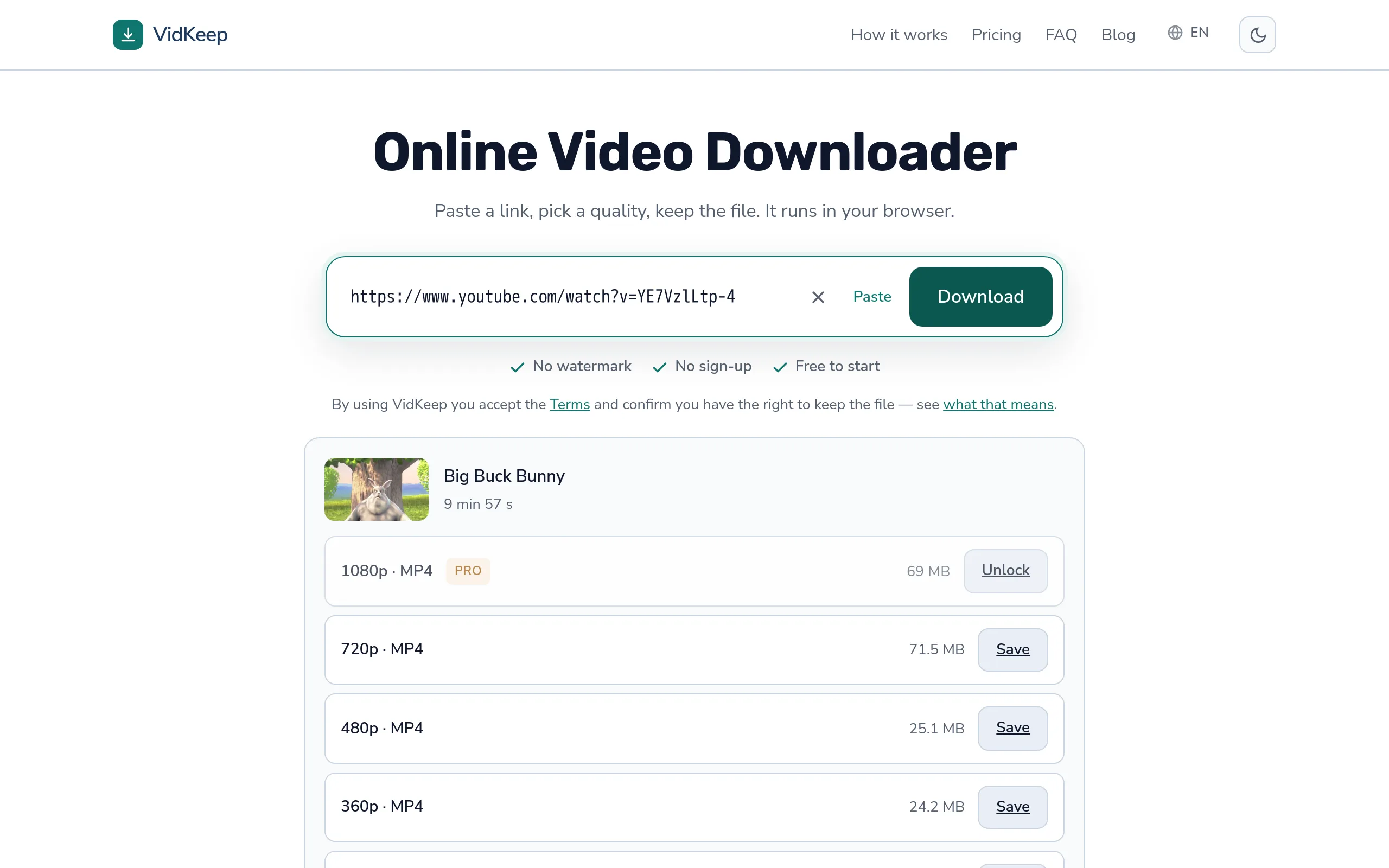
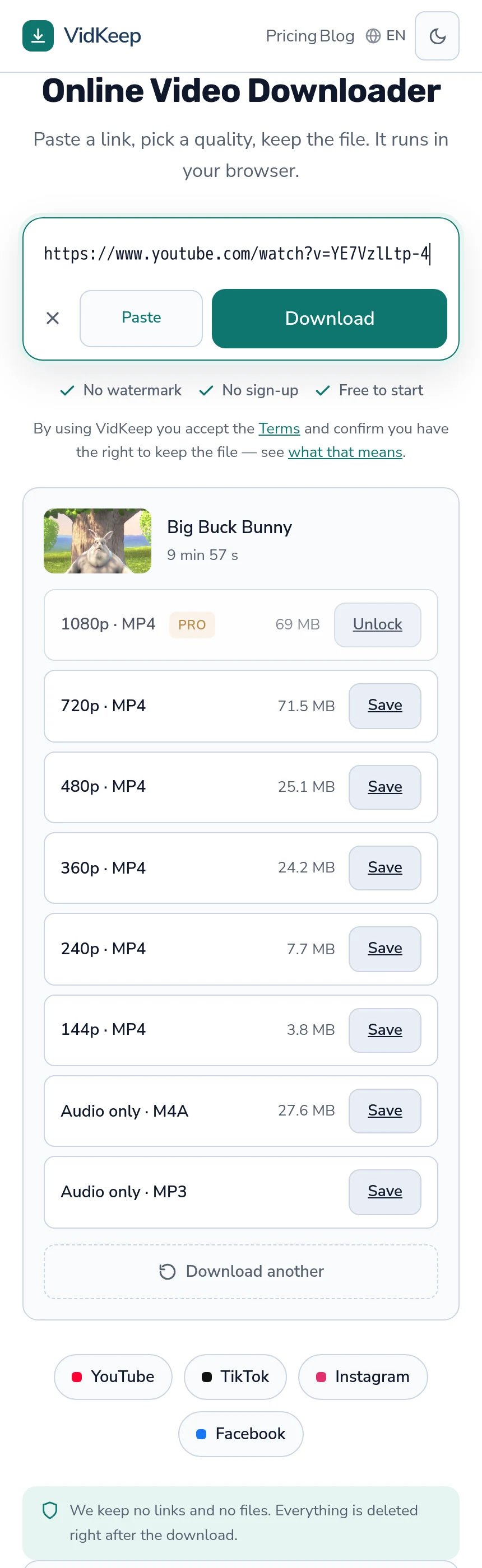
VidKeep runs in your browser — paste a link, pick a quality, keep the file. No account, no app.
Open VidKeepLast updated: 2026-08-01. We revise our guides as the platforms change.