How-to
Chapters, Timestamps and What You Get

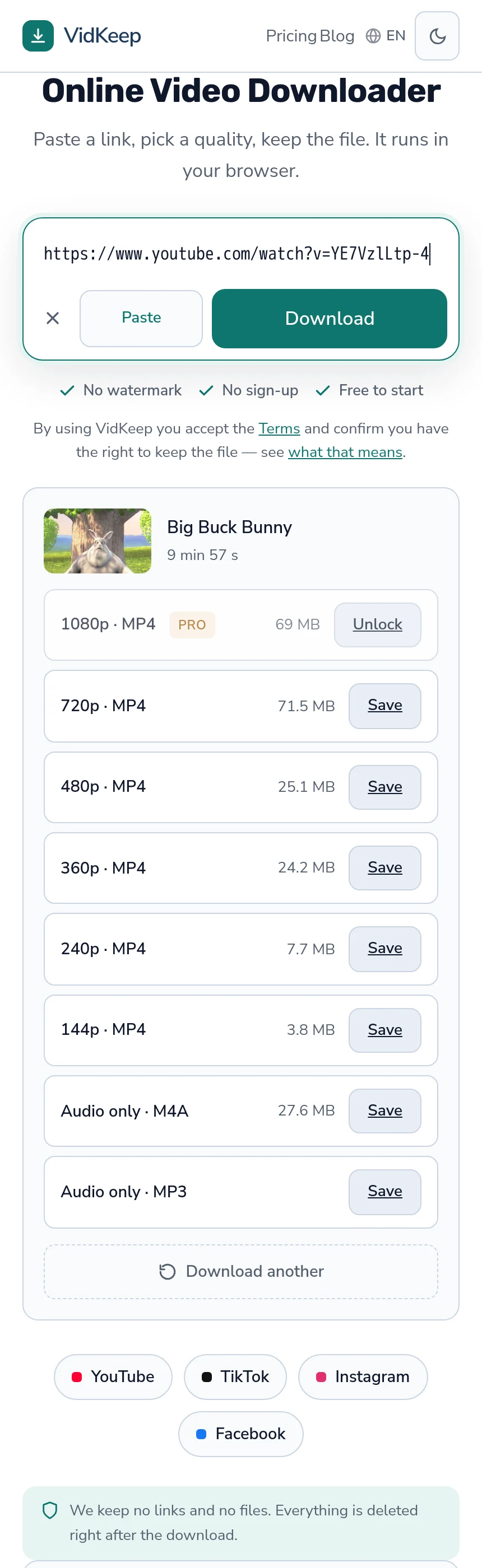
Chapters are not parts of the file. They are timestamps written in the description, which the player turns into a segmented progress bar — the video is still one continuous file. So downloading gives you the whole video, and getting a single chapter means cutting it yourself afterwards, which takes about a minute.
What a chapter actually is
Understanding this makes the rest obvious, and it is simpler than people expect.
A creator writes lines like 00:00 Intro and 04:12 Setup into the description. When the first is 00:00 and there are at least three of them, the player draws the segments. Nothing is added to the video itself.
| What it is | Where it lives | Downloadable separately? |
|---|---|---|
| Chapter | Description text | No — it is a timestamp |
| Timestamp in a link | URL parameter | No — a playback hint |
| Subtitles | A separate track | Yes |
| Audio | A separate stream | Yes |
Which means chapters are metadata about a file rather than structure inside it — what a video file does contain.
No downloader can extract a chapter as a separate file for the same reason it cannot extract a paragraph from a photograph: the division exists in the description, not in the data.
Getting a single chapter
- Note the timestamps first. Copy the chapter list from the description before you leave the page — saving the description.
- Download the whole video at the quality you need.
- Trim locally in any editor, or with the trim function most phones have built into their photo apps.
- Keep the full file until you are sure, because re-downloading later assumes the video is still up.
This is one download and as many cuts as you like, which is both faster and gentler on the platform than fetching the same video repeatedly — the longer version of this workflow.
Why we do not offer chapter downloads
We could read the timestamps and cut for you. We deliberately do not, and the reasons are worth stating.
Cutting means re-encoding. The file we hand you now is the platform's own bytes, unchanged. A trimmed file is one we produced, which breaks the one guarantee that makes our output trustworthy — why that matters.
Nobody gets the cut right first time. Two seconds early, three late, the intro included after all — that is an iteration loop, and an editor with a timeline does it far better than a web form with two time boxes.
It costs real processing. We run on one shared processor. Every cut is CPU time taken from someone waiting for a download.
The honest position is that we are good at getting you the file and an editor is good at cutting it, and pretending otherwise would make us worse at the first thing.
Timestamps in links, and what they do to a download
A link copied at a moment in the video carries &t=612 or ?t=10m12s on the end.
That parameter tells the player where to start. It does not describe a segment, and nothing downstream treats it as one — so the download is the complete video regardless of which second you copied the link at.
The parameter is harmless to leave on. It is ignored, not misread, so there is no need to clean the link before pasting it — when a link genuinely is the problem.
What we do instead of chapter splitting
Saying no to a feature is only useful if you say what you do instead, so here is the whole of it.
We give you every quality the platform stores, with its real file size next to it, and the file that arrives is the platform's own bytes rather than something we re-made. That single property is what lets us say a 1080p download is genuinely 1080p rather than a re-encode of one, and every processing feature we add is a step away from it.
Chapter splitting is the clearest example of that trade. To cut at 04:12 we would have to decode the video, find the nearest usable frame, and encode a new file — at which point the thing you receive is our compression of the platform's compression, and the size and quality we advertised no longer describe what you got.
There is a second reason, and it is about where our time goes. We fixed two format-selection faults on 2 August 2026: audio was being taken as 5.1 surround where stereo existed, adding roughly 19 MB to every assembled download, and a 1080p request could quietly return a 720p file when the higher rung used a newer codec. Both were invisible in logs, because nothing failed — every download completed, just not with what was asked for.
Those are the faults that matter, and they were found by checking claims rather than by monitoring. A team maintaining a trimming interface is a team with less attention for the thing everyone actually uses. We would rather the download be exactly right than the feature list be long — the full account of that week.
Where we can help with chapters, we do: the description is one copy away, the timestamps in it are the map, and the file you get is complete enough to cut anywhere in it. That is a smaller offer than a chapter button and it is one we can keep honestly.
Frequently asked questions
Can I download just one chapter of a YouTube video?
Not as a separate file from any downloader. Chapters are timestamps in the description, not divisions in the video, so you download the whole thing and trim it.
Why do downloaders not split by chapter?
Cutting requires re-encoding, which replaces the platform's original file with a re-made one. We prefer to hand you the untouched file and let an editor do the cut.
Does a link with a timestamp download only from that point?
No. The parameter tells the player where to start playing; the download is the complete video either way.
How do I keep the chapter list?
Copy it from the description before you leave the page. The timestamps are ordinary text and they are your map for cutting later.
What is the easiest way to trim afterwards?
Any editor, and on a phone the trim function in the photos app is usually enough for a single cut.
Do chapters affect video quality or file size?
No. They are description text, so they change nothing about the file you download.
VidKeep runs in your browser — paste a link, pick a quality, keep the file. No account, no app.
Open VidKeepLast updated: 2026-08-02. We revise our guides as the platforms change.