Guides
Inside a Video File

Three things: a container that holds everything, one or more tracks — usually a picture track and a sound track, stored separately inside it — and an index saying where everything is. Nearly every confusing thing a video file does is explained by one of those three, and knowing which saves a lot of guessing.
The container is not the video
MP4, WEBM and MKV are containers — boxes with a defined way of arranging what is inside. The extension names the box and says nothing reliable about the contents.
Which is why ‘it is an MP4, it should work’ is a reasonable expectation that is sometimes wrong. An MP4 usually holds H.264, and it can hold AV1, which older devices cannot decode — containers compared.
Because the box is separate from the contents, changing it is cheap. Repackaging a file from WEBM into MP4 copies the tracks across untouched — no decoding, no quality loss, seconds rather than minutes. That operation is called remuxing and it is what a good downloader does when it hands you an MP4.
Converting the contents is the expensive one. That is re-encoding, it costs a generation of quality, and the two get confused constantly — which is where quality claims come from.
Tracks: picture and sound are separate inside
A video file does not contain video with the sound somehow attached to it. It contains a picture track and a sound track, interleaved through the file, each encoded with its own codec and supported independently.
That separation explains a family of symptoms:
Picture but no sound. The audio track is missing, or in a codec the player cannot decode. Common when a tool hands over a video stream without joining the audio — why that happens.
Sound but no picture. The reverse: the player decodes the audio codec and not the video one, which shows as a black screen — the diagnosis.
A player listing two tracks. Entirely normal. Merging streams into one file keeps them as distinct tracks; it does not fuse them into one thing.
It also explains why extracting audio is quick and lossless when done properly. The sound track already exists as its own thing inside the file — copying it out is a extraction rather than a conversion, and nothing needs decoding.
The same structure allows more than two tracks. A file can carry several audio tracks for different languages, and players offer them as a menu. Platform video almost never does, because the upload processing reduces everything to one — which is why alternative language audio disappears when a video is uploaded.
The index, and why truncation behaves oddly
Somewhere in the file is a table describing what is where — which byte starts which frame, how long the whole thing runs, what the tracks are. In MP4 it has a name, and it is the thing error messages complain about when a file will not open.
Its position decides how a partial file behaves. Written at the end, a truncated download has no index at all and refuses to open. Written at the front — the arrangement used for streaming — the file opens, reports the full duration, and stops early when the data runs out.
That second case is the dangerous one, because the file looks complete. We tested both: the same video cut to a third produced ‘moov atom not found’ in one arrangement and a confident 30-second duration in the other — the full test.
It also explains what repair tools actually do. They rebuild an index so a file opens; they do not restore missing data, and the video still stops where the download did.
What else rides along
- Timing information. Frame rate, and whether it is constant or varies through the file. Variable rates cause audio drift in editors.
- Dimensions and aspect ratio. Stored separately from the pixel count, which is why some files display stretched.
- Metadata. Title, creation date, sometimes camera details — mostly stripped by platforms on upload.
- Subtitle tracks. Possible in most containers, and platforms generally do not use them, which is why captions download separately — as text files.
- Chapters. Supported by some containers and rarely present in downloads.
Almost none of this survives a platform's upload processing, which is why a downloaded file tells you so little about where the video came from — what gets stripped.
How the parts fit together in practice
| Symptom | Which part |
|---|---|
| Will not open at all | Index, usually missing |
| Black screen, sound plays | Video track codec unsupported |
| Picture plays, silent | Audio track missing or unsupported |
| Plays and stops early | Data truncated, index says otherwise |
| Stretched or squashed | Aspect ratio metadata |
| Audio drifts out of sync | Variable frame rate timing |
Six symptoms, three parts. Identifying which part is involved narrows the response immediately: an index problem is sometimes repairable, a codec problem needs a different player or a different download, and truncation needs the file fetching again.
What none of them needs is a conversion tool, which is the reflex people reach for and the one that helps least often.
Reading a file yourself
- Windows: right-click, Properties, Details. Shows resolution, frame rate, duration and codec names.
- macOS: open in QuickTime, Show Movie Inspector.
- Any system: VLC's media information panel, which is the most detailed of the three.
- Command line:
ffprobe video.mp4lists every track, codec and property.
Worth doing once on a file that is behaving strangely. Thirty seconds of looking usually replaces an hour of trying things, because the codec name explains the black screen and the duration explains the early stop.
The two numbers worth noting while you are there are the codec name and the duration. A codec you do not recognise explains a playback failure; a duration shorter than the source explains an early stop, and between them they cover most of the table above.
It is also the fastest way to settle an argument about whether a tool degraded something. Resolution and codec are facts about the file rather than impressions, and comparing them against what the platform offers takes less time than describing the problem to anyone.
Myths this structure debunks
Three widely held beliefs that dissolve once the three parts are clear in your head.
‘Converting to MP4 will fix it.’ Changing the container changes the box. If the problem is a codec the player cannot decode, the same codec inside a different box is still undecodable.
‘The file is corrupted.’ Usually it is not. Incomplete, or in an unsupported codec, or missing an index — three different states with three different responses, and only one of them involves damage.
‘A repair tool will recover it.’ It can rebuild an index. It cannot invent data that was never received, and any tool claiming to restore a truncated video is describing something that does not exist.
The common thread is that ‘broken video’ is not one condition. Knowing whether the container, a track or the index is the problem turns an unfixable mystery into a specific answer, usually a boring one.
A fourth belief is worth adding because it costs money rather than time. Paid repair software exists in volume, and what it does is rebuild indexes — a real capability, and one that is useless against the failure people usually have. Establishing whether the file is incomplete takes thirty seconds and decides whether any of it can help.
The test is the one from earlier: play the end. If the video simply stops before it should, the data is not there, and nothing sold anywhere will bring it back.
Which of these three parts we touch
Since the article separates a file into container, tracks and index, it is worth saying exactly which of them our service modifies — because the answer is narrower than most people assume.
Tracks: never. The picture and sound data are copied byte-for-byte from what the platform served. Nothing is decoded, so nothing can be degraded. That is the single guarantee the whole product is built around.
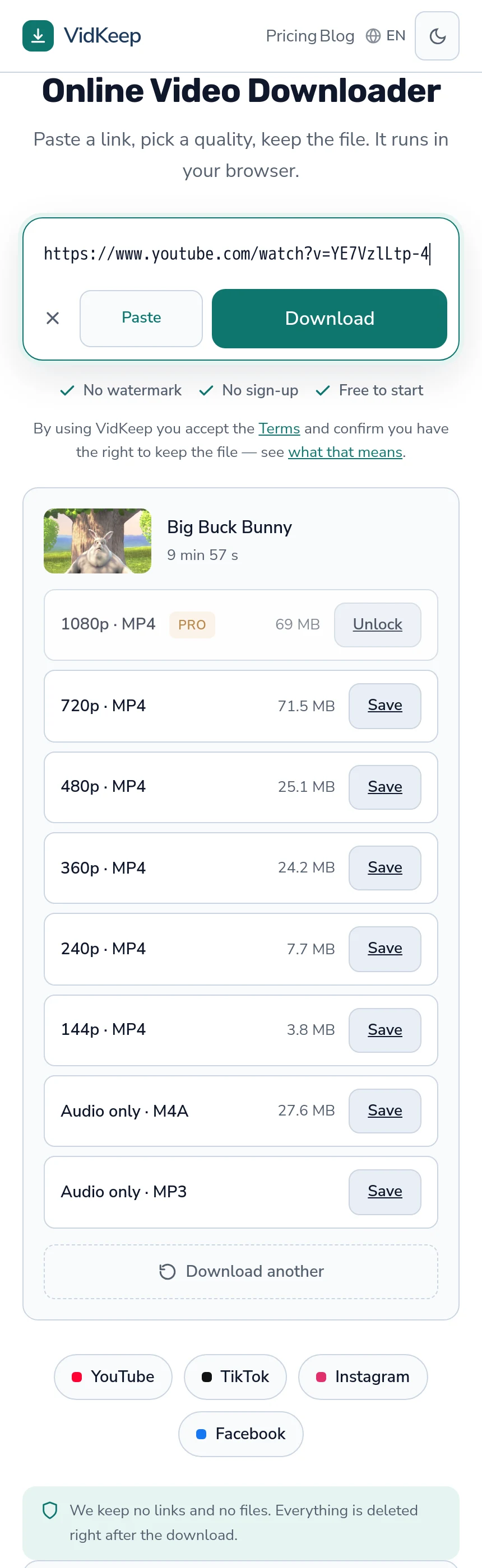
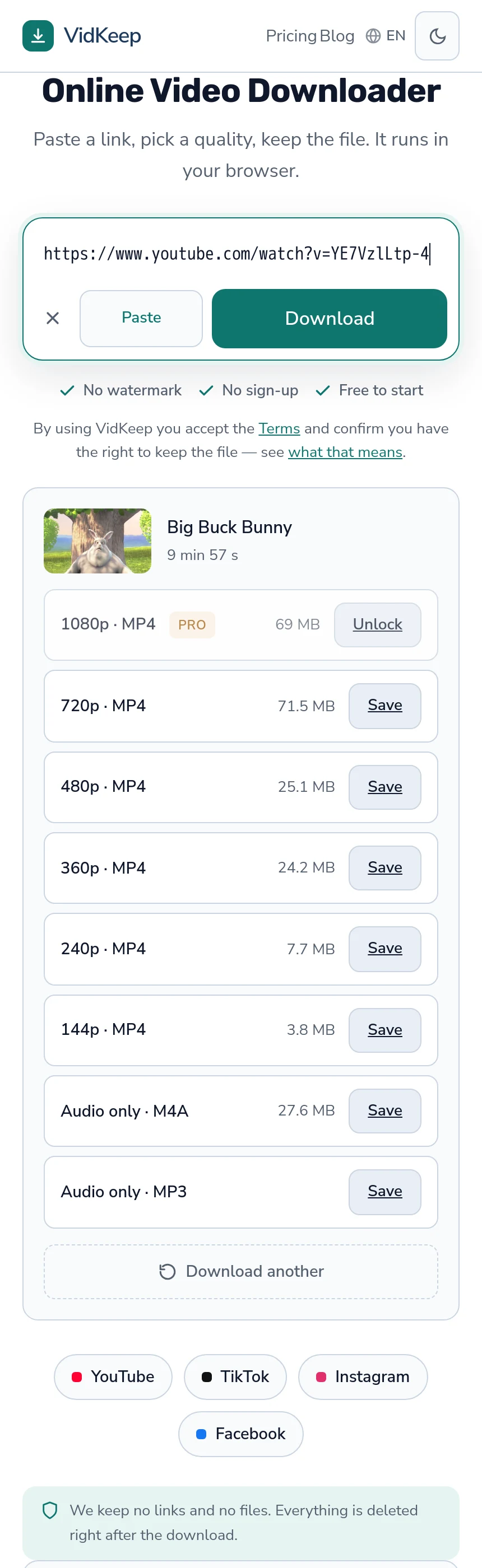
Container: sometimes. Where a platform serves WEBM, we repackage into MP4, because MP4 is what televisions, editors and older devices reliably accept. Repackaging touches only the box, costs nothing, and is why every option in our list says MP4.
Index: as a consequence. Joining separate video and audio streams into one file necessarily writes a new index describing the result. The tracks inside it are unchanged; the table saying where they are is new, because the arrangement is.
The one exception to all of this is MP3, which is a genuine re-encode — platforms store AAC or Opus, so producing an MP3 means decoding and encoding the audio track. That is why the row beside it, the platform's own audio track untouched, is the better choice for anyone who does not specifically need MP3.
Stating it this precisely is possible because the operations are simple. A service that cannot tell you which parts of your file it modified is either doing more than it says or has not looked — and on a download, the correct answer is almost always ‘as little as we can get away with’.
It also explains a limitation we mention often. Because we only repackage, we cannot give you a frame rate we did not receive, a codec the platform does not hold, or a resolution it never made. Everything in the file came from the platform, and the honest ceiling on any download is whatever it decided to store.
Which is the whole argument against tools promising enhancement. There is no operation that adds information to a track — only ones that rewrite it, and every rewrite starts from what survived the last one.
Frequently asked questions
What is inside a video file?
A container holding separate picture and sound tracks, plus an index describing where everything is and how long it runs.
Is MP4 a codec?
No, it is a container. It usually holds H.264 video, and it can hold codecs older devices cannot decode, which is why the extension guarantees nothing.
Why does my file play with no picture?
The player decodes the audio track's codec and not the video track's. They are separate inside the file and supported independently.
What does 'moov atom not found' mean?
The index is missing, usually because the download stopped before the end. Where the index sat decides whether a truncated file opens at all.
Can a repair tool fix a partial video?
It can rebuild an index so the file opens. It cannot restore data that was never received, so the video still stops where the download did.
Will converting to MP4 fix a playback problem?
Only if the container was the problem. If the codec inside is unsupported, the same codec in a different container is still unsupported.
VidKeep runs in your browser — paste a link, pick a quality, keep the file. No account, no app.
Open VidKeepLast updated: 2026-08-01. We revise our guides as the platforms change.