Troubleshooting
Link Not Recognised: Finding the Right One

When a downloader rejects a link, the link is usually fine — it simply is not pointing at a video. Profile pages, playlist pages, search results and truncated share links all look like valid addresses and contain no video at all. Here is how to tell what you copied, and where to find the address that works, platform by platform.
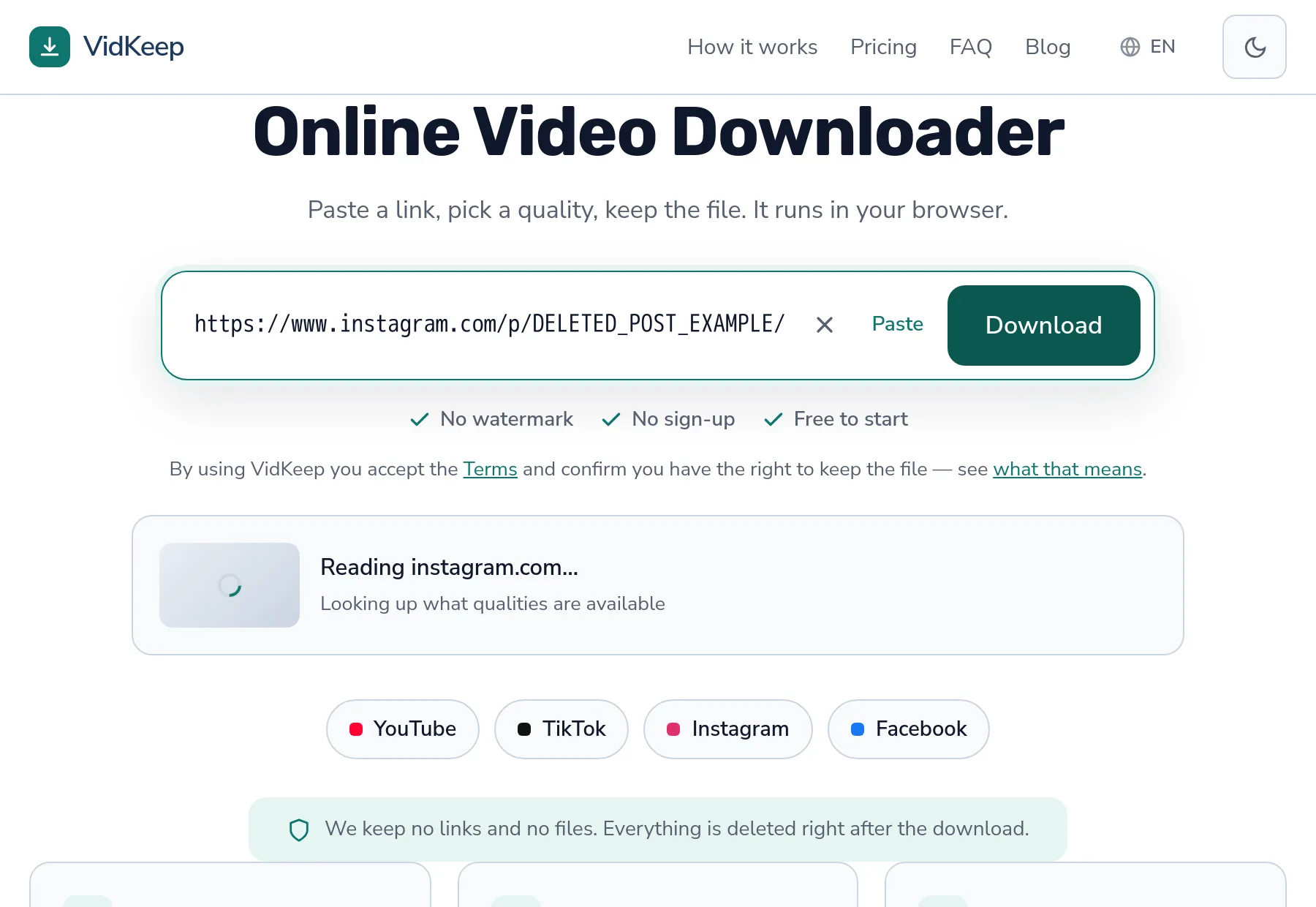
The four links that are not videos
| What you copied | Looks like | Why it fails |
|---|---|---|
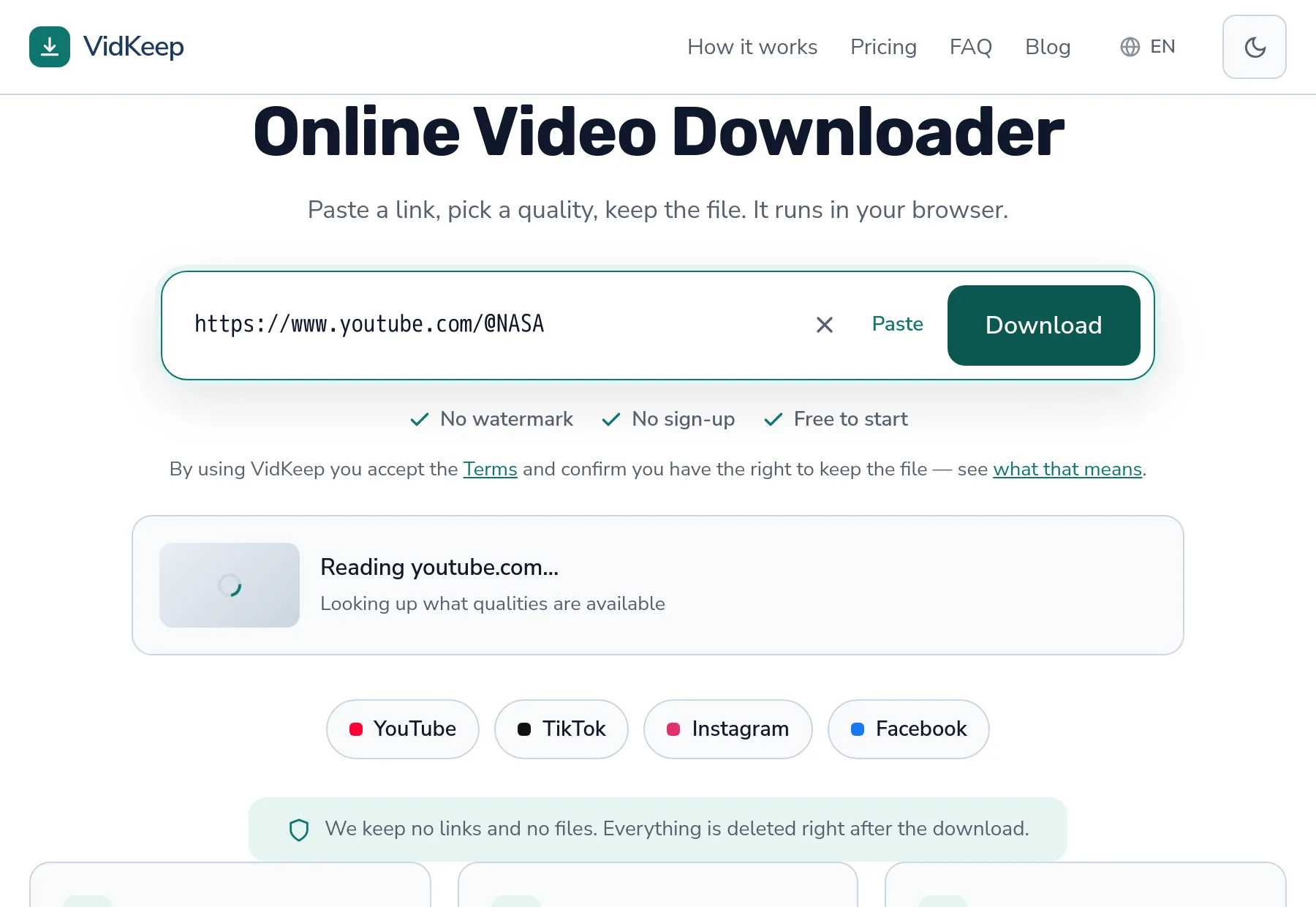
| Profile or channel | /@username | A person, not a video |
| Playlist page | /playlist?list=… | A list of videos, not one of them |
| Search results | /results?search_query=… | A query, not content |
| Truncated share link | Ends mid-address | A messenger cut it short |
The last one is the sneakiest, because the link looks complete. Chat apps shorten long addresses for display and sometimes copy the shortened version rather than the real one. The fix is always the same: open the link, then copy from the address bar rather than from the chat.
Where the right link lives, by platform
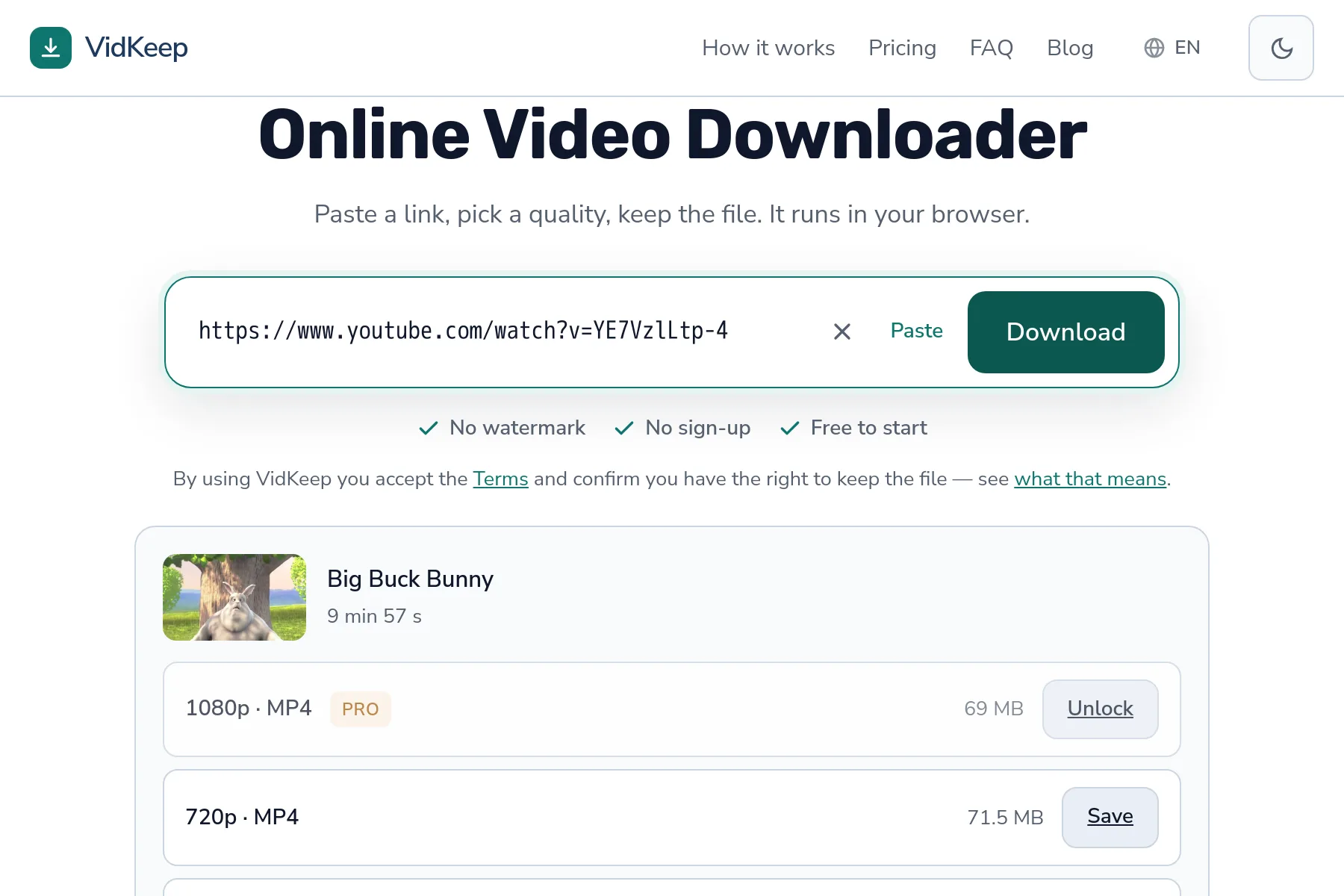
YouTube. Play the video, then copy from the address bar — it contains watch?v=. In the app, use Share → Copy link. A trailing &list=… is harmless; a link that starts with playlist?list= is not a video.
TikTok. Both the short form (vt.tiktok.com/…) and the full form work — the short one is a redirect that resolves fine. What does not work is a profile address ending in the username.
Instagram. Reels and posts have addresses containing /reel/ or /p/. A profile link has neither. Stories are a separate shape entirely, covered in their own guide.
Facebook. Video links include /videos/ or come from fb.watch. A link to a post that happens to contain a video sometimes works and sometimes does not, depending on how the post was built.
The mobile app trap
A specific problem worth knowing, because it produces links that look perfect and are not.
Some apps offer more than one sharing option, and they do not all produce the same thing. ‘Copy link’ usually gives a real address. ‘Share to…’ sometimes gives a tracking wrapper, and occasionally an internal reference that only means something inside that app.
If a link from an app is rejected, open it in a browser first. If the browser loads the video, copy the address bar contents — that is the canonical address, with all the app-only decoration stripped away.
Tracking parameters themselves are harmless. Everything after a ? that is not the video identifier gets ignored, so there is no need to clean links by hand.
Checking a link in ten seconds
Before assuming a tool is broken, run these three checks:
- Open it in a private browser window. Logged out, like a downloader sees it. If you cannot watch it there, no tool can fetch it.
- Look at what loads. A profile page? A list? Then you copied the wrong thing, and the video's own address is one click away.
- Compare the shape. Does it contain
watch?v=,/reel/,/p/,/videos/? Those are video addresses.@usernameandplaylist?list=are not.
That first check settles most cases on its own, and it is the one people skip. Being signed in makes private and restricted content look ordinary — the logged-out view is the one that matters.
When the link is right and it still fails
If the address is definitely a video and it opens logged out, the problem is elsewhere:
- The platform is not supported. Not every site works; the message says so specifically rather than blaming the link.
- The post is a photo or a slideshow. TikTok photo posts contain no video at all, which is a different answer from a bad link.
- The video was removed. Links outlive content — the address stays valid while pointing at nothing.
- Rate limiting. If several links suddenly stop working together, that is not the links. See the bot check guide.
Why we tell you which kind of wrong the link is
A rejected link is the most common thing that happens in a downloader after a successful download, and how a tool handles it says a lot about how it was built.
The cheap approach is one message for everything: ‘invalid link’. It is easy, it is never technically wrong, and it is nearly useless — because ‘you copied a profile page’ and ‘this video was deleted’ require completely different actions from you, and both arrive looking identical.
So we separate them. An unsupported site says the site is unsupported. A removed video says it is no longer available. A private one says it needs an account. A photo post says it is a photo post. Each of those maps to a different next step, and the point of the message is to tell you which step to take.
Getting the categories right required being wrong first. An early version treated a platform's ‘requested format not available’ as ‘this video has no downloadable versions’ — which was false. The formats existed; our own filter had excluded all of them. People saw a confident, incorrect statement about their video, and the only reason we found out was testing against real links rather than trusting the code.
There is a limit worth admitting. When a platform gives us something we cannot classify, you get a generic message — and that is honest rather than lazy. A tool that always produces a confident-sounding explanation is inventing some of them, and an invented explanation sends you off fixing the wrong thing.
One category deserves a mention because it is invisible from the outside. Occasionally a link is fine, the video exists and is public, and the request still fails — because the platform answered us differently than it would answer you. Datacentre addresses get treated with more suspicion than home connections, and that is not something a message can fix.
When that happens the honest signal is a generic failure rather than a confident guess, and the practical advice is to try again shortly. We would rather admit that class exists than dress it up as a problem with your link, because sending someone to re-copy a perfectly good address wastes their time and teaches them nothing.
Frequently asked questions
Why does it say my link is not recognised?
Usually because it points at a profile, playlist or search page rather than a video. Open the video itself and copy its address.
Do short links work?
Yes. Short forms like vt.tiktok.com are redirects and resolve normally. The problem is usually a link truncated by a chat app, not a genuine short link.
Should I remove tracking parameters?
No need. Anything after the question mark that is not the video identifier is ignored.
The link works in my browser but not in the tool
You are probably signed in and the tool is not. Try the link in a private window — that is the view a downloader gets.
Where do I find the right link in a mobile app?
Use Copy link rather than Share to. If that fails, open the video in a browser and copy from the address bar.
Several links stopped working at once
That is not the links. Simultaneous failures usually mean rate limiting after too many requests in a short time.
VidKeep runs in your browser — paste a link, pick a quality, keep the file. No account, no app.
Open VidKeepLast updated: 2026-08-01. We revise our guides as the platforms change.