Troubleshooting
Four Checks Worth Ten Seconds Each

Most download problems are predictable and most of them are cheap to prevent. Four checks cover nearly all of them: open the link signed out, glance at free storage, read the size next to the quality, and after downloading play the end rather than the beginning. Together they take under a minute.
Check one: open it in a private window
The most useful single habit in this whole subject, because it shows you what a downloader sees.
Your browser is signed in; a downloader is not. Signed in, a platform may show you private accounts you follow, age-gated material, members-only videos and region-restricted content — all of which looks like ordinary public video from inside.
If the video does not play for a logged-out visitor, no tool will reach it, and the hours people spend trying different services are hours spent on a constraint that is not the software — why your view and a tool's differ.
It also settles the reverse case. If it plays fine signed out and still fails, the cause is where the request came from rather than who made it, which points at region blocks or throttling instead.
Check two: how much space is free
The silent failure. Both iOS and Android abandon downloads when space runs out, frequently without showing anything at all.
The requirement is larger than the file. Some browsers write to a temporary location and move the file at the end, so briefly two copies exist — roughly twice the file size is a safe margin.
The tell that you are in this situation: small files work and large ones do not, while the connection is fine. That pattern is storage rather than the tool — what is actually filling the phone.
Worth checking before a batch rather than during. A tablet being loaded for a journey is exactly where this bites, and exactly where discovering it late costs the most.
Check three: read the size, not the label
The number next to each quality is the one that makes the decision, and the resolution label frequently misleads.
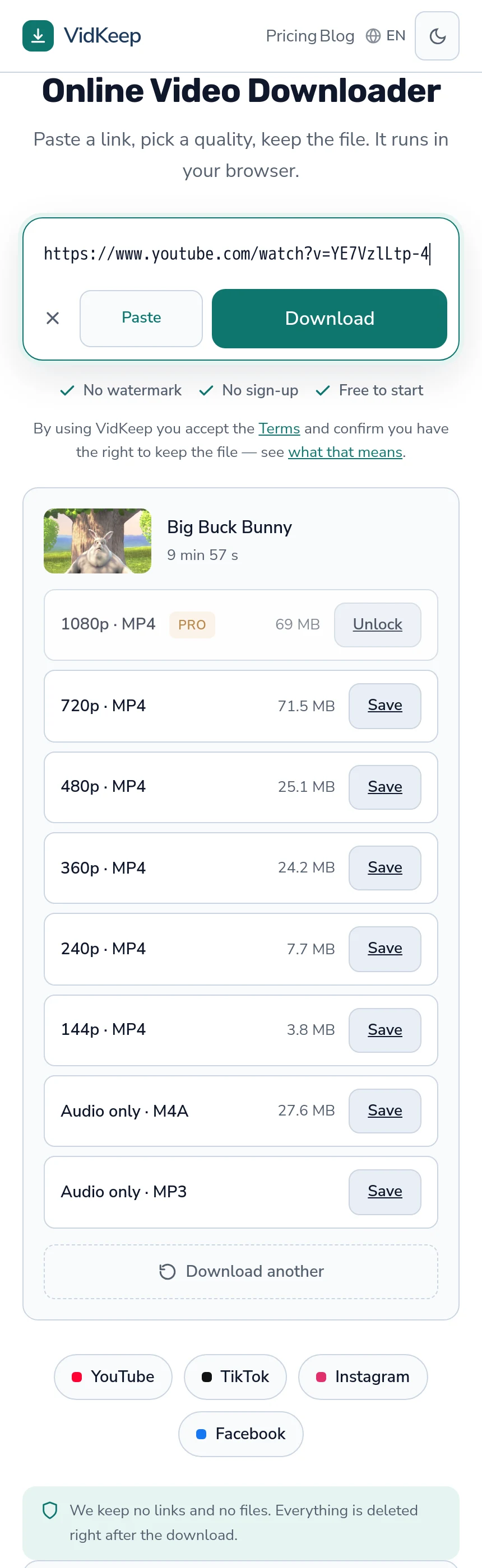
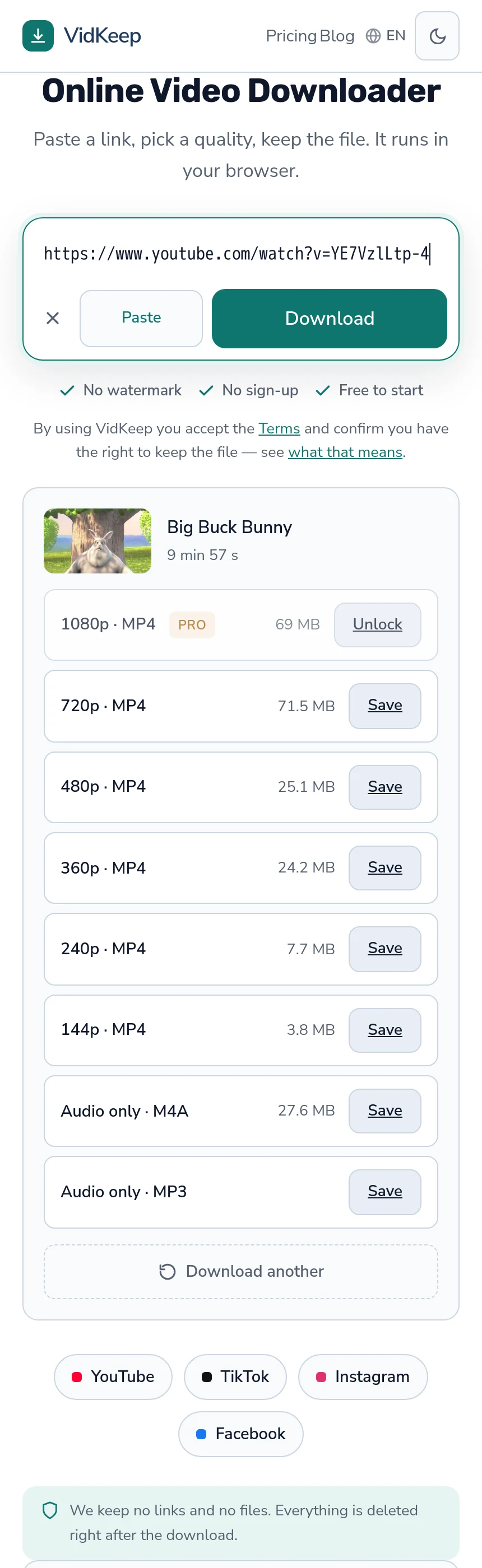
Sizes do not follow resolution reliably. On a video we measured, 1080p came to 69 MB and 720p to 71.5 MB — the higher resolution was the smaller file, because it used a more efficient codec — the explanation.
So reasoning from the label produces the wrong expectation often enough to abandon. The figure is measured; the resolution is a category, and two options can differ threefold or not at all.
This is also the check that governs data on a limited plan and space on a full phone. One glance answers both — the arithmetic for a metered connection.
Check four: play the end, not the beginning
After downloading, drag the playback position near the end rather than watching the first ten seconds.
A truncated download frequently opens normally and reports the full duration, because the file's index was written before the data stopped. It plays, it looks fine, and it stops early — which you discover at the moment you needed it.
Playing the start proves the file opens. Playing the end proves it is whole, and those are different questions — including the technical version of the check.
This matters most for anything you are keeping rather than watching immediately. The gap between downloading and needing a file is where the source disappears, and a broken copy found after that is not recoverable.
What each check catches
| Check | Catches |
|---|---|
| Private window | Private accounts, age gates, members-only, subscriber quality |
| Free storage | Silent failures on phones and tablets |
| Size figure | Data overspend, full devices, the wrong quality |
| Playing the end | Truncated files that look complete |
Between them these account for the large majority of what people describe as a downloader being unreliable. None involves any technical knowledge, and none takes longer than a few seconds.
The remainder — platform blocks, throttling, deleted videos — are not preventable, and the first check at least identifies them quickly enough to stop trying alternatives that will fail the same way.
Two more that pay off less often
- Check what the file actually is if playback misbehaves. Properties on Windows, Show Movie Inspector on macOS. A codec name explains a black screen faster than any amount of retrying.
- Note where the file went. On iPhone, browser downloads go to Files rather than Photos, and a successful download can look like a failed one — the distinction.
The second is worth mentioning to anyone who has just started, because it produces a problem that does not exist: the file downloaded correctly, and the person is looking in the wrong app.
Two of these are our responsibility rather than yours
A checklist that puts all the work on the reader is a way of avoiding responsibility, so it is worth separating which of these exist because of a deliberate design decision on our side and which are genuinely unavoidable.
The size check is only possible because we show the figure before you choose. That is not universal in this category — plenty of tools reveal it once the file has arrived, which is precisely too late for someone deciding whether a video fits in what remains. We show the platform's own number, including when it is counterintuitive, and a blank rather than an estimate where the platform reports nothing.
The end-of-file check exists because we cannot do it for you, and that limitation is real. From our side, success means the last chunk was handed to the network — not that it reached your device or was written fully to storage. A progress bar claiming otherwise would be describing our half of the connection while implying yours.
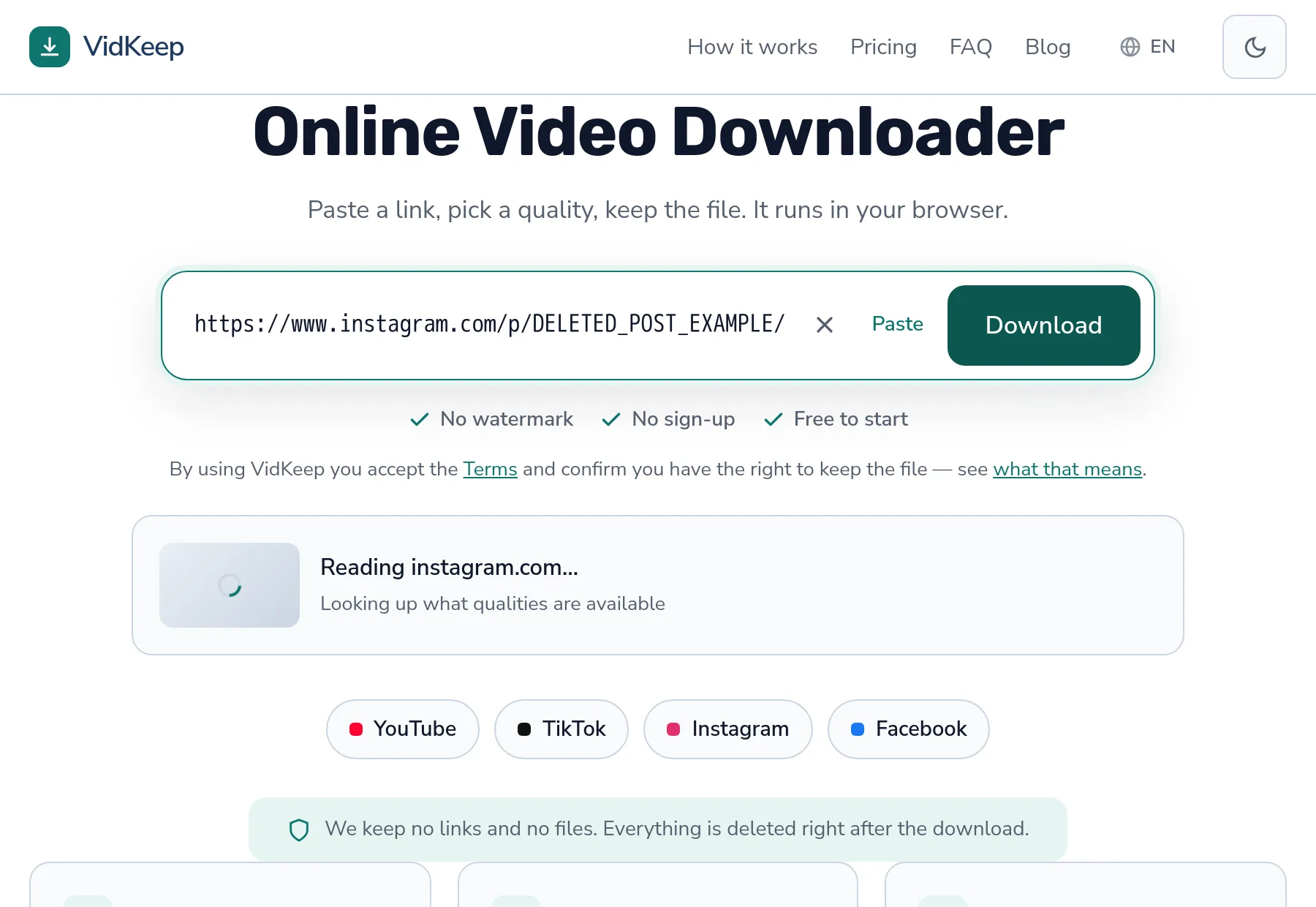
The private-window check compensates for something we also cannot see. We ask the platform from one server with no account, so when it says a video is unavailable we cannot tell whether it is unavailable to everyone or only to us. Our messages are specific where the platform is specific and vague where it is not, because inventing a reason would send you fixing the wrong thing.
The storage check is the only one that is entirely yours, and even there we pass through the declared content length so your browser can show a progress bar and recognise a transfer that ended early. Where a service can remove a check by doing better work, it should; where it cannot, saying so beats implying the tool is infallible.
Which is also why this article exists rather than a support page nobody reads. Every check here came from a real failure someone hit, and the useful response to a recurring problem is either to fix it in the product or to explain it plainly — not to leave people concluding the tool is unreliable.
Frequently asked questions
What is the single most useful check?
Opening the link in a private browser window. It shows you what a downloader sees, and if the video does not play there, no tool will reach it.
Why check storage before downloading?
Phones abandon downloads silently when space runs out, and the requirement is roughly twice the file size because of temporary copies.
Why read the size instead of the resolution?
Sizes do not follow resolution reliably — we measured 1080p at 69 MB and 720p at 71.5 MB on the same video, because of codec differences.
Why play the end of a downloaded file?
A truncated download often opens, reports the full duration and stops early. Playing the start proves it opens; playing the end proves it is whole.
What do these checks not catch?
Platform blocks, throttling and deleted videos, which are not preventable. The private window at least identifies them quickly.
My download worked but I cannot find the file
On iPhone, browser downloads go to the Files app rather than Photos. A successful download frequently looks like a failed one for this reason.
VidKeep runs in your browser — paste a link, pick a quality, keep the file. No account, no app.
Open VidKeepLast updated: 2026-08-01. We revise our guides as the platforms change.