Guides
Will These Files Still Open in Ten Years?

The file format is the least of your problems. MP4 with H.264 will still play in a decade — it has been universal for twenty years and billions of files depend on it. What actually fails is the storage: a single drive, a memory card, a phone that dies, a cloud account that lapses. Plan for the medium, not the codec.
Formats: what survives and what to avoid
| Choice | Ten-year outlook |
|---|---|
| MP4 with H.264 | Safe. Universal since the mid-2000s and still the default everywhere |
| MP4 with newer codecs | Probably fine, and requires hardware that exists then |
| WEBM, MKV | Open formats, well documented; less universally supported by appliances |
| MP3, M4A | Safe. Audio formats have been stable for decades |
| Anything proprietary | The actual risk — formats tied to one company's software |
The pattern is that widely-adopted, well-documented formats survive because too much depends on them. A format used by billions of files does not become unreadable — someone always writes the decoder.
Which is why H.264 is the archival choice even though newer codecs are more efficient. The saving is storage; the cost is betting on hardware support in a decade — the comparison is here.
The real risk is where you put them
Files do not rot in any meaningful sense on working storage. Media fails, and it fails in ways that take everything at once.
Memory cards and USB sticks are the least reliable, and they fail suddenly rather than gradually. A card that has worked for three years is not thereby proven — and counterfeit cards fail far sooner.
Hard drives last years and then do not. Mechanical drives left unused for long periods can seize; solid-state drives lose data if left unpowered for years.
Phones are not archives. They get lost, broken, wiped and replaced, and anything living only there lives on borrowed time.
Cloud accounts depend on a subscription and a company. Both outlast a decade less often than people assume.
Cloud storage deserves a further word because it feels like the safe option and has a specific failure mode. The files are safe from your hardware dying, and they are exposed to a lapsed payment, a closed account, a policy change, or a service that shuts down with ninety days' notice. None of those is a technical failure and all of them lose the files.
It is a reasonable second copy and a poor only copy — which is the same thing that is true of every medium on this list, and the reason the advice is always two rather than choosing the best one.
Two copies, and what that actually means
The rule that matters is unglamorous: anything you would be upset to lose exists in at least two places, ideally on different kinds of media in different buildings.
- One working copy where you use it — a laptop, a drive, a phone.
- One copy elsewhere — another drive kept somewhere else, or a cloud account you actually maintain.
- Check both occasionally. A backup nobody has opened in five years is a belief rather than a backup.
A single drive is a copy waiting to fail, and the moment it fails is the moment you discover it was the only one. That is the whole argument, and it has not changed in thirty years.
Occasional checking matters more than it sounds. Storage that fails silently — a card with bad sectors, a drive that no longer mounts — is discovered when you go looking, and by then the other copy is either there or it is not.
What actually goes wrong with old files
From experience with material more than a decade old, the failures cluster in ways worth expecting.
You cannot find it. The most common outcome by far. Thousands of files with platform-generated names, no index, no folders — the video exists and is unfindable.
You forgot what it was. A clip with no context is a clip you will not watch. Saving the link, the date and a sentence of description costs nothing at the time and is the difference later — the metadata problem.
The storage went away. Discussed above, and the one that loses everything at once rather than one file.
It was never complete. A truncated download from years ago, never checked, discovered at the moment the source no longer exists — which is why verification belongs at download time.
Notice that none of these is the format. In practice codecs are the thing people worry about and the thing that almost never fails.
Making an archive that is usable later
- Rename files when you save them. Date first, then subject. Platform-generated names are unusable at scale.
- Folders by purpose, not by download date. A trip, a project, a course — categories you will still recognise.
- Keep an index file. One plain text list of what is there and where it came from. Ten minutes now, unreconstructable later.
- Use plain text for notes. Not a proprietary app that syncs to a service, because that dependency outlives its usefulness.
- Prefer H.264 for anything you are keeping. Slightly larger, considerably safer.
None of this needs software. A naming convention, folders and a text file are enough, and they have the advantage of surviving every tool you might otherwise depend on.
The index is the piece people skip and the one that turns a folder into an archive. It also survives format changes, storage migrations and everything else, because it is text.
Migration: when to actually move an archive
Storage has a working life, and the sensible response is planned movement rather than waiting for failure.
A reasonable rhythm is to move an archive onto current storage every five years or so. Not because the old medium has failed, but because copying while everything still works is trivial and copying from a drive that has started failing is a rescue operation.
Migration is also the moment to verify. Copying a folder is when you notice the files that will not read, and finding those while a second copy still exists is the entire point.
What migration is not is an occasion to re-encode. Copy the files as they are — every conversion costs a generation, and a file moved unchanged five times is identical to the original while one converted at each step is visibly worse.
What a decade of platform history suggests
The useful lesson from the last ten years is not about formats at all.
Videos disappear constantly. Channels close, accounts get deleted, content is removed for rights reasons, whole platforms shut down and take their catalogues with them. A file you saved is frequently the only accessible copy of something within a few years, which is an argument for saving at the time rather than later.
The reverse also holds: material you assumed was permanent because it was on a large platform turns out not to be. Being on a big service is not preservation, and no platform has ever promised it.
Which reframes the question this article started with. The risk is not that your file stops playing — it is that you never made it, or made it and lost track of it, while the source quietly went away.
There is a corollary worth acting on. If something matters and you are waiting for a better moment to save it properly, save it badly now. A 480p copy in the wrong folder with a terrible name is infinitely better than the perfect archive you would have made next month, after the account closed.
The tidying can happen later; the source cannot be recreated. That ordering is the one genuinely useful lesson from watching a decade of material disappear, and it runs opposite to how most people approach it.
Why our defaults favour the boring format
Several decisions in this product are made for the ten-year case rather than the immediate one, and this article is where they make the most sense.
When we assemble a file, we ask the platform for H.264 first at any given resolution and fall back to newer codecs only where it does not exist. A tool optimising for the smallest download would invert that — smaller files, faster transfers, better-looking numbers — and would be betting your archive on hardware support that is fine today and unknown later.
We also deliver in MP4 rather than whatever container the platform served. That costs nothing: a container is a wrapper, so repackaging decodes nothing and changes no picture. WEBM is a perfectly good format and it is the one an old television, a car system or a decade-old media player is most likely to refuse.
And we never re-encode. The streams are copied into a container rather than converted, so the picture in your file is bit-for-bit what the platform served. That matters for longevity because every re-encode is a generation lost, and a file that has been through an extra one starts its decade slightly worse off for no benefit.
The honest cost of all three: our files are sometimes larger than the theoretical minimum, and on a modern device you could have saved storage by taking a newer codec elsewhere. We think a file that opens on the oldest thing in your house — and on whatever exists in ten years — is worth more than one that was optimally compressed in 2026.
What we cannot help with is everything after the download. The storage, the naming, the second copy and the index are yours, and they are where archives actually fail. A well-chosen format on a single memory card is not an archive; a mediocre format in two places with a list of what is there very nearly is.
Frequently asked questions
Will MP4 files still play in ten years?
Almost certainly. MP4 with H.264 has been universal for twenty years and billions of files depend on it — decoders will keep existing.
Should I convert my archive to a newer format?
No. Converting costs a generation of quality and solves a problem that is not likely to occur. Keep what you have and back it up instead.
What actually fails over a decade?
Storage, and your ability to find things. Memory cards fail suddenly, drives die, phones get replaced, and thousands of unnamed files become unfindable.
Is one backup enough?
Two copies, on different media, ideally in different places. A single drive is a copy waiting to fail, and you discover that at the worst moment.
Do video files degrade over time?
Not meaningfully on working storage. What fails is the medium, and it usually takes everything at once rather than corrupting one file.
Which format should I keep for the long term?
MP4 with H.264. Slightly larger than newer codecs and considerably more likely to open on whatever hardware exists later.
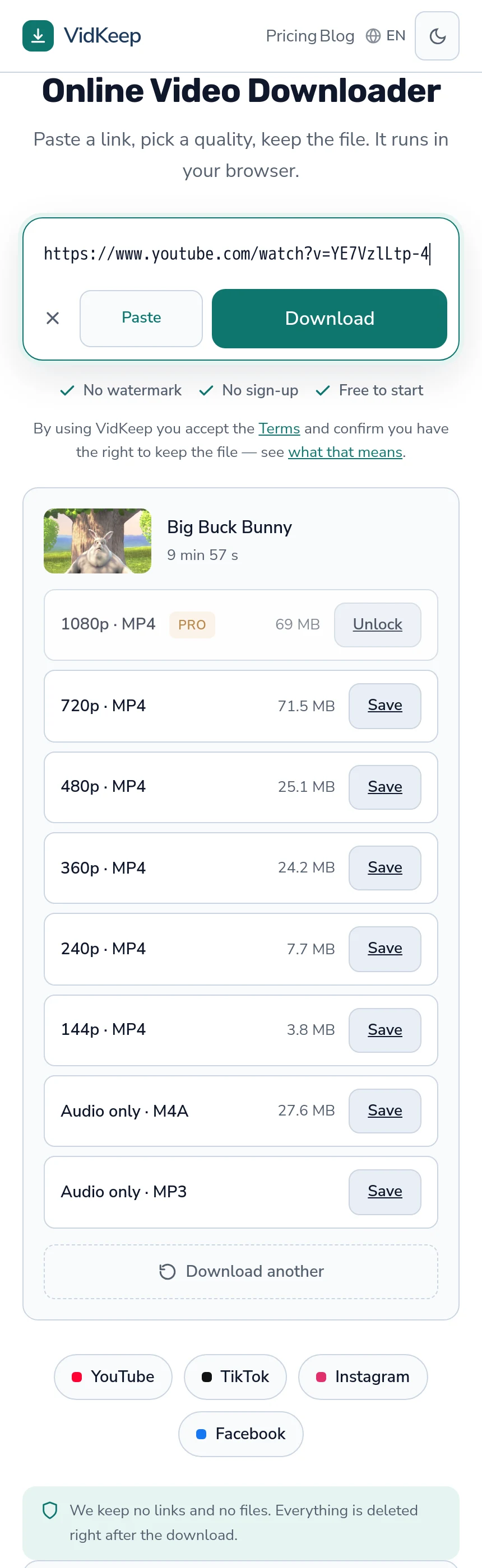
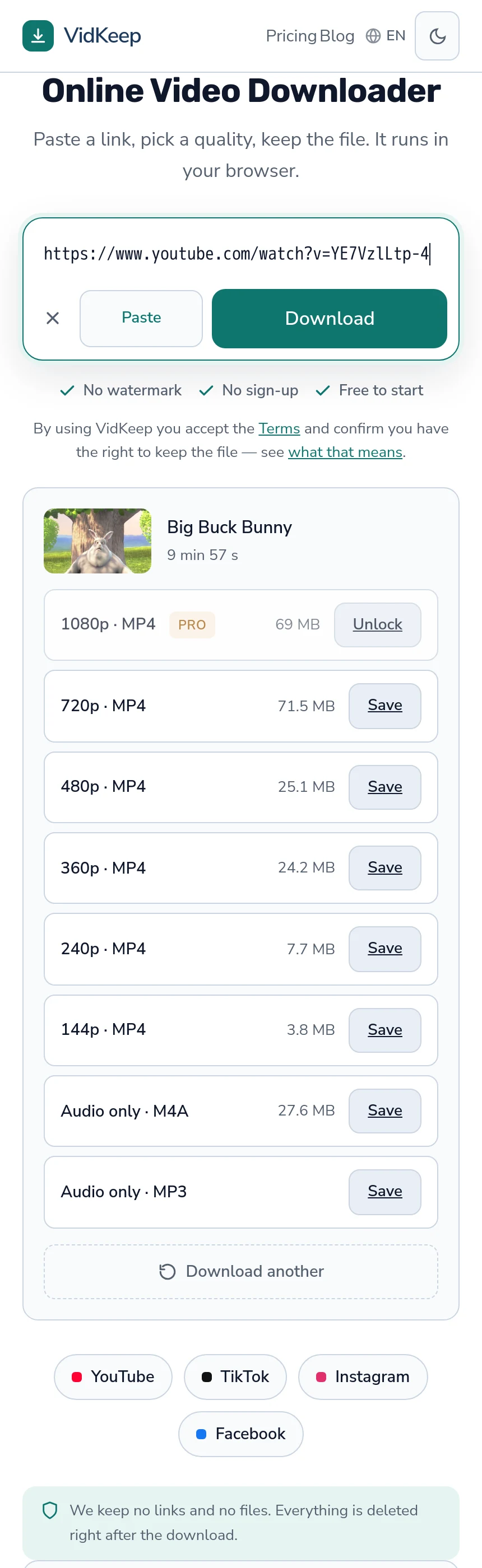
VidKeep runs in your browser — paste a link, pick a quality, keep the file. No account, no app.
Open VidKeepLast updated: 2026-08-01. We revise our guides as the platforms change.