How-to
Saving a Video Someone Sent You

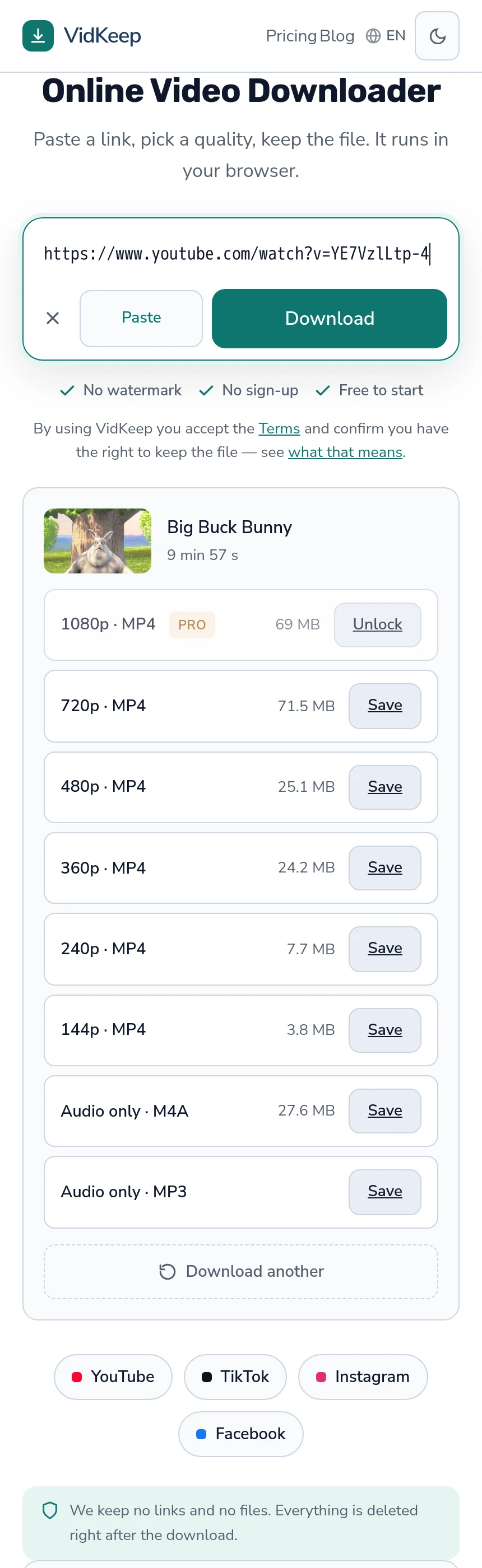
It depends on what arrived. If it is a link, open it, copy the address from the address bar rather than from the chat, and paste that. If the video came as an attachment, it is already a file — long-press or right-click and save it, with no tool involved. Most difficulties here come from copying the wrong thing.
Which of the two you have
| What you see | What it is | What to do |
|---|---|---|
| A blue link or a preview card | A link to a platform | Open it, copy the address, paste into a downloader |
| A video playing inside the chat | Usually an attachment | Long-press and save — no tool needed |
| A link that opens an app | A platform link | Use Share, then Copy link inside that app |
| A file with a name | An attachment | Save it directly |
The second row catches people out in the useful direction: a video sent through a messaging app is generally already on your phone, and downloading it again through a website would be a longer route to the same file.
Where a preview card shows a thumbnail and a title, that is a link with decoration around it. Tapping it opens the platform, and the address there is what a downloader needs.
Why the link from a chat often fails
The single most common problem, and it looks like the tool is broken.
Chat applications shorten long addresses for display and sometimes copy the shortened version rather than the real one. The result looks like a complete link, opens fine when tapped, and is not what was on your clipboard.
They also add their own tracking wrappers, and some forward through an intermediate address that only resolves inside that app. Both produce something a downloader cannot read.
The fix is always the same: open the link first, let it resolve, then copy from the browser's address bar. Ten seconds, and it removes an entire category of failure — more on finding the right link.
If it opens in an app instead of a browser
On a phone, tapping a link frequently opens the platform's own app, where there is no address bar to copy from.
Every app has a share option on the video itself. Use Copy link rather than sharing to something else — the second sometimes produces an internal reference that only means something inside that app.
If the app has no such option, open the link in a browser instead. Most platforms have a way to do this from the share sheet, and on a computer it is the default.
What does not work is copying the address of a profile you landed on. If the app opened to a channel or an account rather than the video, navigate to the video first — the commonest cause of a rejected link.
When the video is not yours to keep
Worth a paragraph, because a video arriving in a private message carries different expectations from one posted publicly.
Something a friend recorded and sent you was shared with you, not published. Saving it for yourself is ordinary; forwarding it onwards, posting it, or keeping it after being asked not to is a different act, and the fact that it is technically on your phone does not settle it.
For a public video someone linked you to, the ordinary analysis applies — personal use is the most defensible category, and publishing is a separate question — the four factors.
The case worth being careful about is a private video from a closed account that someone with access shared onwards. A downloader will not reach the original, and the copy you were sent exists outside what the poster agreed to.
If the link no longer works
- The post was deleted. Addresses outlive content, so a link sent last month may point at nothing.
- The account went private. Everything from it becomes unreachable at once, including things that worked before.
- A story expired. Twenty-four hours, and then the address is dead.
- It is region-blocked where you are. The sender could see it and you cannot — how that works.
The quickest way to tell which: ask the sender to check whether it still opens for them. If it does and it does not for you, the cause is region or account rather than deletion.
Passing it on afterwards
A practical note, since saving is usually a step toward sharing it with someone else.
Sending the link is almost always better than sending the file. It is instant, costs no data, gives the recipient the current version, and lets them watch at whatever quality suits their connection.
Sending the file makes sense when the recipient has no connection, when the video may disappear, or when they specifically need it as a file. Messaging apps also re-compress video heavily on the way through, so a forwarded file frequently arrives worse than the original — every hop costs a generation.
If quality matters, send the link and let them download it themselves. That is the one route where nothing is lost in transit.
Why we cannot help with the part that usually goes wrong
The failure this article spends most of its length on happens before anyone reaches us, and we can do nothing about it — which is worth stating rather than leaving people to conclude the tool is fussy.
When a chat application hands over a truncated or wrapped address, what arrives on our side is a string that does not resolve to a video. We cannot tell that from a genuinely wrong link, and we cannot repair it: the missing part was never in what you pasted.
What we did do is make the platform check as forgiving as possible. It looks for a known domain anywhere in the address rather than matching an expected shape, so short links, tracking wrappers and unfamiliar forms all pass through to be resolved rather than being rejected on sight. Redirects are followed automatically, the way a browser does, so there is no ‘expand this link first’ step.
That deliberate looseness came from watching the opposite fail elsewhere. A matcher that enumerates known link shapes rejects the next format a platform invents, and it fails quietly — the link falls through to generic handling with a much lower success rate and nothing announces that the shape was unrecognised.
Where we genuinely cannot help, the message says the link was not recognised rather than guessing at a reason. That is less satisfying than a confident diagnosis and it is accurate: at that point we have a string, and the useful next step is on your side of the screen — open it, and copy what the browser shows.
There is one case where we could theoretically do better and chose not to. A wrapped link from a chat app could be unwrapped by following it ourselves and reading where it lands — but that means fetching an arbitrary address someone pasted, which is a category of request we deliberately restrict. Our fetching is limited to media on known platforms, and turning the service into something that follows any link on request is how a tool becomes an open proxy and somebody else's problem.
So the boundary stays where it is: we resolve redirects on addresses that already look like a supported platform, and everything else is a step you take in your own browser, where you can see what you are opening.
Frequently asked questions
Someone sent me a video link. How do I save it?
Open the link, copy the address from the browser's address bar rather than from the chat, and paste that into a downloader.
Why does the link from my chat app not work?
Chat apps shorten addresses for display and sometimes copy the shortened version, or add wrappers that only resolve inside the app. Opening it first fixes this.
The video plays inside the chat. Do I need a downloader?
Usually not. A video sent as an attachment is already a file — long-press or right-click and save it.
The link opens an app with no address bar
Use the share option on the video and choose Copy link, not Share to. If there is no such option, open the link in a browser instead.
The link worked for them but not for me
Usually a region block or a private account rather than deletion. Ask whether it still opens for them to tell which.
Should I send the file or the link to someone else?
The link, in almost every case. Messaging apps re-compress video heavily, so a forwarded file arrives worse than the original.
VidKeep runs in your browser — paste a link, pick a quality, keep the file. No account, no app.
Open VidKeepLast updated: 2026-08-01. We revise our guides as the platforms change.