Guides
Downloading for Accessibility

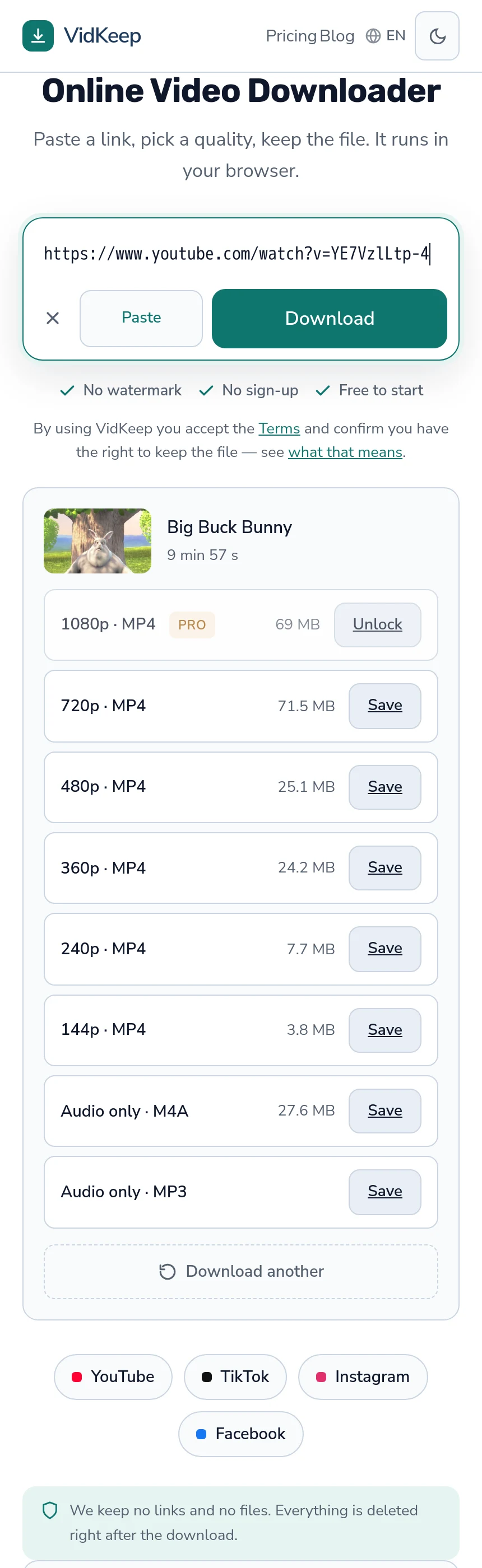
A downloaded file plays in your player, and that is the whole benefit. Your player can enlarge captions, slow playback without pitch artefacts, boost dialogue, and work without a connection — none of which a platform's built-in player reliably allows. Adapting material so a person can use it is also the most strongly protected purpose in copyright law almost everywhere.
What a local file lets you change
| Need | What a local player offers |
|---|---|
| Larger or restyled captions | Full control of size, font, colour and background |
| Slower playback | Fine-grained speed control without pitch distortion |
| Clearer dialogue | Volume normalisation and audio filters |
| Keyboard and switch control | Whatever your system already supports |
| No distractions | No autoplay, suggestions, comments or advertising |
| Reliable access | Works without a connection or a functioning website |
The last two matter more than they look. A platform page is a busy, moving environment that changes without warning; a file in a player you chose is a stable one, and stability is itself an accessibility feature.
VLC is the usual recommendation because it carries its own decoders, exposes speed and audio controls plainly, and styles subtitle files without fuss. It also plays essentially any file, which removes a whole class of problem — the codec issues covered here.
Captions as separate files
Subtitles live outside the video, which is inconvenient in one way and useful in another.
Inconvenient because a downloaded video does not include them — they have to be fetched separately, and most of what platforms offer is automatic transcription rather than written captions, with no punctuation and no speaker labels — the command and the caveats.
Useful because a text file can be edited. A recognition error can be corrected in any text editor, a name spelled properly, punctuation added where its absence makes a sentence ambiguous. Nobody can do that to captions burned into a platform player.
A file named to match the video is picked up automatically by most players, so once corrected the captions simply appear — at whatever size and contrast you have configured rather than whatever the platform decided.
That styling control is the part people underestimate. Platform captions are small, semi-transparent and positioned where the player wants them. A local player will render the same text at any size, in any font, on a solid background, anywhere on screen — and for someone who finds the default unreadable, that is the difference between usable and not.
Audio only, as an accessibility choice
For some people the soundtrack alone is the accessible version, and it is worth naming rather than treating audio as a storage saving.
Video demands visual attention, and attention is not unlimited. Content that is genuinely a conversation — a lecture, an interview, a discussion — is often easier to follow as audio, especially alongside something else or while moving.
Audio files also work with the whole ecosystem of audio players, which tend to have better speed control, sleep timers and position memory than video players do. And they are a fraction of the size, which matters on limited storage or a limited plan — how to take just the sound.
The one thing to check is whether the content survives without picture. A tutorial where the speaker points at things does not; a talk generally does.
There is a middle option worth knowing: take both. Download the audio for listening and keep the video for the parts that need it. Storage is rarely the constraint, and having the convenient version alongside the complete one beats choosing between them.
The audio also transfers well to devices built for it — a phone locked in a pocket, a car system, a speaker. Those are environments where a video file is awkward and a sound file is exactly right, and the difference is not about disability so much as about context.
Where the law is unusually clear
Copyright exceptions vary enormously between countries, and accessibility is one of the few areas where most jurisdictions land in a broadly similar place rather than diverging sharply.
Adapting a work so that a person with a disability can use it is protected far more broadly than other purposes — through specific statutory exceptions in the EU and many other countries, and as a strongly favoured use under US fair use.
That protection generally covers making and holding an accessible copy for the person who needs it. It is narrower on distribution: sharing adapted copies more widely usually needs either a specific exception, an authorised body, or permission — the four factors again.
The practical upshot is that the personal case is about as well supported as anything in this area, and the sharing case needs the same care as any other redistribution.
For teachers and institutions
Adapting material for a student is one of the most common cases in practice, and it has its own considerations worth knowing.
Educational exceptions and accessibility exceptions frequently overlap here, which is a strong position — showing and adapting material for teaching is close to the centre of what those exceptions exist for — the study side here.
Institutions often hold licences that already cover this, and many have a disability service whose job includes producing accessible versions. Asking first is usually faster than improvising, produces something that can be reused by other staff, and puts the work where the expertise already sits.
Where an institution does improvise, the durable version is a corrected caption file and a stable copy of the video rather than a screen recording of a lecture playing on somebody's laptop — which is how a great deal of adapted material ends up unusable a year later.
Playback speed, and why it matters
Speed control sounds like a convenience feature and is frequently the main reason a local file works better.
Platform players typically offer a handful of fixed steps. A proper player offers fine control, so someone can sit at 0.85 rather than choosing between 0.75 and normal. For following speech that difference is real.
Good players also correct pitch as they slow down, so a voice stays natural instead of dropping into a drone. Without that correction, slower playback is harder to follow rather than easier, which defeats the point.
Speeding up matters too. Someone who reads captions faster than the speech runs can raise the rate and finish sooner, and the same control serves both needs from opposite directions.
What downloading cannot fix
- Missing audio description. If a video has no described version, no tool creates one. That is production work.
- Bad source audio. A poor microphone or heavy background noise is in the recording, and filters help only so far.
- Content that needs the picture. Text on screen with no narration is inaccessible as audio, and no processing changes that.
- Restricted content. Private, subscriber-only and age-gated material stays out of reach whatever the purpose — the honest answer.
The first item is worth pressing creators on rather than working around. Accessible material made at source is better than any adaptation, and asking is more effective than it sounds — many creators simply have not been asked.
The same is true of captions. A creator who writes their own is rare, and the reason is usually cost rather than indifference. A polite message explaining that the automatic ones are hard to follow lands better than most people expect, and it fixes the problem for everyone who comes after rather than only for you.
Where a creator will not or cannot help, the adaptation route is legitimate and this article describes it. But asking first is faster, produces a better result, and does not have to be repeated on every video they publish.
What our interface does and does not do here
An article about accessibility invites the question of whether our own page is accessible, and the honest answer is partial.
What is deliberate: the page is plain HTML with real form controls and real links, no custom widgets pretending to be buttons, and it works with the keyboard. There is no autoplay, nothing moves, and there are no advertising scripts injecting content nobody asked for. Text scales with the browser's own setting rather than being pinned to a fixed size.
Those are consequences of building the simplest thing rather than of an accessibility audit, and it would be dishonest to present them as more than that. A page with three controls is easy to keep accessible; the credit belongs to the scope rather than to any expertise on our part.
What we do not offer is anything accessibility-specific. No caption download, no audio description, no transcript. The subtitle capability exists in the tooling we use and we decided against a button for it, because a useful version needs language and format pickers on a page whose whole point is three controls — the reasoning in full.
That decision is worth revisiting if it turns out to matter, and this is the honest place to say so. The argument against was interface complexity for a minority; the argument for is that the minority in question has fewer alternatives than most, and a command-line tool is a higher barrier for some people than for others. If accessibility is why you want captions, that is a different weight than wanting them for convenience, and we would rather hear about it than assume the calculation is settled.
One thing we can state plainly. The free tier covers this use fully. Ten downloads a day, and the platform's own audio track does not count at all — so taking the audio version of a lecture costs nothing, every day, with no limit. That was not designed for accessibility, and it happens to fit it, which is worth saying rather than leaving someone to wonder whether the cheap path runs out.
Frequently asked questions
How does downloading help with accessibility?
The file plays in your own player, which can restyle captions, slow playback without pitch artefacts, boost dialogue and work offline — none of which platform players reliably allow.
Do captions come with the video?
No. They are separate files, and most of what platforms offer is automatic transcription without punctuation or speaker labels. The upside is that a text file can be corrected.
Is downloading for accessibility legally protected?
Adapting a work so a person with a disability can use it is among the most strongly protected purposes in most jurisdictions. Distribution is narrower than personal use.
Which player should I use?
VLC is the usual answer: it carries its own decoders, styles subtitle files freely, and exposes speed and audio controls plainly.
Can a downloader add audio description?
No. If no described version exists, that is production work rather than something a tool creates.
Is your own site accessible?
Partially, and by construction rather than by audit: plain HTML, real controls, keyboard usable, nothing moving, no advertising scripts. We offer nothing accessibility-specific.
VidKeep runs in your browser — paste a link, pick a quality, keep the file. No account, no app.
Open VidKeepLast updated: 2026-08-01. We revise our guides as the platforms change.