Guides
TikTok Link Formats, Explained

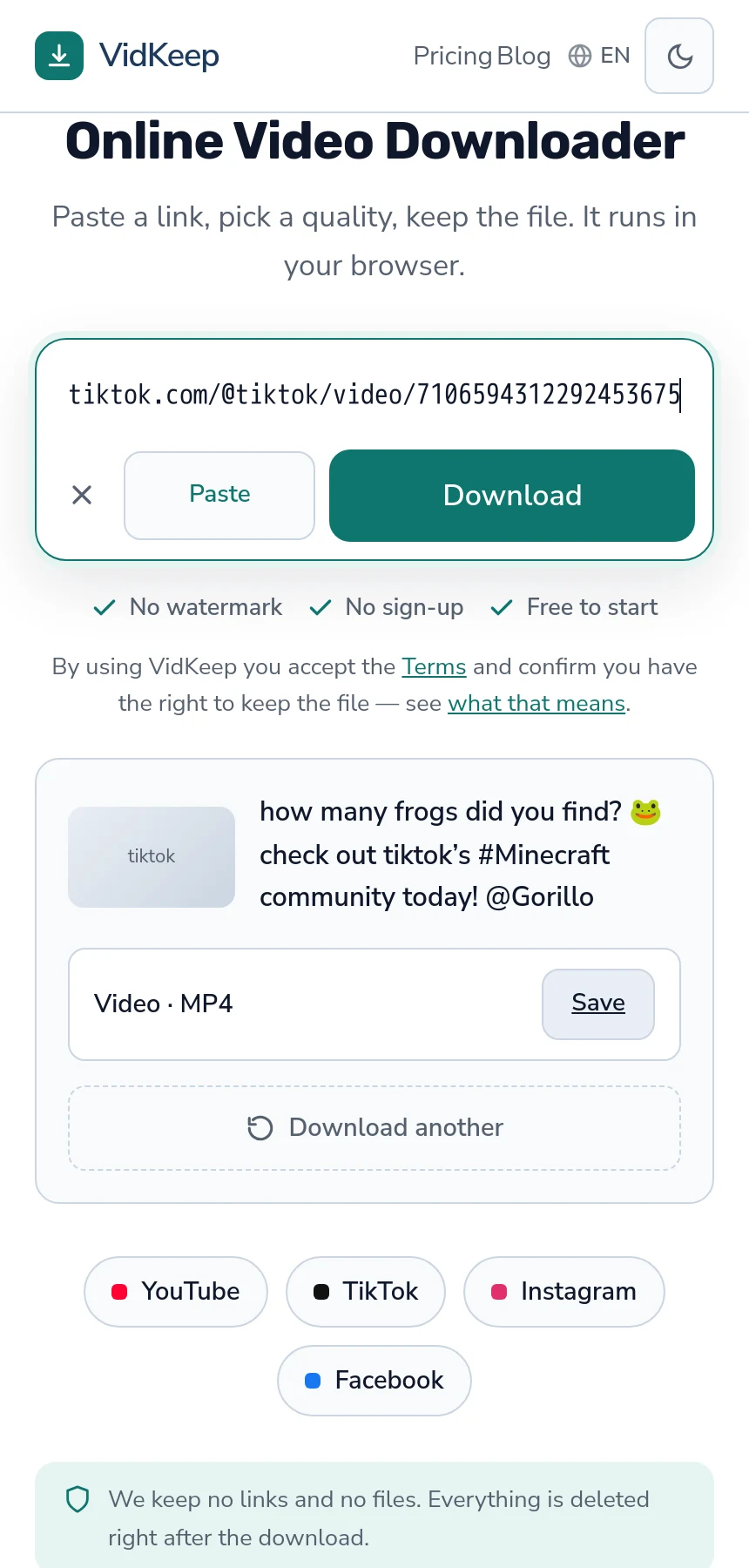
All the short forms work. vt.tiktok.com, vm.tiktok.com and the full tiktok.com/@user/video/123… address all resolve to the same video, because the short ones are redirects. What does not work is a profile address — and that, not the link format, is behind almost every rejected TikTok link.
The formats you will encounter
| Shape | Where it comes from | Works? |
|---|---|---|
tiktok.com/@user/video/123… | Desktop address bar | Yes |
vt.tiktok.com/XXXXX/ | Share menu on mobile | Yes — a redirect |
vm.tiktok.com/XXXXX/ | Older share links | Yes — also a redirect |
tiktok.com/t/XXXXX/ | Some regions and app versions | Yes |
tiktok.com/@user | Copied from a profile | No — that is a person |
The first four are the same destination expressed differently. A short link is an instruction to look somewhere else, and following it lands on the full address. Which form you get depends on where you copied from, not on anything about the video.
The last row is the actual problem in most cases. It is easy to copy a profile address while looking at a video, because the app's share sheet is reached from several places and not all of them are the video.
What the parts of a full link mean
Worth a moment, because it explains what can be trimmed and what cannot.
A full address is tiktok.com, then @username, then /video/, then a long number. That number is the video's identifier and it is the only part that truly matters — it is what everything else resolves to.
Anything after a question mark is tracking: which app shared it, which campaign, a session reference. All of it is ignored, so there is no need to clean a link before pasting it. Trimming those parameters changes nothing and occasionally people trim too far and break the address.
The username in the path is informative rather than functional. A video moved or a handle changed still resolves through the identifier, which is why an old link with an old username often still works.
That identifier is also why the same video can arrive looking like four different links and be one thing. A share from the app, a link someone posted in a chat, an address copied from a desktop browser and a short form from an older version of TikTok all carry the same number underneath, and a downloader that follows redirects ends up in the identical place regardless of which one you paste.
One practical consequence: comparing two links to see whether they are the same video is unreliable unless both are in full form. Two short links that look completely different can point at the same clip, and two full links differing only in the username can as well.
Getting a link that works, every time
- On mobile: tap Share on the video itself, then Copy link. Not ‘Share to’ — that sometimes produces an app-internal reference.
- On desktop: open the video so it fills the page and copy from the address bar.
- From a message: open the link first, then copy from the address bar. Chat apps sometimes copy a shortened display version rather than the real address.
- If in doubt: check the address contains
/video/or is one of the short forms. A bare@usernameis not a video.
Step three catches the most confusing failures. The link looks complete, opens fine when tapped, and is not what was on the clipboard.
There is one more source of bad links worth knowing about: screenshots and text recognition. A link read off an image by the phone's text selection frequently loses a character or gains a stray one, and the result looks entirely plausible. If a link came from a screenshot rather than a copy, retyping it by hand from the original is faster than diagnosing why it fails.
Why short links are not a problem
There is a persistent belief in this category that short links need ‘expanding’ before a downloader can use them. They do not.
A short link is a normal web address that responds with a redirect: go here instead. Any tool that fetches the link follows that automatically, the same way your browser does. By the time anything is being read, the full address has been reached.
Sites offering to ‘unshorten’ a TikTok link before you download are solving a problem that does not exist, and they are handing your link to an additional third party in the process.
The one genuine caveat: a short link can expire or be regenerated in unusual cases, and a very old share link may no longer resolve. The full address is the durable form, which is worth knowing if you are saving links to work through later.
Saving links to work through later
People collecting videos to download in a batch run into a specific set of problems, and they are all avoidable.
Save the full address rather than the short form. Short links are the convenient thing to copy and the fragile thing to store. Open one, let it resolve, and keep what the address bar shows.
Save the title alongside it. A list of thirty numeric identifiers is unusable a week later, and you will not remember which was which.
Do not leave it too long. Videos get deleted and accounts go private. A list built over six months will have gaps by the time you work through it, and nothing recovers those.
Work through them slowly. Pasting thirty links in five minutes produces rate limiting rather than thirty files. Spacing them out finishes sooner than firing them all at once and dealing with the failures — the same throttling logic applies across platforms.
Regional and app variations
TikTok is not identical everywhere, and a few variations turn up in links.
Different short domains. Beyond vt and vm, some regions and app versions produce other forms. If it is on tiktok.com and resolves to a video, it works.
Douyin is a different platform. The Chinese app looks similar and its links are on a different domain entirely. They are not TikTok links and do not behave like them.
Region-restricted videos. A perfectly valid link can fail because the video is unavailable where the request comes from — a separate problem with a separate message.
Live streams. A link to an ongoing live broadcast is a valid address that contains no finished video, and it behaves unlike a normal post.
Photo posts. A slideshow link is a valid TikTok address containing no video, which produces a specific message rather than a link error — covered here.
When a valid link still fails
- The account is private. Nothing reaches those. Check in a logged-out browser window.
- The video was deleted. The address survives the content.
- It is a photo slideshow. No video file exists in the post.
- Rate limiting. Several links failing together after a run of downloads is not the links.
- Region block. Valid link, unavailable from where the request originates.
Each of these produces a different message, and reading it is faster than trying alternative link formats — the format was almost never the problem.
The reflex when a link fails is to try a different form of the same link: convert the short one to the full one, strip the parameters, copy it again from somewhere else. That almost never helps, because all of those resolve to the same video, and the video is what the answer was about.
A better first move is to open the link in a private browser window. If the video plays there, the link is fine and the failure is elsewhere — rate limiting, a region block, or something temporary. If it does not play, you have found the problem in ten seconds and no amount of reformatting the address will change it.
How we decide a link is TikTok before doing anything
The very first thing our code does with a pasted address is guess which platform it belongs to, and the way that guess is written explains why every short form works without special handling.
The check is deliberately crude: it lowercases the address and looks for tiktok.com anywhere in it. That is all. It does not parse the address, validate its shape, or try to identify which of the several link formats it received — which means vt.tiktok.com, vm.tiktok.com, tiktok.com/t/ and the full form all match the same single condition, and any future form containing the domain will too.
A stricter check would be worse, and we know that from the other product. A pattern that enumerates known link shapes silently misclassifies anything new: a form the pattern does not recognise falls through to generic handling, which has a far lower success rate, and it fails quietly rather than announcing that it did not recognise the shape. Platforms introduce new share formats regularly, so a strict matcher is guaranteed to be wrong eventually and gives no warning when it is.
The redirect itself needs no code at all. The extraction layer follows redirects the way a browser does, so by the time anything reads the page, the short link has already resolved. There is no unshortening step in our pipeline because none is required — which is why the sites offering that as a service are offering nothing.
What the platform guess is actually for is choosing a strategy. Knowing a link is TikTok before making any request means we can pick the route most likely to work for that platform rather than trying the general path first and falling back after a failure. The saving is a few seconds per download, and it comes from one substring check.
Frequently asked questions
Do short TikTok links work in a downloader?
Yes. vt.tiktok.com and vm.tiktok.com are redirects and resolve automatically, the same way they do in a browser.
Do I need to expand a short link first?
No. Any tool that fetches the link follows the redirect automatically. Sites offering to unshorten links are solving a problem that does not exist.
Should I remove the tracking parameters?
No need. Everything after the question mark is ignored, and trimming by hand risks breaking the address.
Why does my TikTok link get rejected?
Most often because it is a profile address rather than a video. A working link contains /video/ or is one of the short forms.
Why did a link copied from a chat app not work?
Chat apps sometimes copy a shortened display version rather than the real address. Open the link first, then copy from the address bar.
Are Douyin links the same as TikTok links?
No. Douyin is a different platform on a different domain, and its links do not behave like TikTok's.
VidKeep runs in your browser — paste a link, pick a quality, keep the file. No account, no app.
Open VidKeepLast updated: 2026-08-01. We revise our guides as the platforms change.